Find the Right
Printer for You
Compare color laser printers, inkjets, and laser printers for home or office on real spec data. Filter by use, run the cost calculator, or ask the AI assistant for the best color laser printer all-in-one match.
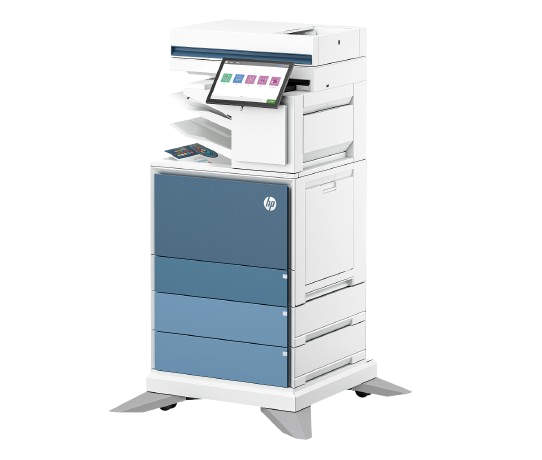
Our Methodology
Every printer on this site is ranked the same way, using the same public data. No manufacturer pays to appear here, and no one pays for a higher position.
Manufacturer data only
All specs come from official HP datasheets and product pages — never from third-party marketing or sponsored reviews.
Same criteria for every printer
Print speed, resolution, monthly duty cycle, cost per page, connectivity, and features — the same six dimensions, measured the same way, every time.
No sponsored placement
We don't accept payment for rankings, featured spots, or higher visibility. If we ever add affiliate links, we'll disclose that clearly on every page first.
Browse by Category
Pick a category to explore and compare printers that match your use case.
How Top 10 Printer Works
Three simple steps to finding your ideal printer
Describe your needs
Tell us what you print, how often, and your budget. Our AI assistant will narrow it down instantly.
Compare side-by-side
Add up to 4 printers to our comparison tool. Every key spec is shown together for easy reading.
Get a smart recommendation
We score your selection and highlight the best overall, best value, and best-for-use-case winner.
Featured Comparisons
We've pitted the most popular printers against each other so you don't have to guess.
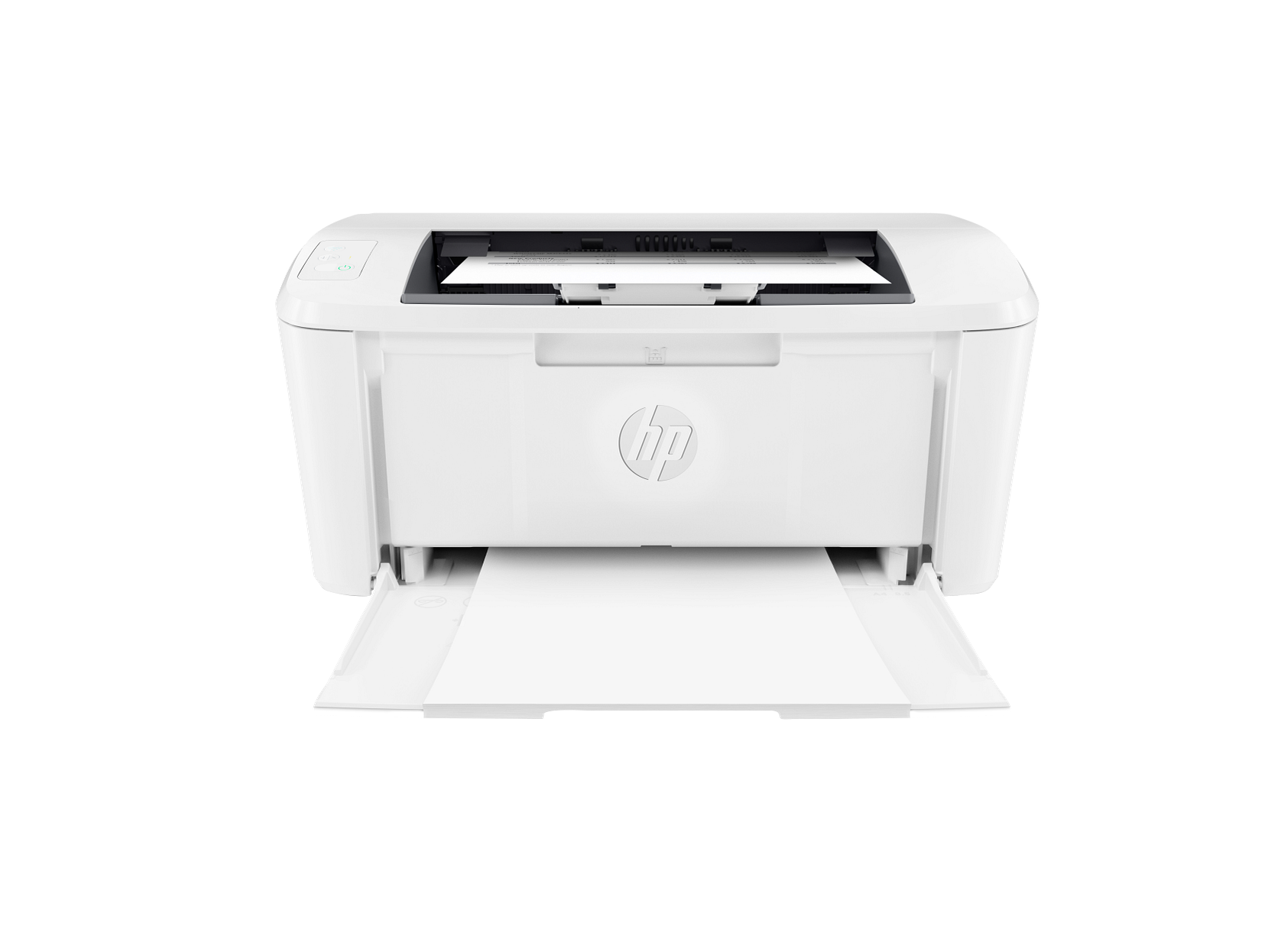
Budget Inkjet vs Budget Laser
Which gives you more for less? We compare the most affordable inkjet and laser options.
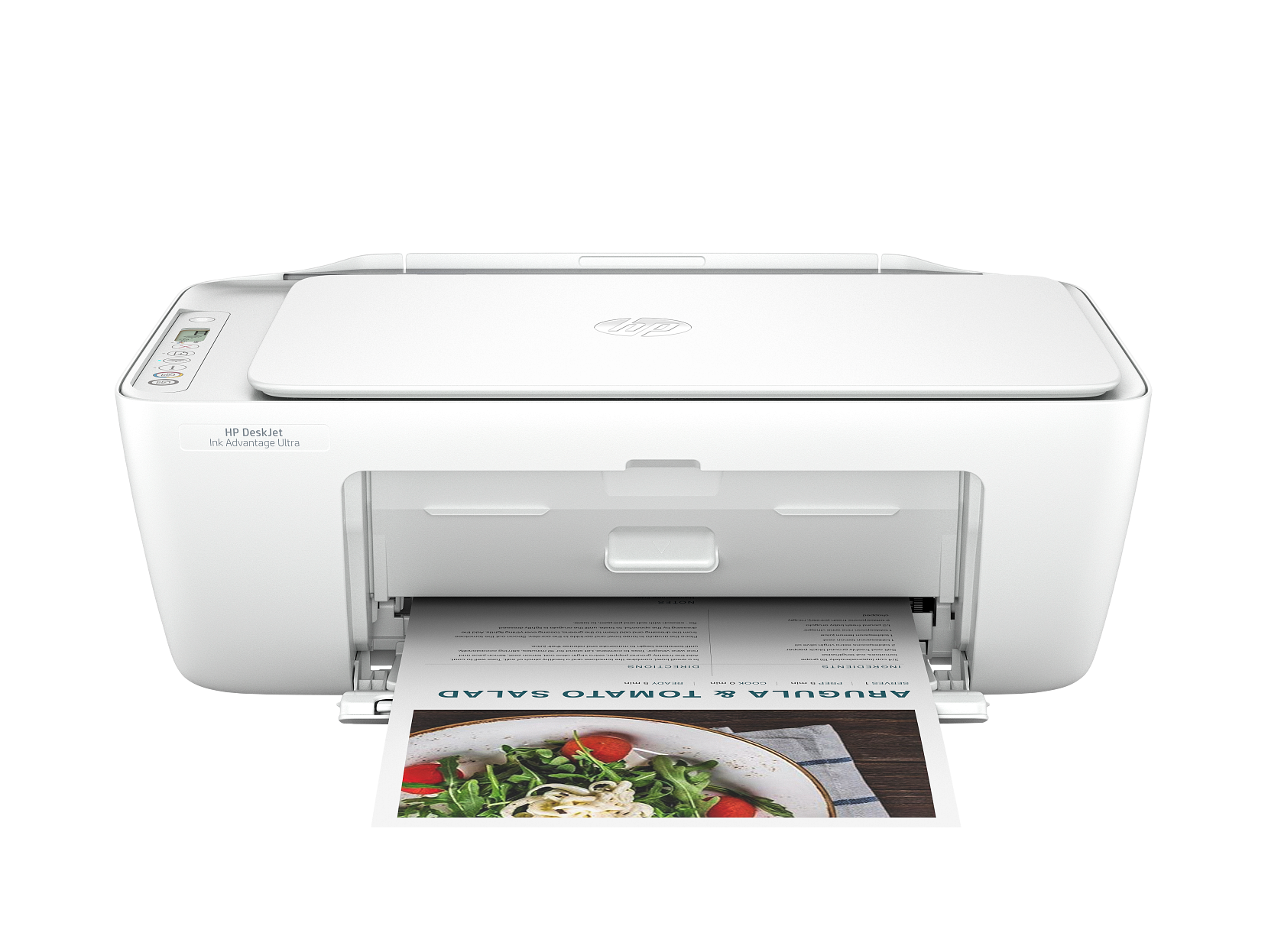
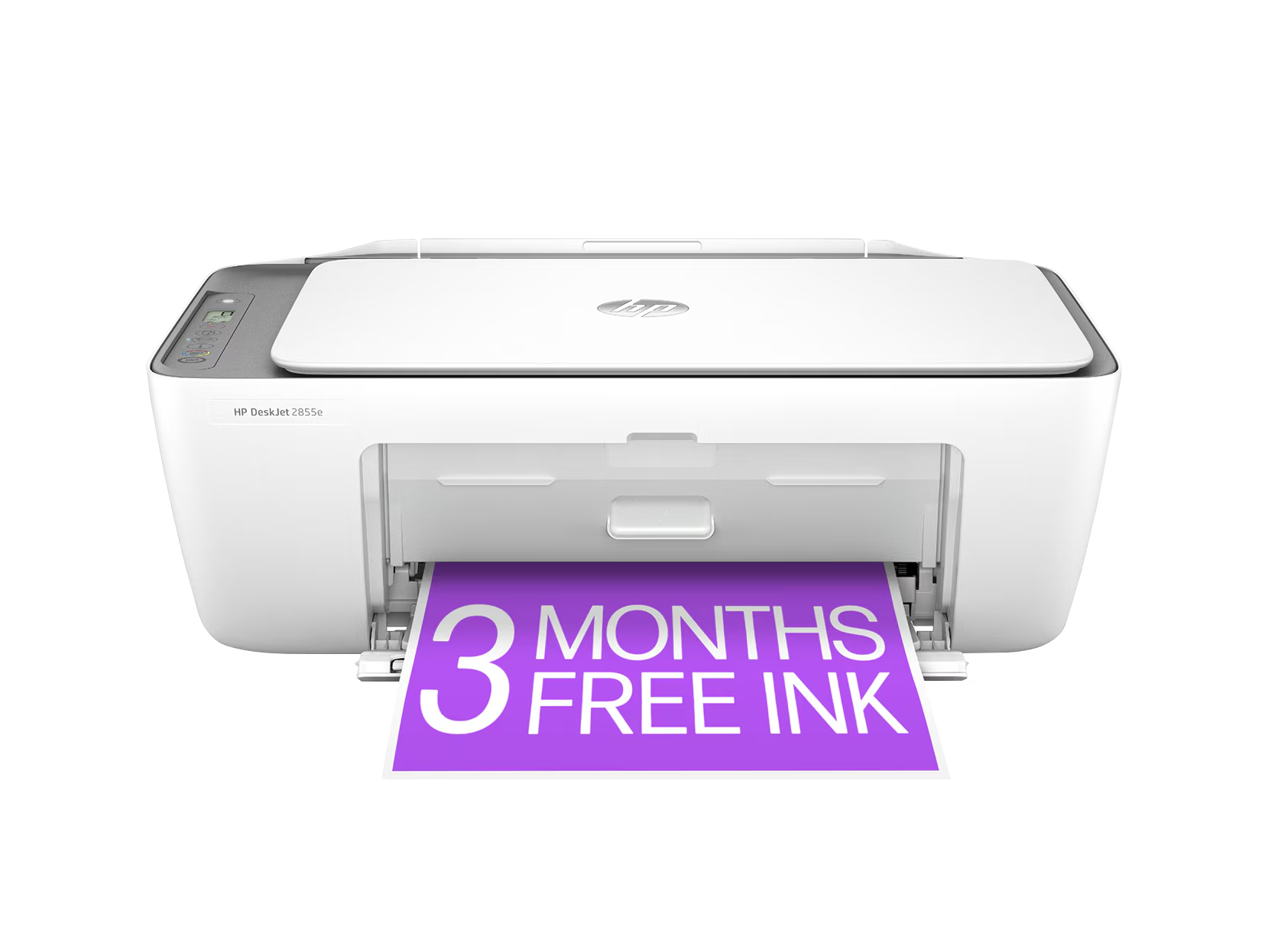
Home All-in-One Comparison
The best all-in-one printers for everyday home use compared side by side.
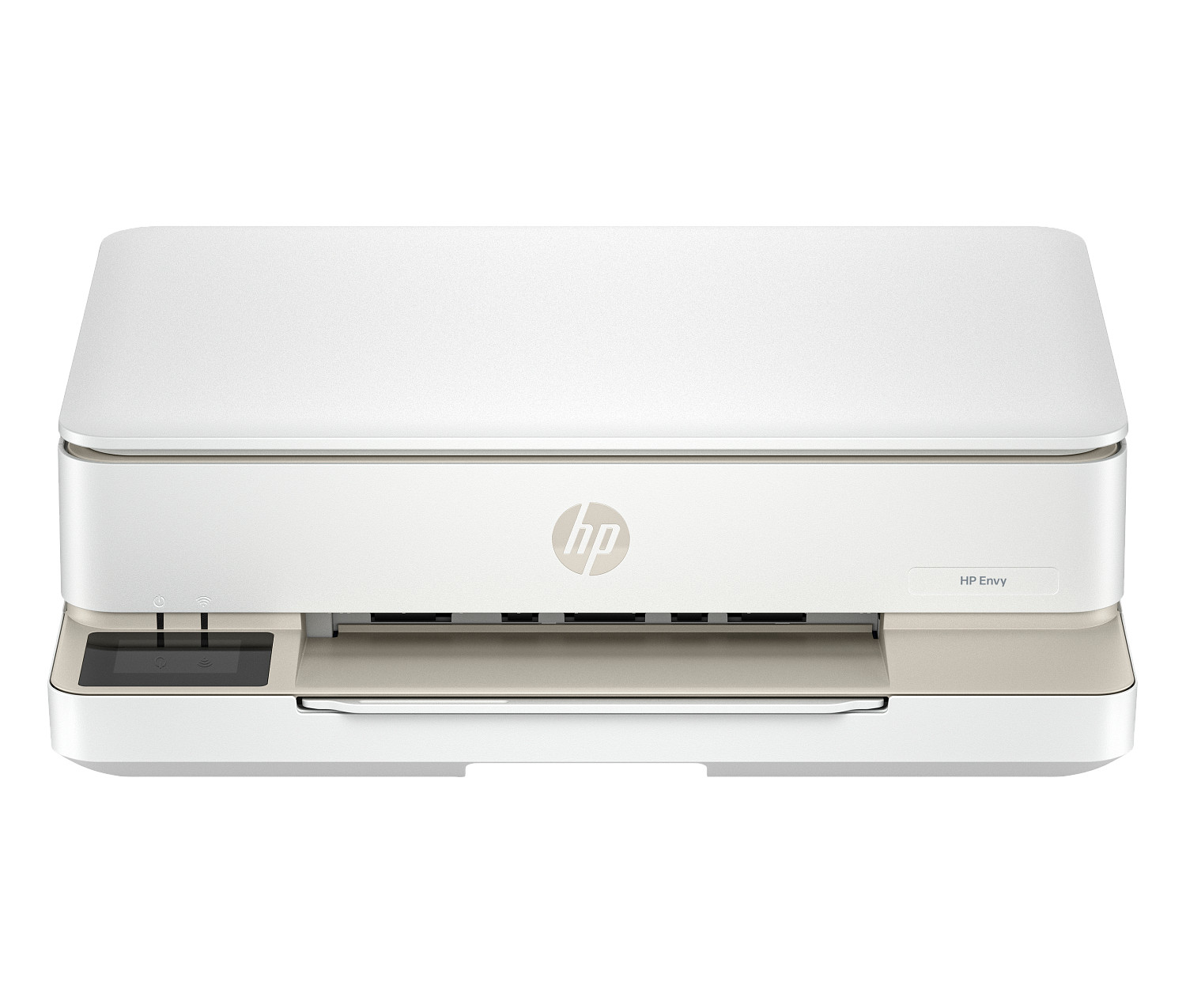
Office Workhorses
Fast, high-volume inkjet vs laser — which is better for your office?
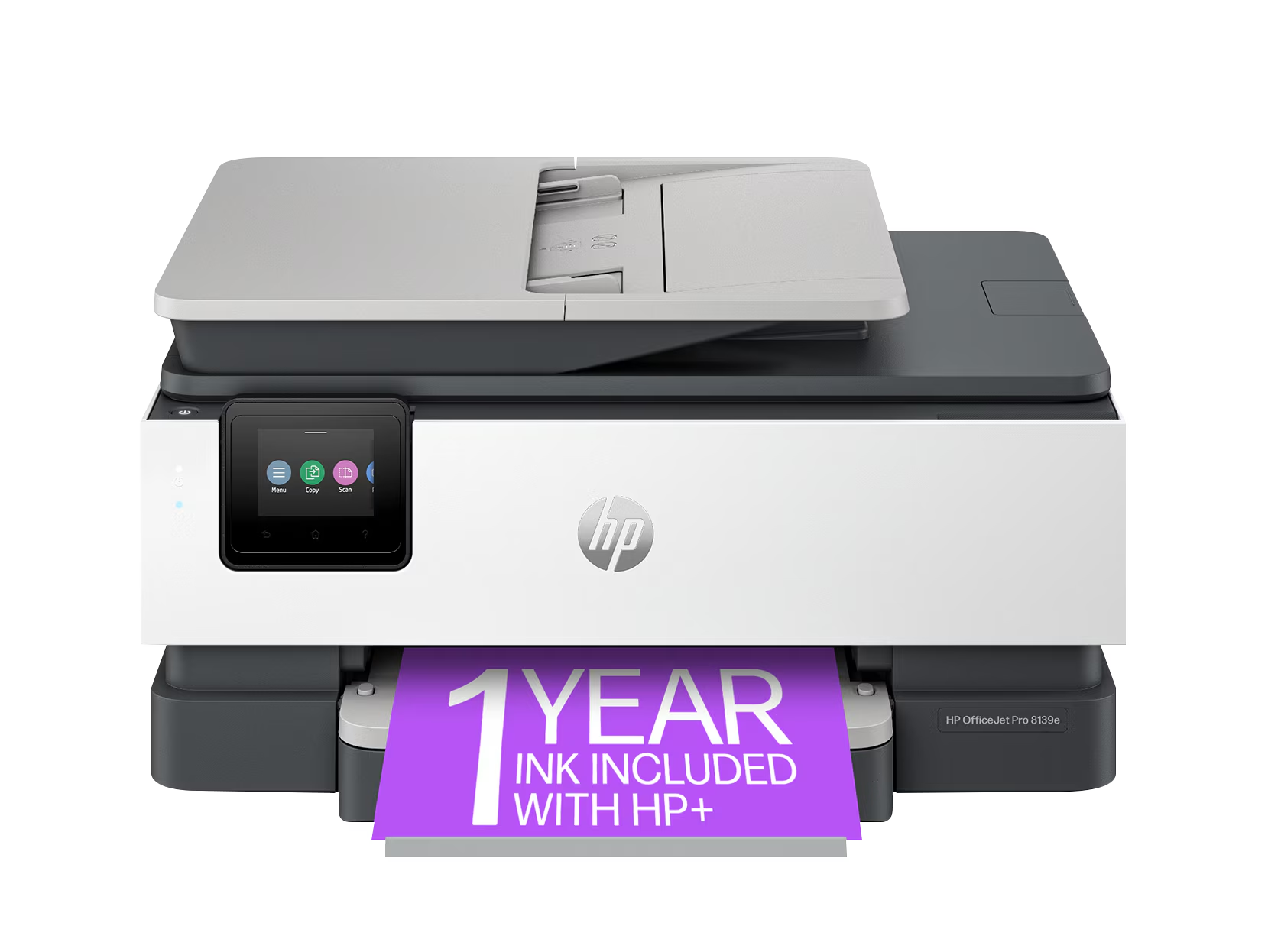
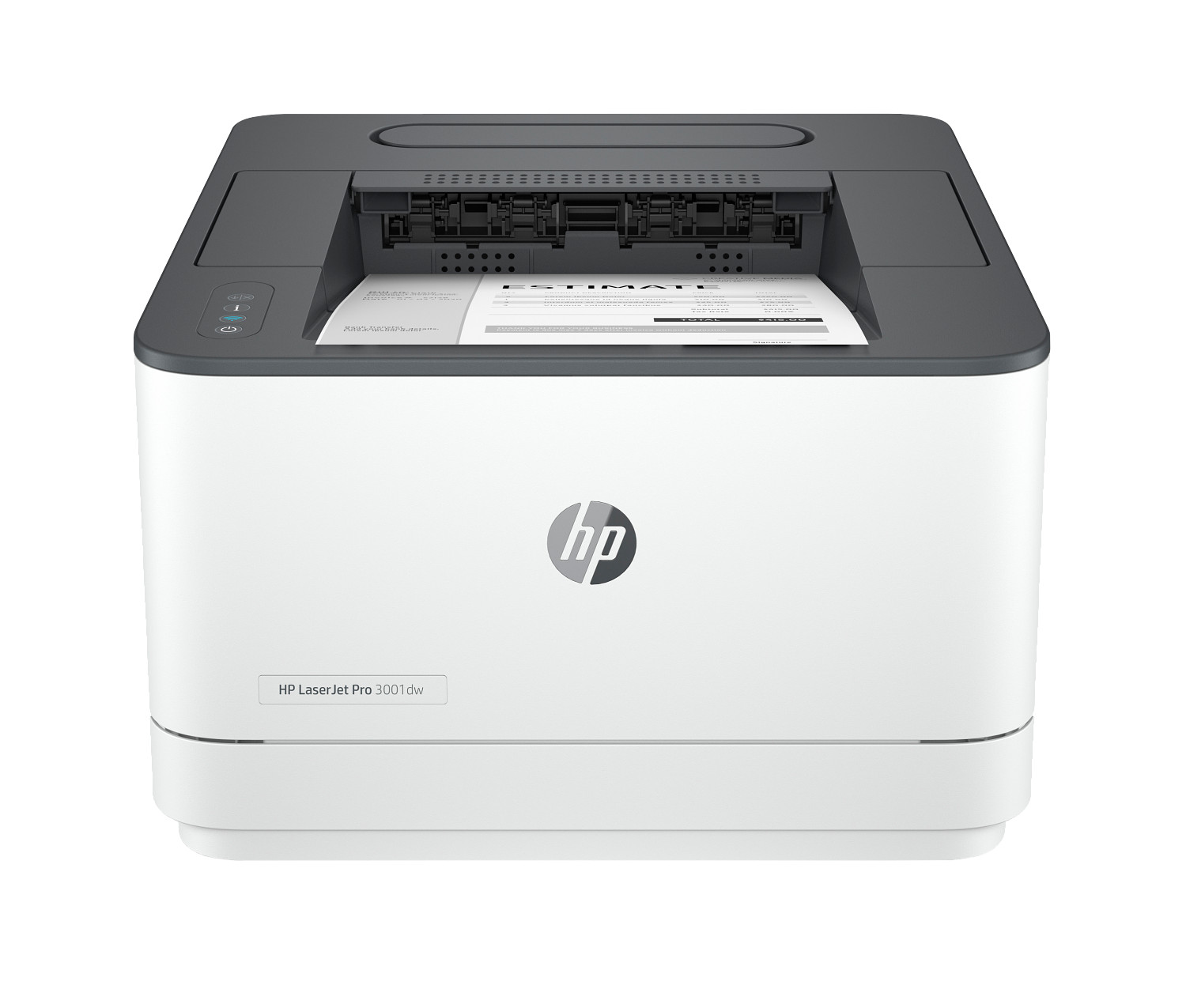
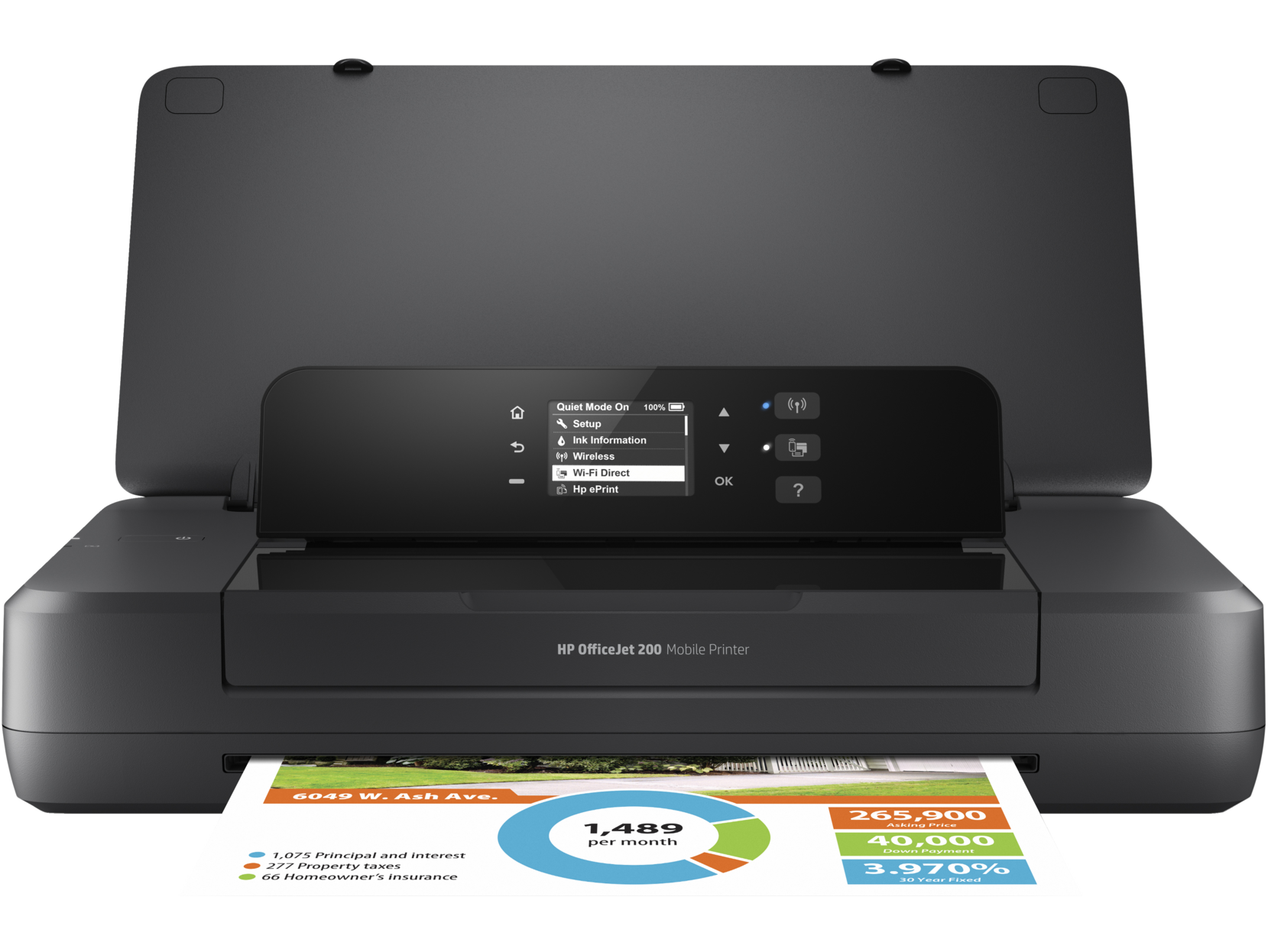
Mobile Printing Showdown
Portable printers compared for field professionals and remote workers.
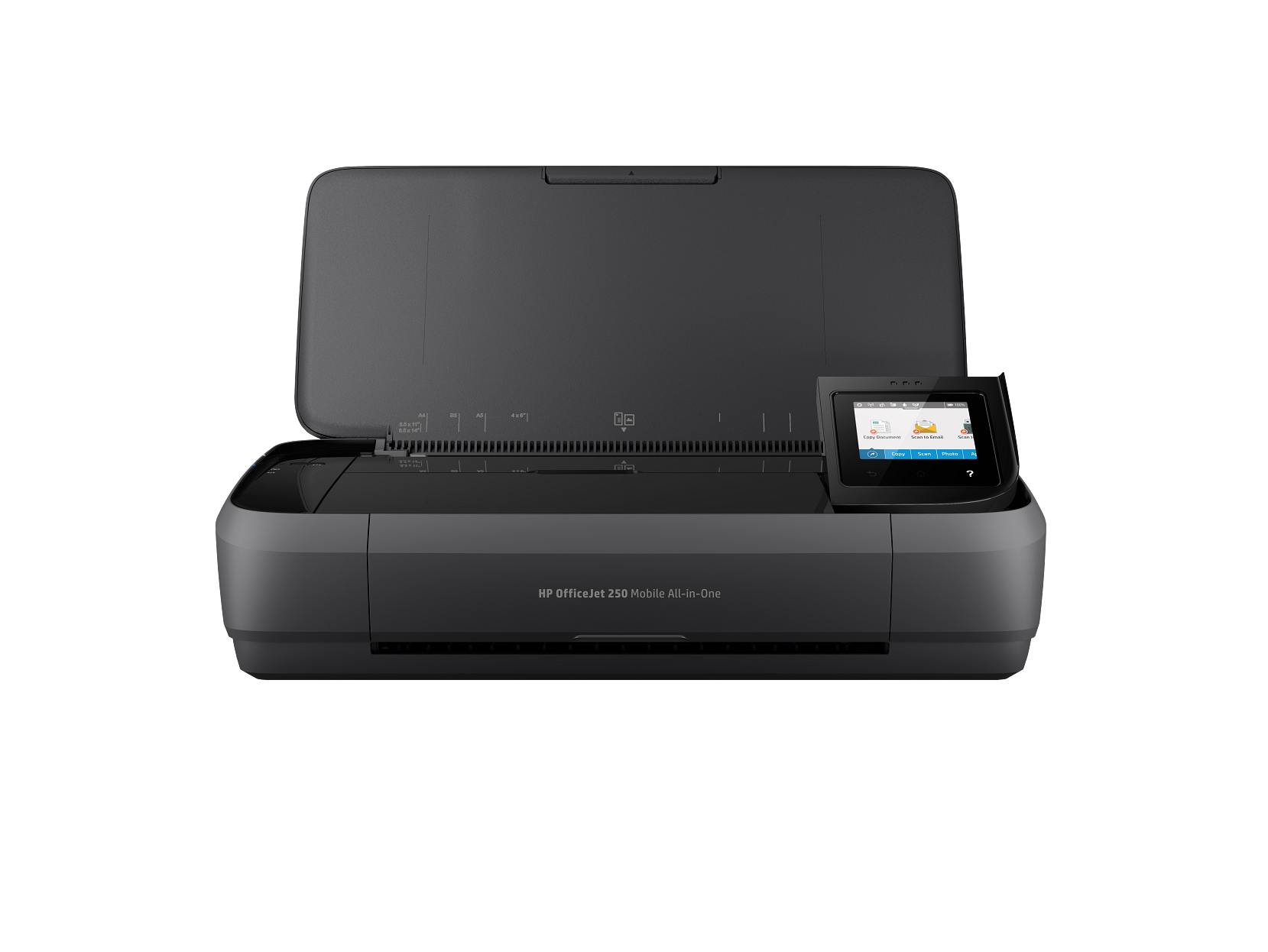
We compare what actually matters
Every comparison uses objective spec data — no paid placements, no review inflation. Just the numbers that affect your daily printing experience.
Start ComparingTell us what you need
Describe your printing needs in plain English — we'll instantly suggest the best options from our database.
Your AI Buying Expert
Tell us what you print, how often, and your budget — we'll instantly match you to the best printer from our database.
Try asking:
Quick add to your query:
Your personalized recommendations will appear here
Ready to find your printer?
Compare up to 4 printers side-by-side with all the specs that matter.
Side-by-Side Comparison
Compare up to 4 printers at once across every spec that matters — speed, cost, connectivity, and more.
AI Buying Assistant
Describe what you need in plain English and get a shortlist of printers matched to your situation.
TCO Calculator
See the true cost of owning any printer over 1–3 years, including ink and toner — not just the sticker price.
How to choose the right printer in 2026
Buying a printer in 2026 is harder than it looks. Sticker prices start under $60 and climb past $14,000, but the real cost lives in the consumables — ink cartridges, toner, drum units and maintenance kits — that you'll buy for the next three to five years. Top 10 Printer exists to make those trade-offs visible. Every printer in our catalog is ranked using the same set of objective specifications pulled directly from the manufacturer's published datasheets: print speed in pages per minute, monthly duty cycle, page yield, ISO-rated cost per page, paper handling capacity, supported paper sizes, duplex behaviour, connectivity, and resolution in dots per inch. We never accept payment for placement, never run sponsored rankings, and disclose the absence of any affiliate relationships in plain English on our affiliate disclosure page.
Inkjet, laser or ink tank — which one is right for you?
Inkjet printers spray microscopic droplets of liquid ink onto the page. They produce the best photo quality, handle colour beautifully and have the lowest up-front cost — most home inkjets sit between $60 and $250. Their weakness is consumable cost: cartridges are small, expire quickly if unused, and a typical home cartridge costs $0.04 – $0.08 per page in ink alone. If you only print a handful of pages a week, an inkjet works fine; if you print dozens of pages a day, the running cost will overtake the printer's sticker price within a year.
Laser printers fuse powdered toner onto the page using heat. They're faster, more durable, and dramatically cheaper to run for text-heavy work — typically $0.02 – $0.04 per page in toner. Mono lasers under $200 are an easy pick for any home office that prints shipping labels, school assignments or paperwork. Colour lasers add saturated, scratch-resistant business graphics but rarely match an inkjet's photo quality. Laser printers also handle long idle periods without any nozzle drying or "missing colour" failures.
Ink tank (CISS) printers like the HP Smart Tank line replace cartridges with refillable bottles, slashing cost per page below $0.005 in many cases. The trade-off is a higher up-front cost ($300 – $500) and slightly slower speeds. For families, students or home-based businesses that print thousands of pages a year, an ink tank printer is almost always the cheapest option over a 3-year window — our printer cost calculator will model the exact savings using your real volume.
The five printer specs that actually matter
There are dozens of numbers on a printer datasheet, and most of them are marketing. The five that genuinely change the day-to-day experience are: (1) print speed in pages per minute — anything under 15 ppm feels slow when you're printing more than five pages at a time; (2) monthly duty cycle — the maximum number of pages the printer is engineered to produce in a month without premature wear; (3) cost per page — calculated from the ISO-rated cartridge yield divided by the cartridge price, this is the long-run number that dwarfs the sticker price; (4) paper input capacity — a 250-sheet input tray means you refill once a week, a 100-sheet tray means twice a day; and (5) connectivity — Wi-Fi, Bluetooth, Ethernet and modern mobile-print protocols (AirPrint, Mopria, HP Smart) determine whether the printer fits your workflow or fights it. Every printer page on this site lists those five numbers in the same place, so you can compare any two models in seconds. Visit the printer glossary for plain-English definitions of every spec we publish.
Why we don't review — we compare
Most printer "review" sites publish hands-on reviews of three or four flagship models a year, then fill the rest of their site with recycled marketing copy and affiliate links. We do the opposite. We never write subjective product reviews, never accept review units, and never publish anyone's opinion of which printer is "best". Instead, we publish the same set of objective specifications for every printer we list, and let you filter, sort and compare them against your real-world needs. You can read the full methodology for how each spec is sourced and how the rankings are generated, our editorial standards for how we maintain independence, and our 2026 buying guide for category-by-category recommendations.
Where to start
If you already know what you want, jump straight to browse all printers and filter by category, technology, price or speed. If you'd rather see two printers side-by-side, head to the comparison tool and pick up to four models. If you're trying to predict three-year ink and toner spend, run the numbers in the cost calculator. And if you're brand-new to printer shopping, the printer buying guide walks you through the same decision tree we use internally — it takes about ten minutes and will save you hundreds of dollars over the life of the printer.