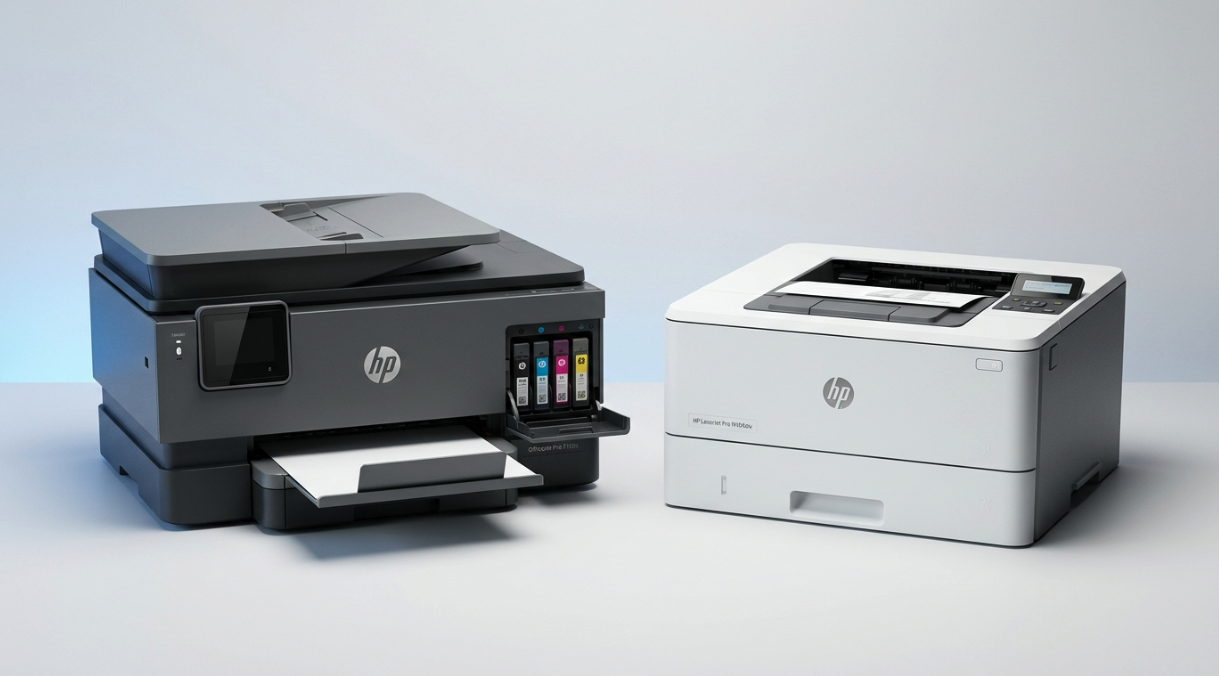
Browse All Printers
Explore our full database of printers organized by category. Filter by price, speed, and connectivity to find your perfect match.
How to use the printer category browser
This page lists every printer in our database, grouped by the way it is most commonly used. Pick a category from the strip below to narrow the list, or stay on All to see everything in one view. Each card shows the headline specifications we believe matter most for that category — print speed, cost per page, resolution, paper handling and connectivity — and links through to a full review with our independent verdict.
Categories are not marketing labels. They reflect how a printer is actually built and where it performs best. A budget home inkjet and a 50,000-page-per-month colour laser are both technically printers, but recommending one for the other's job would be misleading. We sort them up front so the comparison you do later is between like-for-like machines.
The five categories explained
- Home printers
- Affordable inkjets and small laser printers built for irregular household use. Typical monthly volume sits between 20 and 200 pages. We weight purchase price, ink cost and wireless setup highest. Speed and duty cycle matter less because few homes ever push them.
- Office printers
- Workgroup inkjets and laser MFPs built for steady multi-user volume in the 1,000 to 30,000 pages-per-month range. We weight reliability, paper capacity, automatic duplex and total cost of ownership most heavily, with print speed close behind. The cheapest unit is rarely the cheapest to run.
- Photo printers
- Specialist inkjets engineered for borderless prints, accurate skin tones and fade-resistant pigments on glossy media. We focus on resolution, the number of inks (six-ink and pigment systems beat four-ink dye for serious work), and supported paper sizes up to A3+ where relevant.
- Desk printers
- Compact units that fit on a small desk or shelf without dominating it. Footprint and noise level are the deciding factors here. These are great for a home office, dorm room, or any space where the printer sits a few feet from where you work.
- Budget printers
- Anything that is genuinely cheap to acquire and cheap to run — the second part is the catch. Several manufacturers sell sub-$80 printers that cost more in ink within a year than a $200 ink-tank model would over three. Our budget filter discounts those traps using our own cost-per-page math.
What our category rankings are based on
Every printer in this list has been scored against the same set of objective specifications: print speed in pages per minute, monthly duty cycle, resolution in DPI, automatic duplex availability, paper-input capacity, connectivity options, and the cost per printed page calculated from the manufacturer's stated cartridge yields and current cartridge prices. We do not factor in user reviews, retailer popularity or affiliate payouts — none of which we accept. The full scoring methodology, including weights per category, is published on our methodology page.
Once you have shortlisted two to four printers, you can send them to our side-by-side comparison tool to see the full spec sheets next to each other, or run them through the total cost of ownership calculator to see what each will cost you over one, two or three years of typical use.
A note on availability and pricing
The prices shown on each card are the manufacturer's recommended retail prices in US dollars at the time the card was last updated. Street prices vary by retailer and region, and most printers in this list can be found discounted at one or more major retailers most of the time. For the cost-per-page figure we use the manufacturer's standard-yield cartridge unless an XL or high-yield option is the only one offered. Where ink subscription programmes such as HP Instant Ink are an option, they are mentioned in the full review but not used to calculate the headline running cost.
All printers in our database are reviewed against publicly available specifications and our own structured testing checklist. We do not currently accept review units, sponsorships, or affiliate commissions from any manufacturer or retailer; full details are on our editorial standards page.
Technology
Price Range
Print Speed
Spec-based only
No sponsored listings. All rankings are based purely on manufacturer specs and pricing.
48 printers found
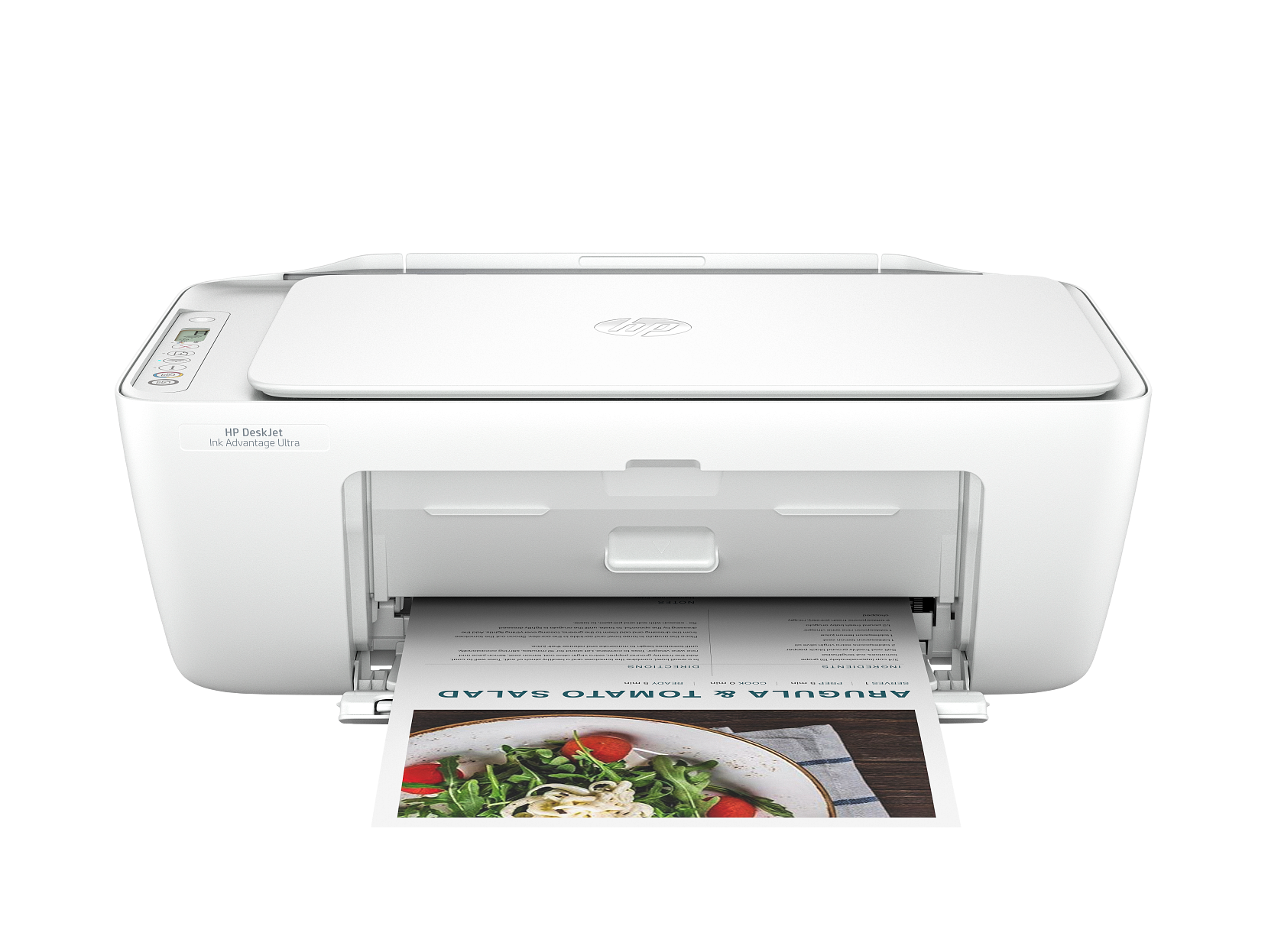
HP DeskJet 2827e
An affordable all-in-one inkjet for occasional home use. Prints, scans, and copies with wireless connectivity and HP+ smart features.
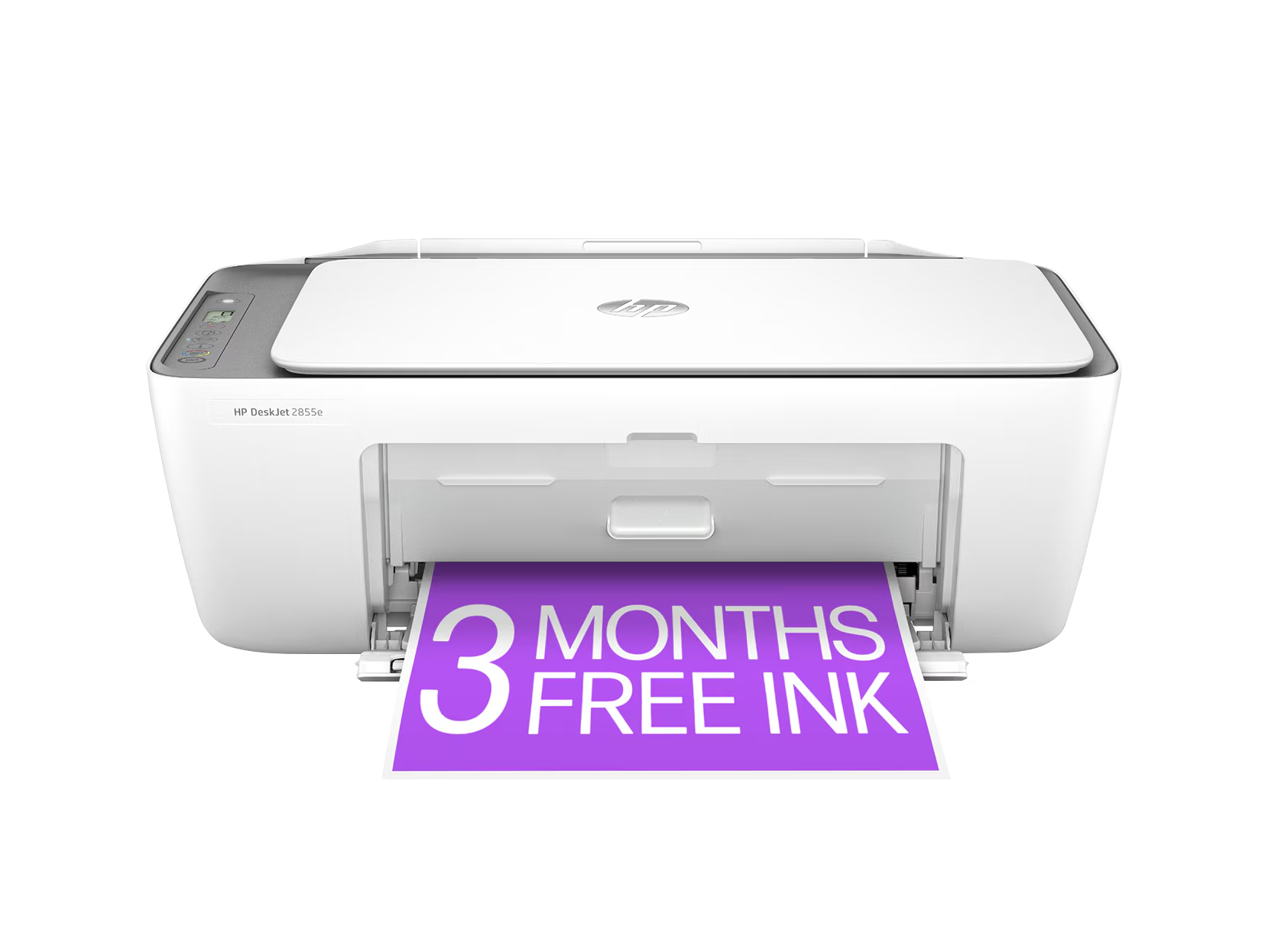
HP DeskJet 2855e
A step-up home all-in-one with faster speeds and Bluetooth support. Great for families who print regularly.
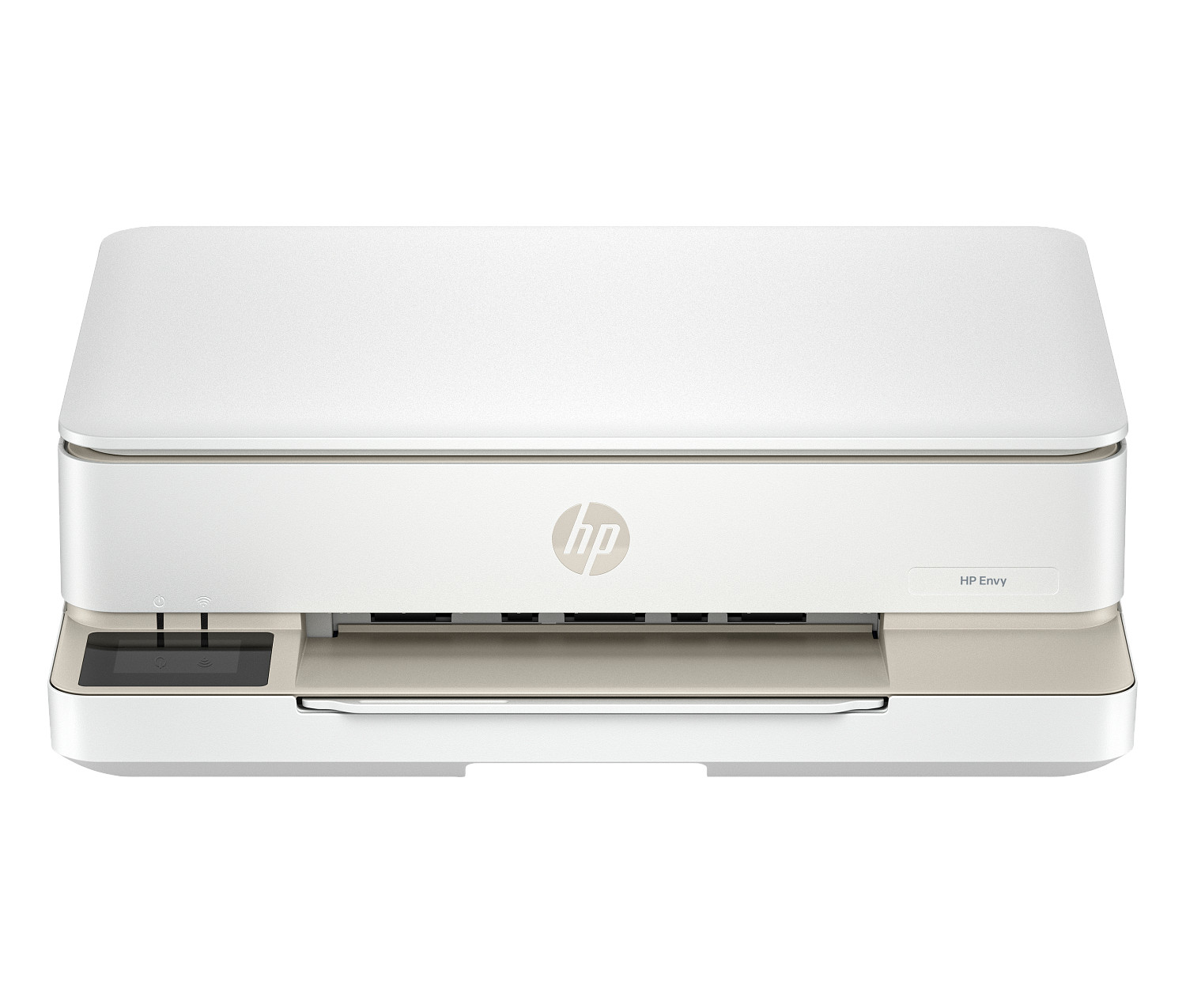
HP ENVY 6155e
A sleek all-in-one with photo-quality output and smart task automation. Ideal for home users who print photos and documents.
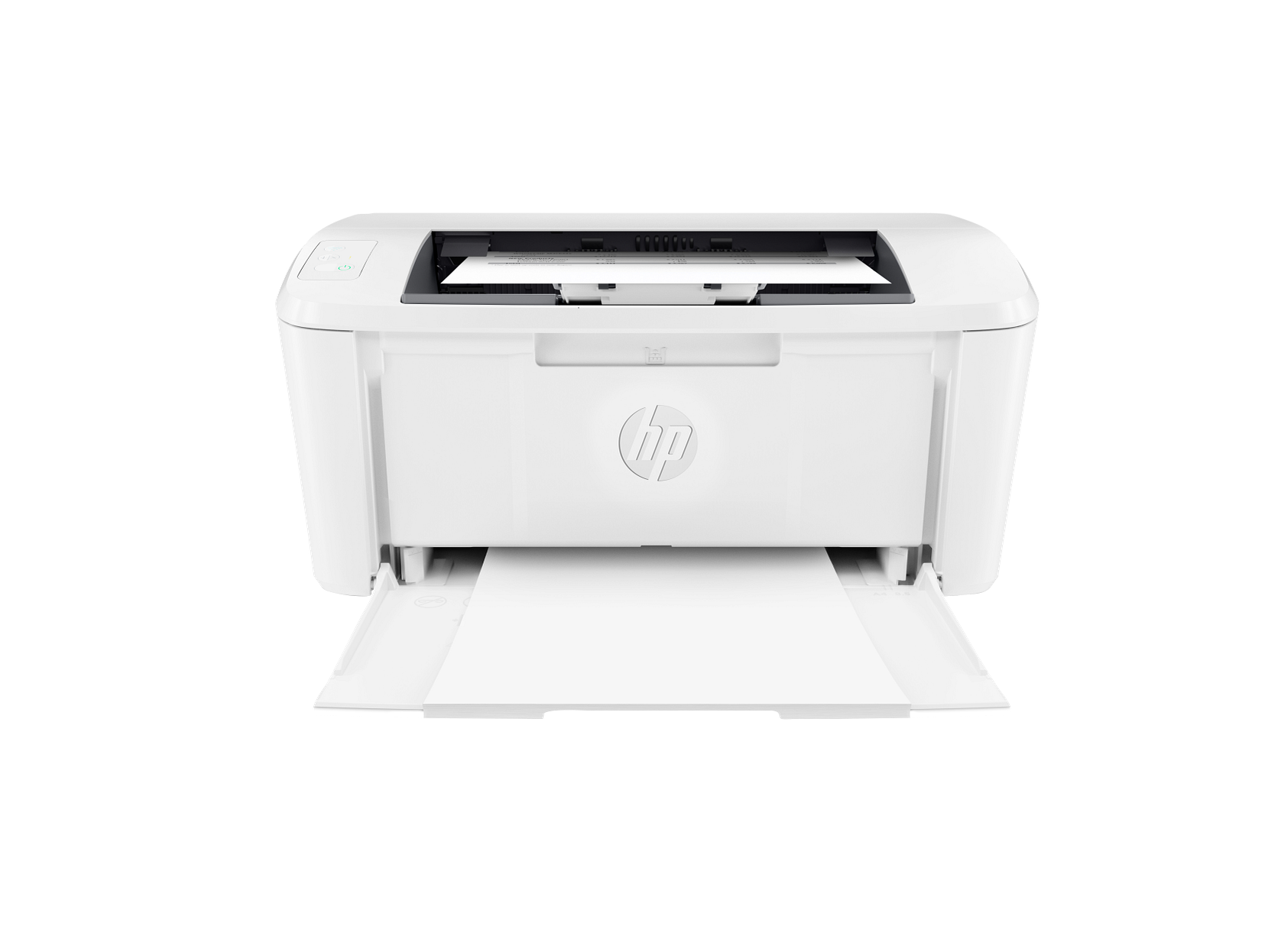
HP LaserJet M110w
The most affordable wireless laser printer in HP's lineup. Perfect for home offices that need fast, reliable black and white document printing.
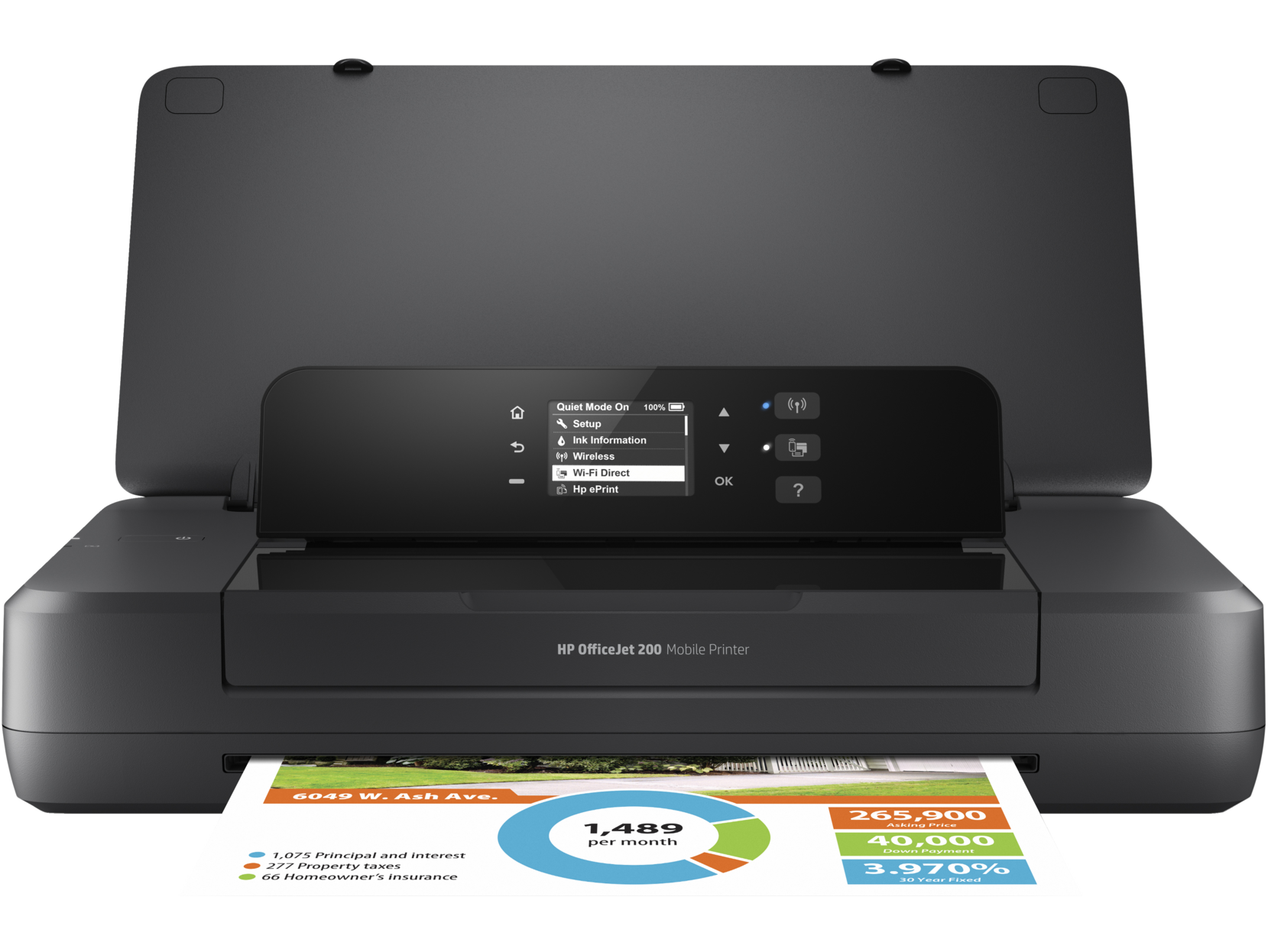
HP OfficeJet 200 Mobile
A lightweight mobile printer that fits in a laptop bag. Ideal for sales professionals, remote workers, and anyone who prints on the go.
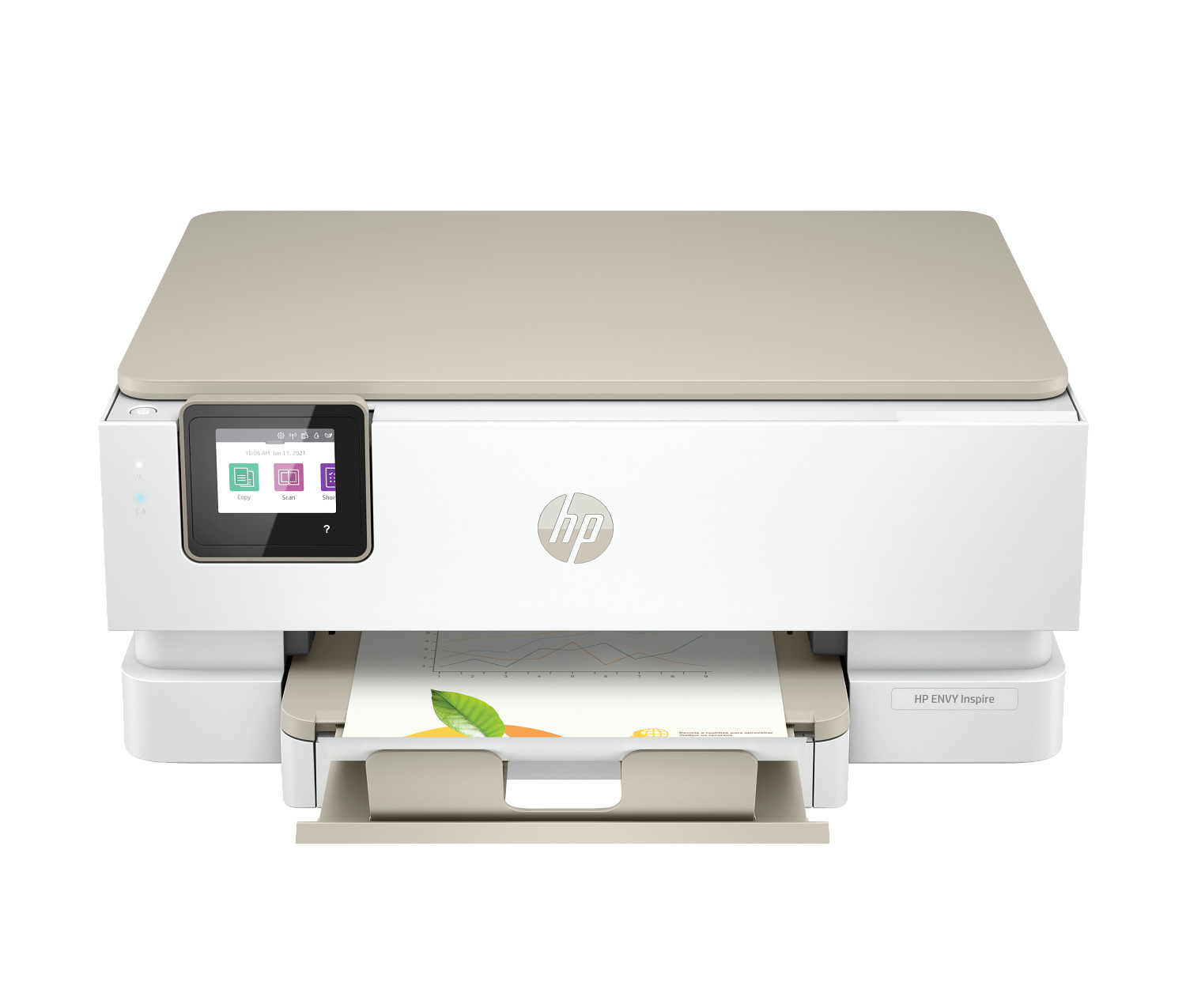
HP ENVY Inspire 7255e
An inspiring home all-in-one balancing document and photo printing. Fast speeds and wireless connectivity make it ideal for busy households.
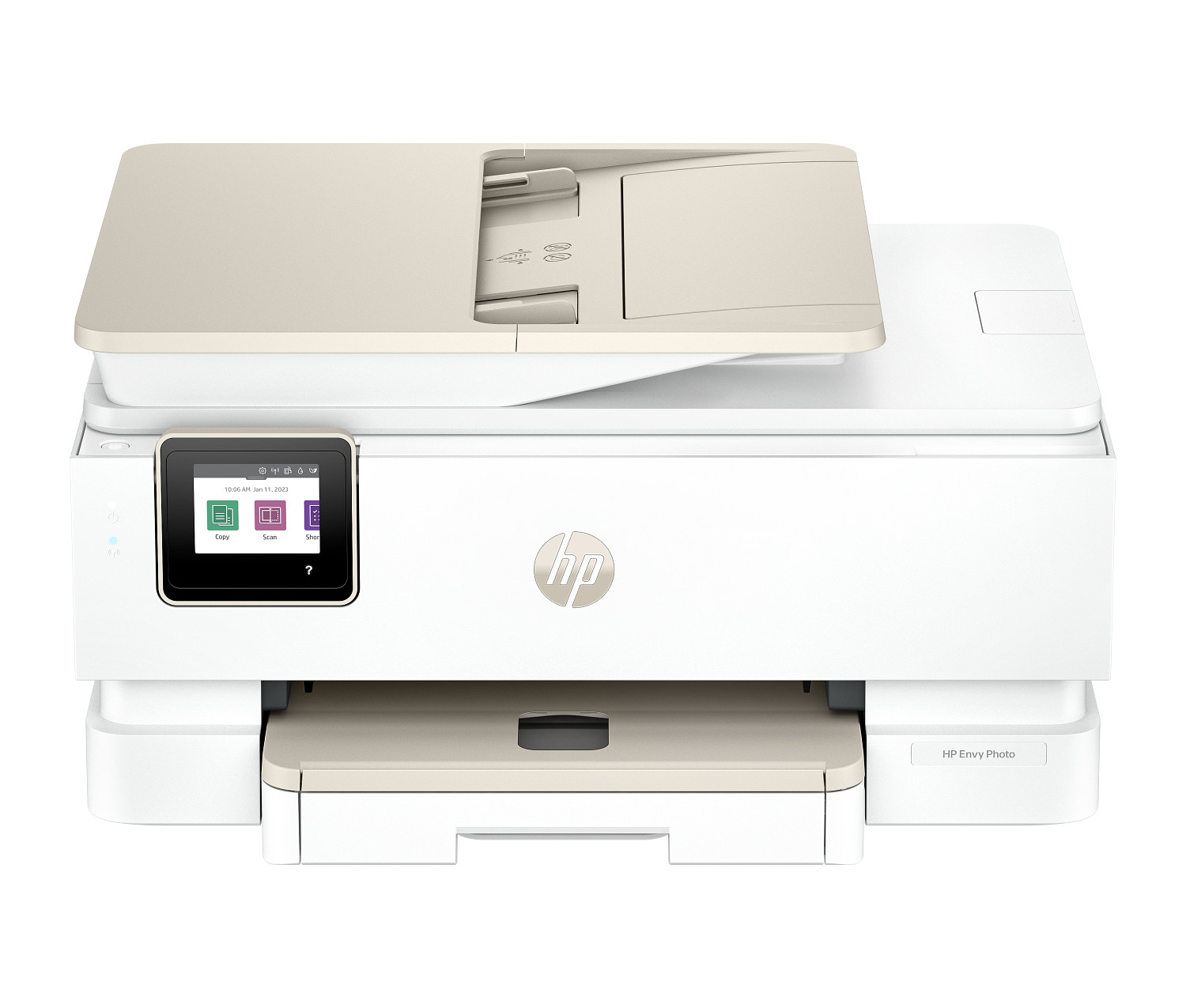
HP Envy Photo 7975
A dedicated photo all-in-one delivering brilliant colour accuracy and detail. Six individual inks ensure rich, true-to-life photo prints.
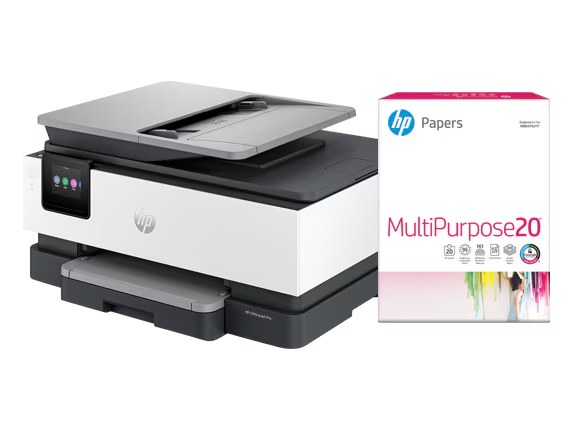
HP OfficeJet Pro 8135e
A reliable office all-in-one offering fast speeds and low running costs. Certified refurbished versions available at significant savings.
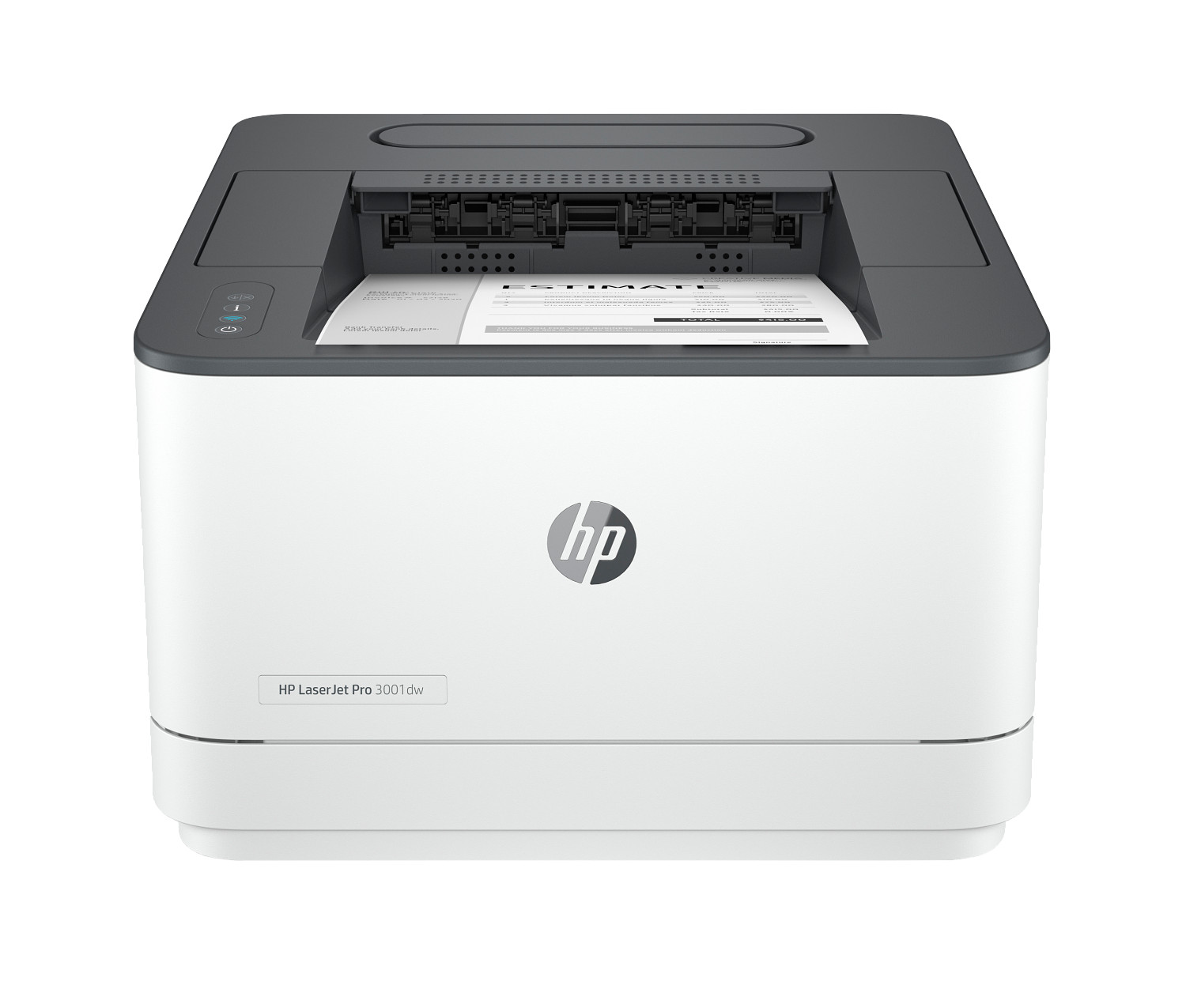
HP LaserJet Pro 3001dw
A fast monochrome laser printer for offices that need reliable high-volume document output. Extremely low cost per page.
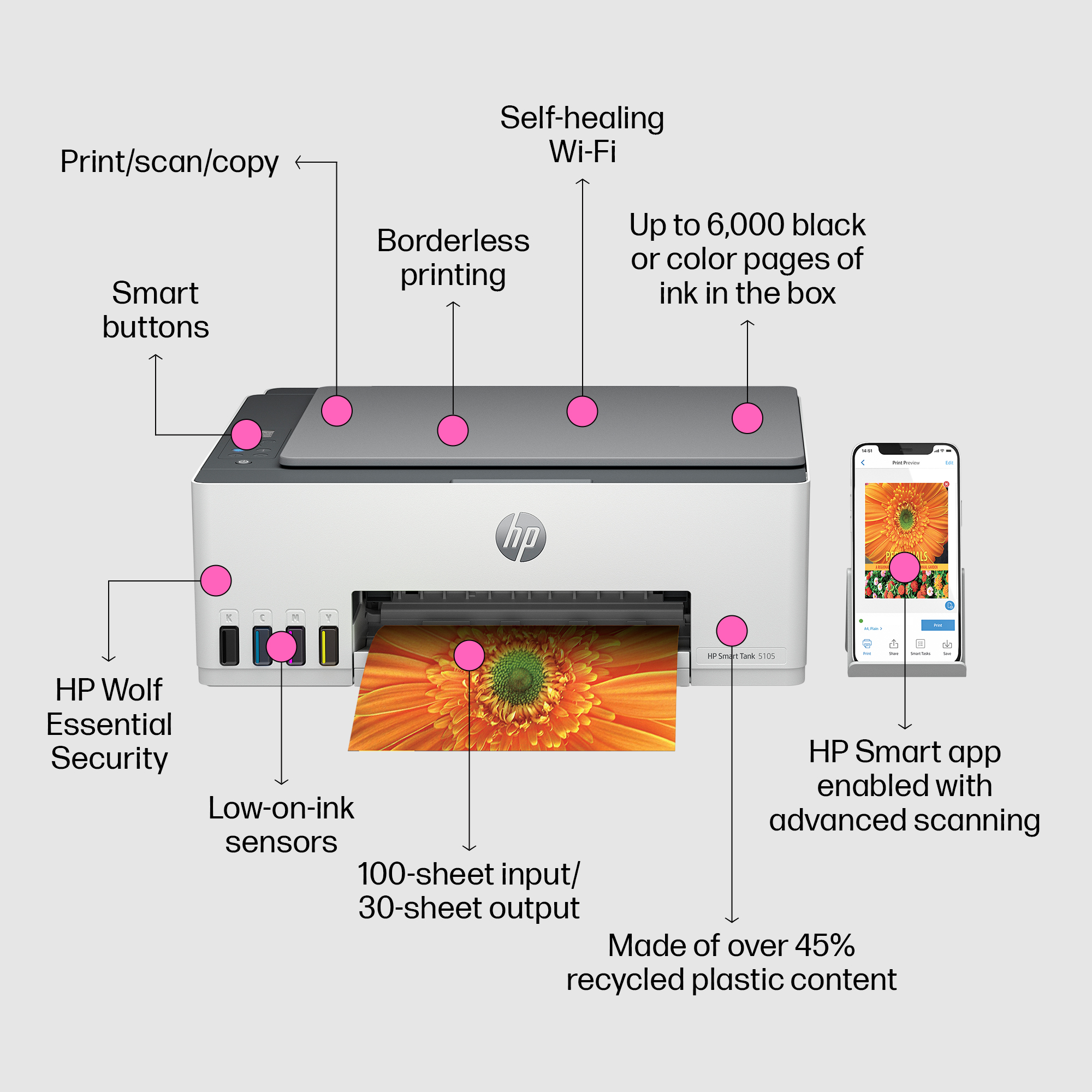
HP Smart Tank 5103
A compact ink tank all-in-one that dramatically reduces ink costs. Print, scan, and copy with minimal ongoing expense — great for heavy home users.
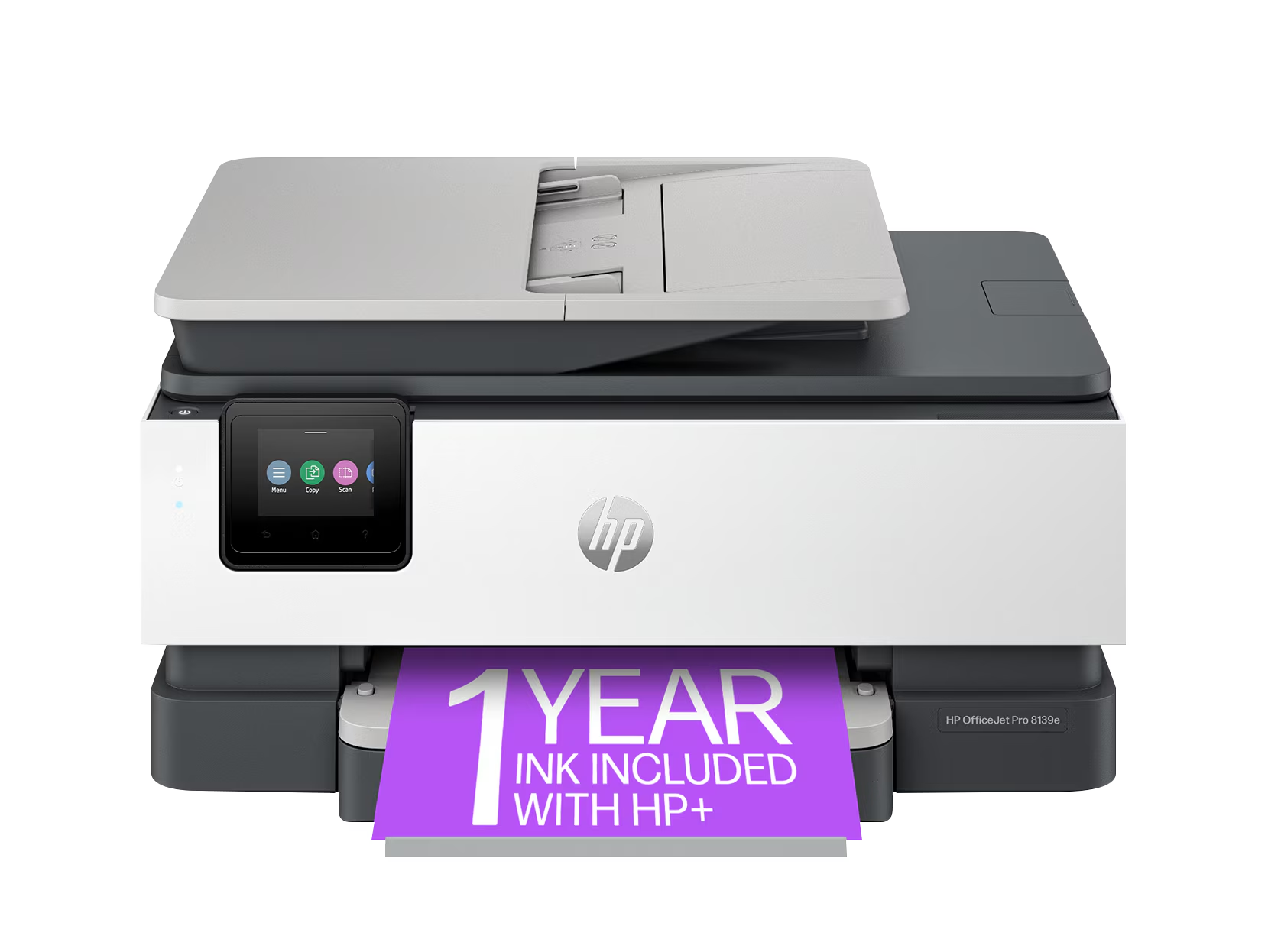
HP OfficeJet Pro 8139e
A professional inkjet all-in-one designed for small offices. Fast output, low cost per page, and full wireless connectivity.
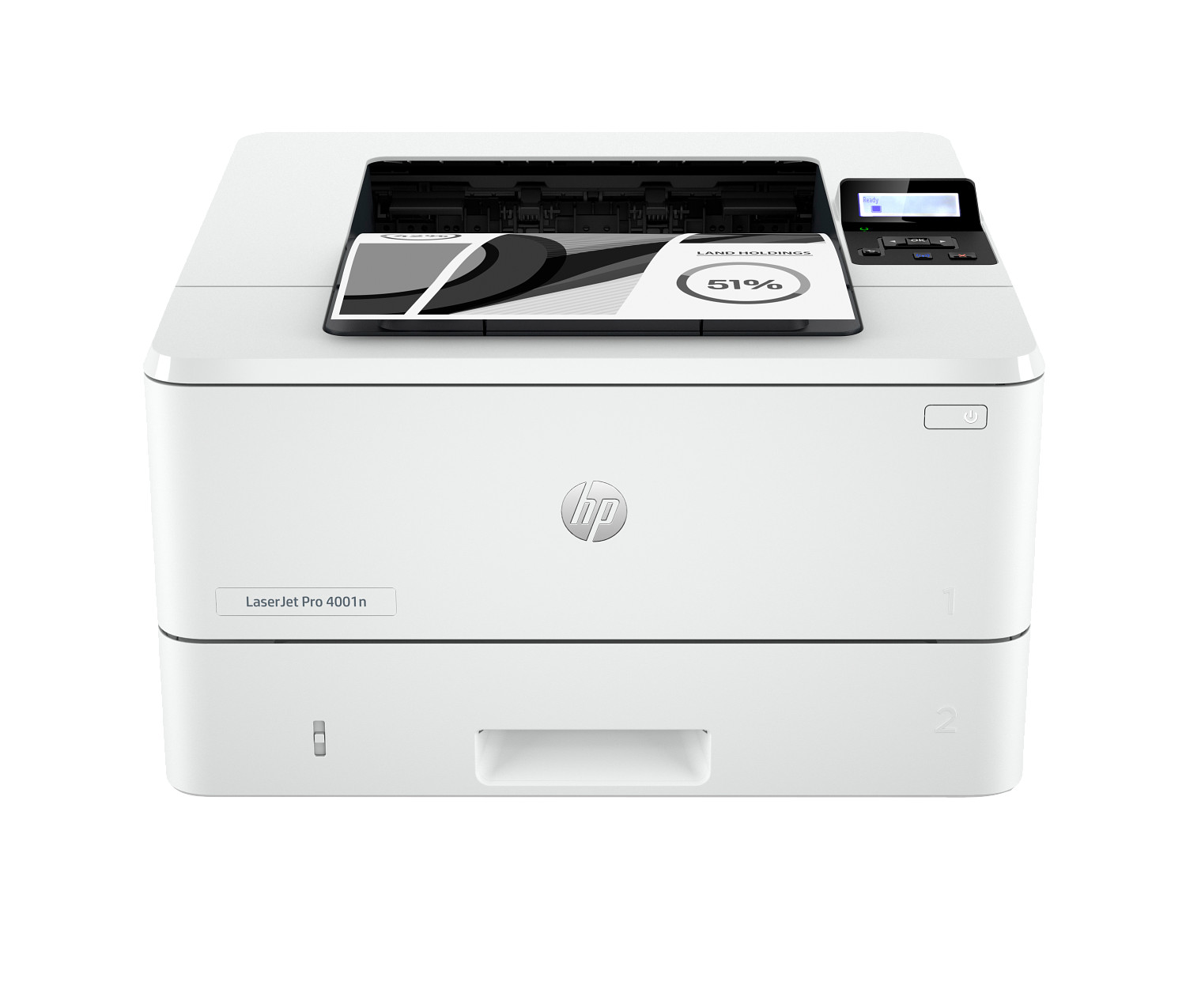
HP LaserJet Pro 4001n
A high-throughput monochrome laser printer for workgroups with demanding print volumes. Network-ready via Ethernet for easy office sharing.
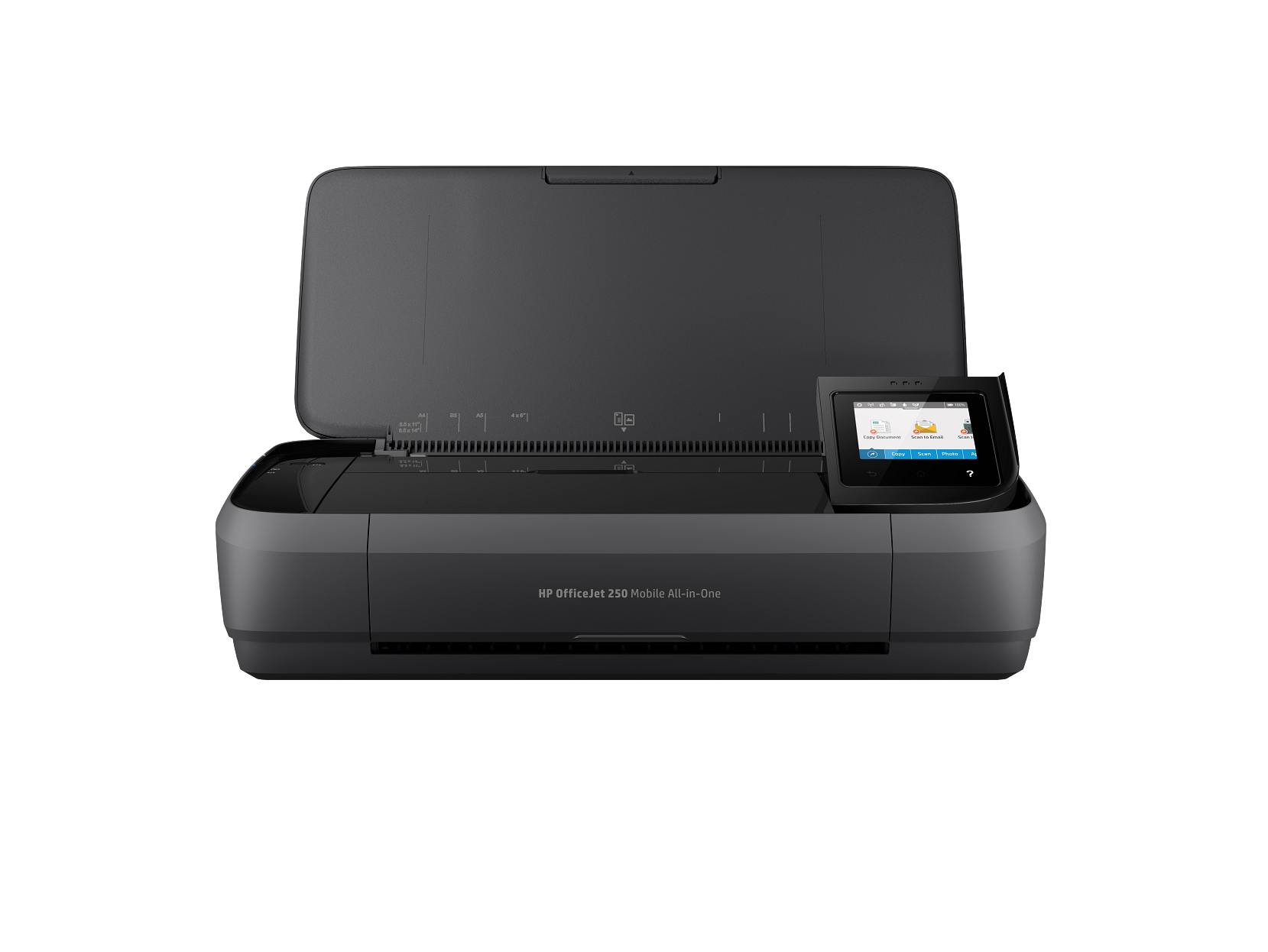
HP OfficeJet 250 Mobile
The most capable portable all-in-one on the market. Runs on battery, prints, scans, and copies — built for professionals working in the field.
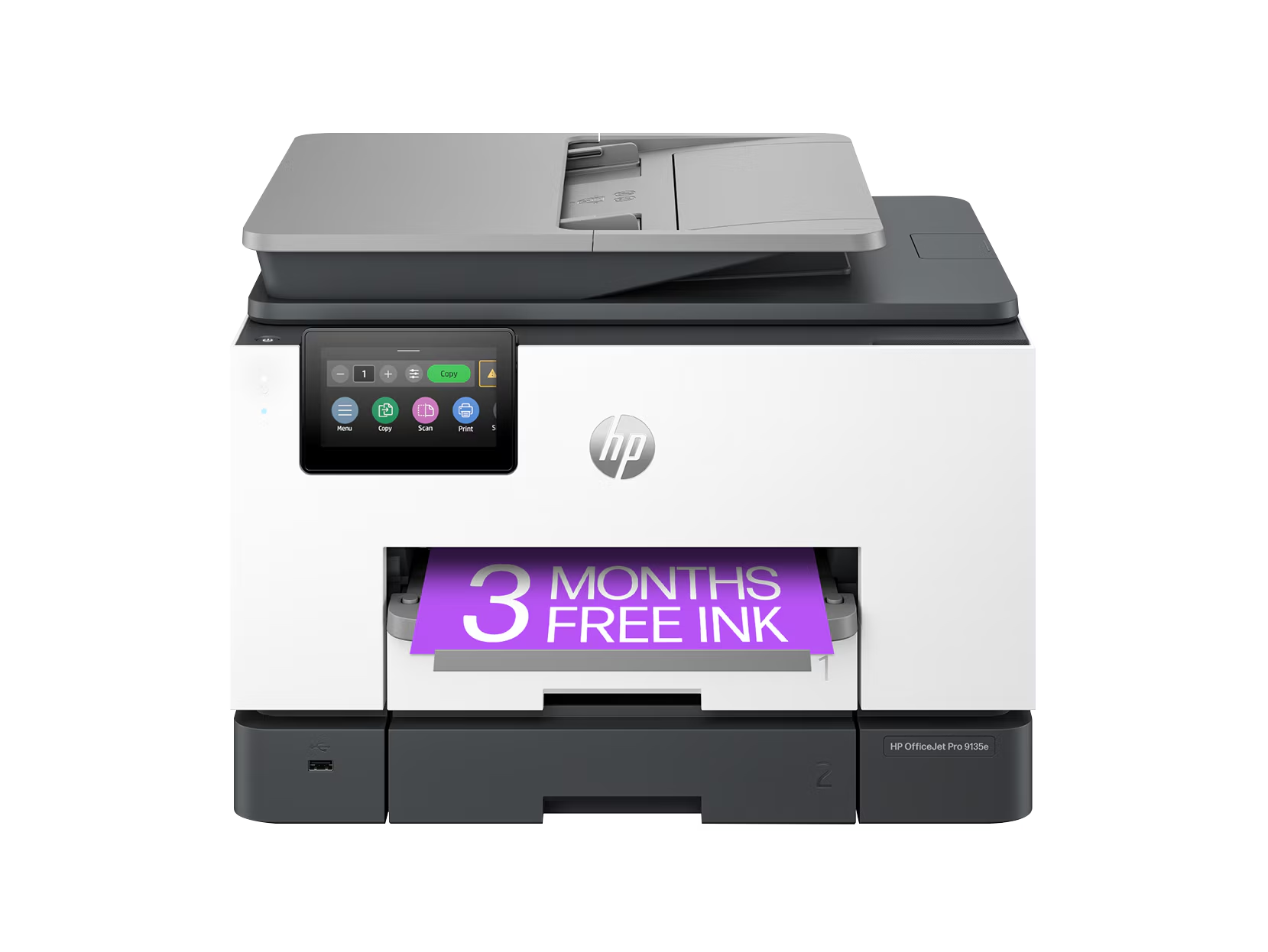
HP OfficeJet Pro 9135e
A high-performance office all-in-one with a large ADF and fast duplex output. Handles heavy workloads at a low cost per page.
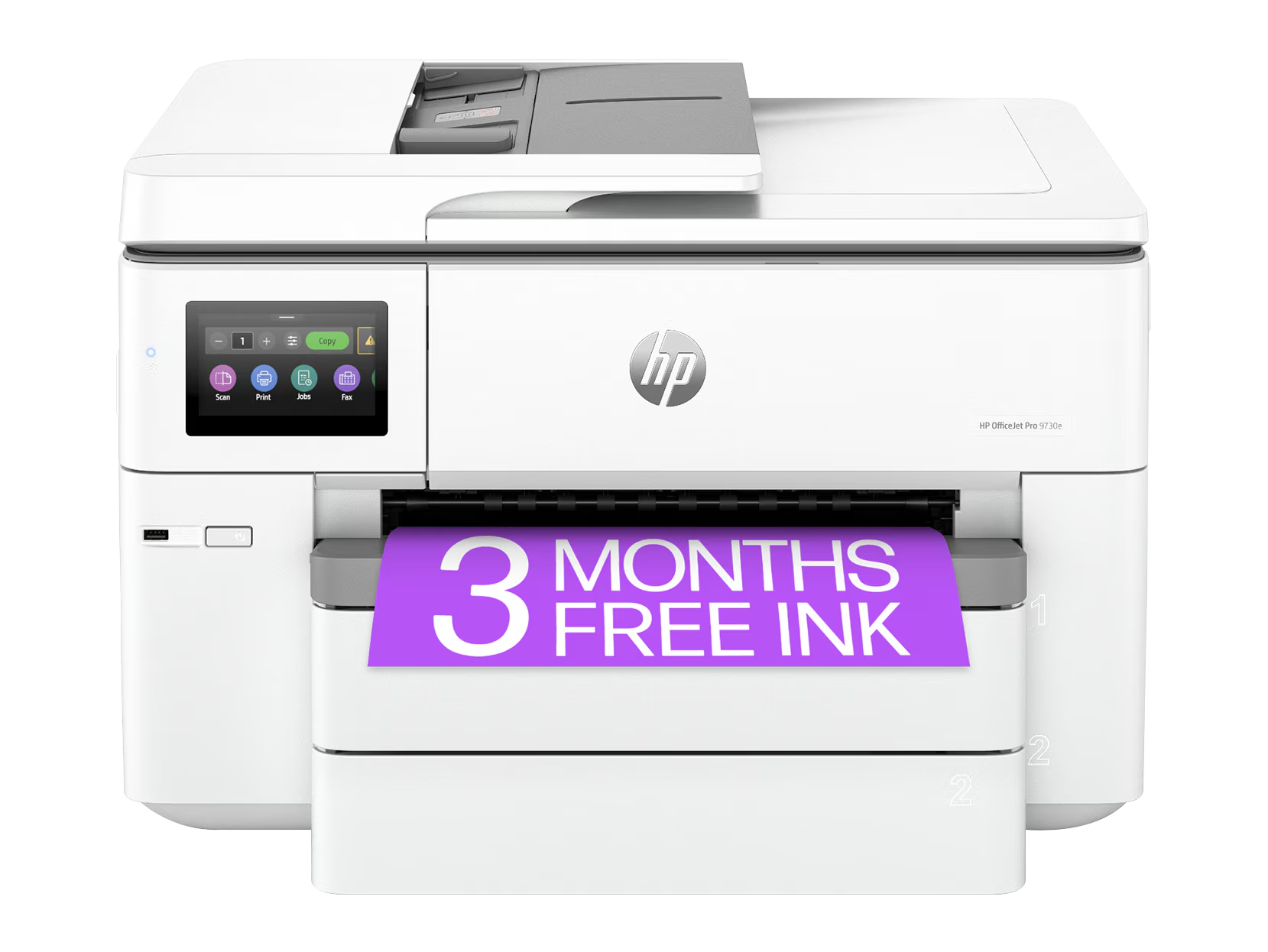
HP OfficeJet Pro 9730e Wide-format
The only HP inkjet all-in-one supporting wide-format output up to 13×19 inches. Ideal for offices needing posters, charts, and large documents.
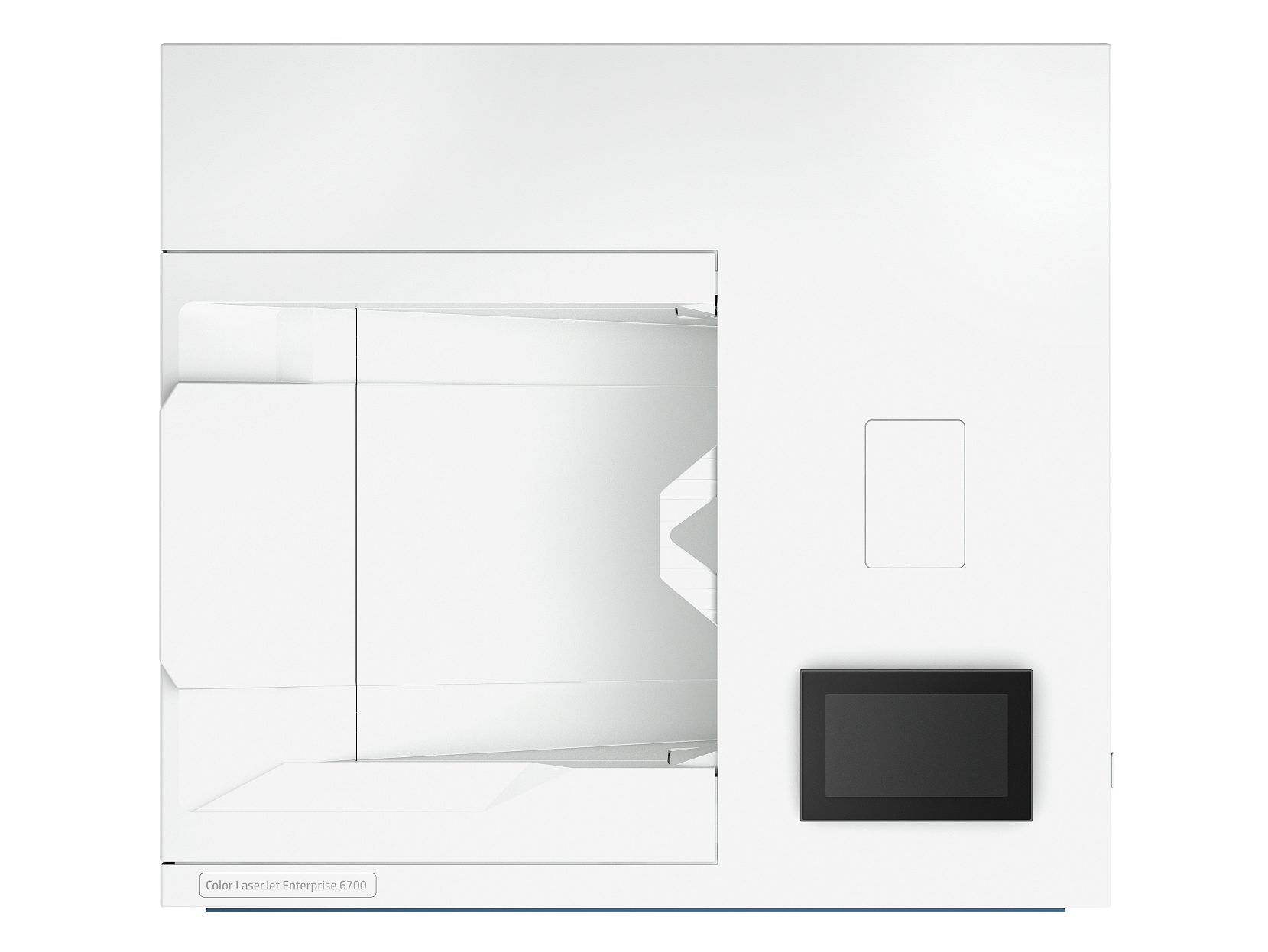
HP LaserJet Pro 4002n
A fast wired monochrome laser printer built for network environments. Handles high-volume document output with exceptional 1200dpi quality.
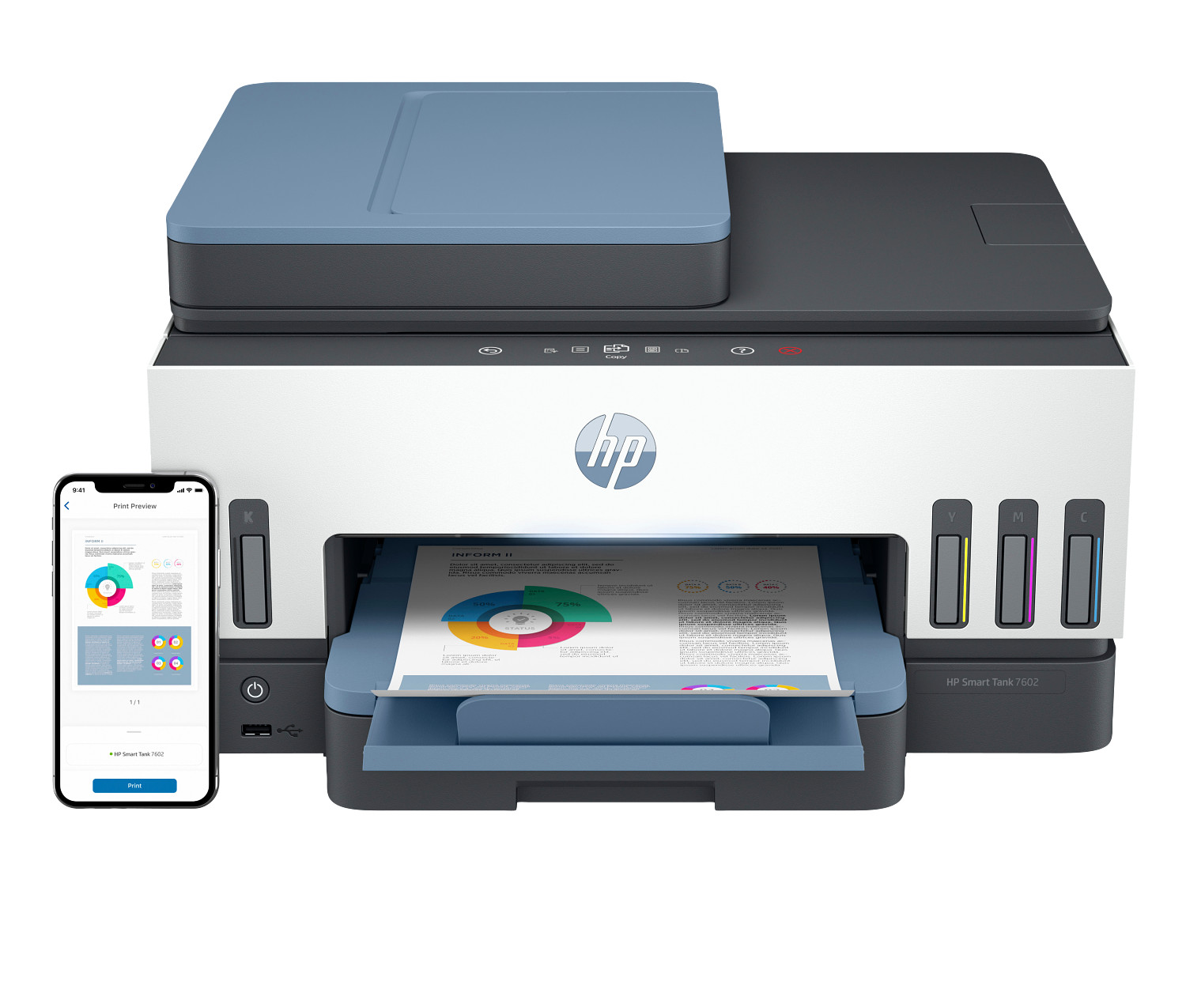
HP Smart Tank 7602
A refillable ink tank all-in-one with one of the lowest costs per page available. Ideal for households with high print volume who want to avoid cartridge costs.
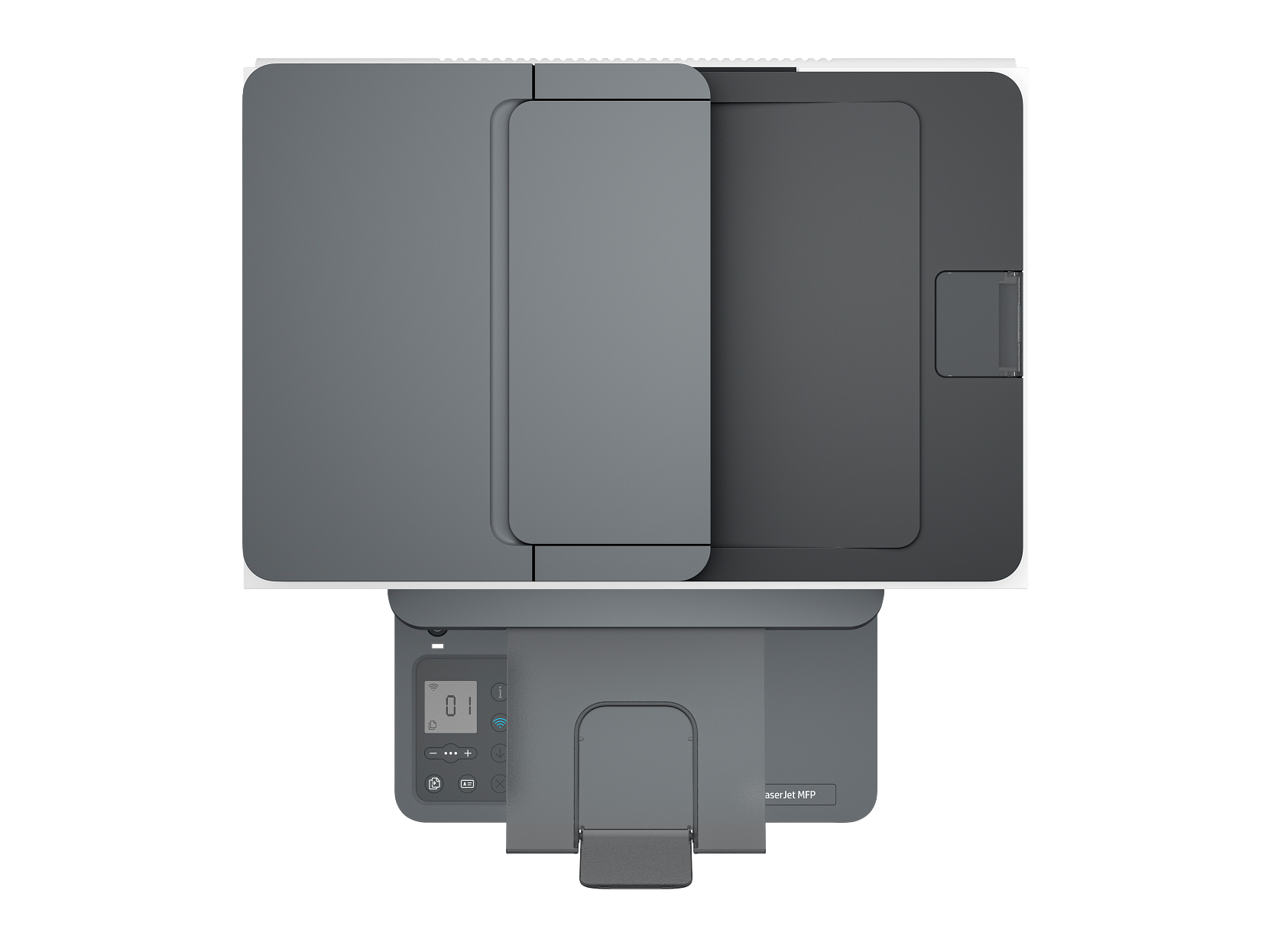
HP LaserJet Pro 4002dn
A fast, high-resolution monochrome laser printer for demanding office environments. Wired network connection and auto-duplex printing keep workflows moving.
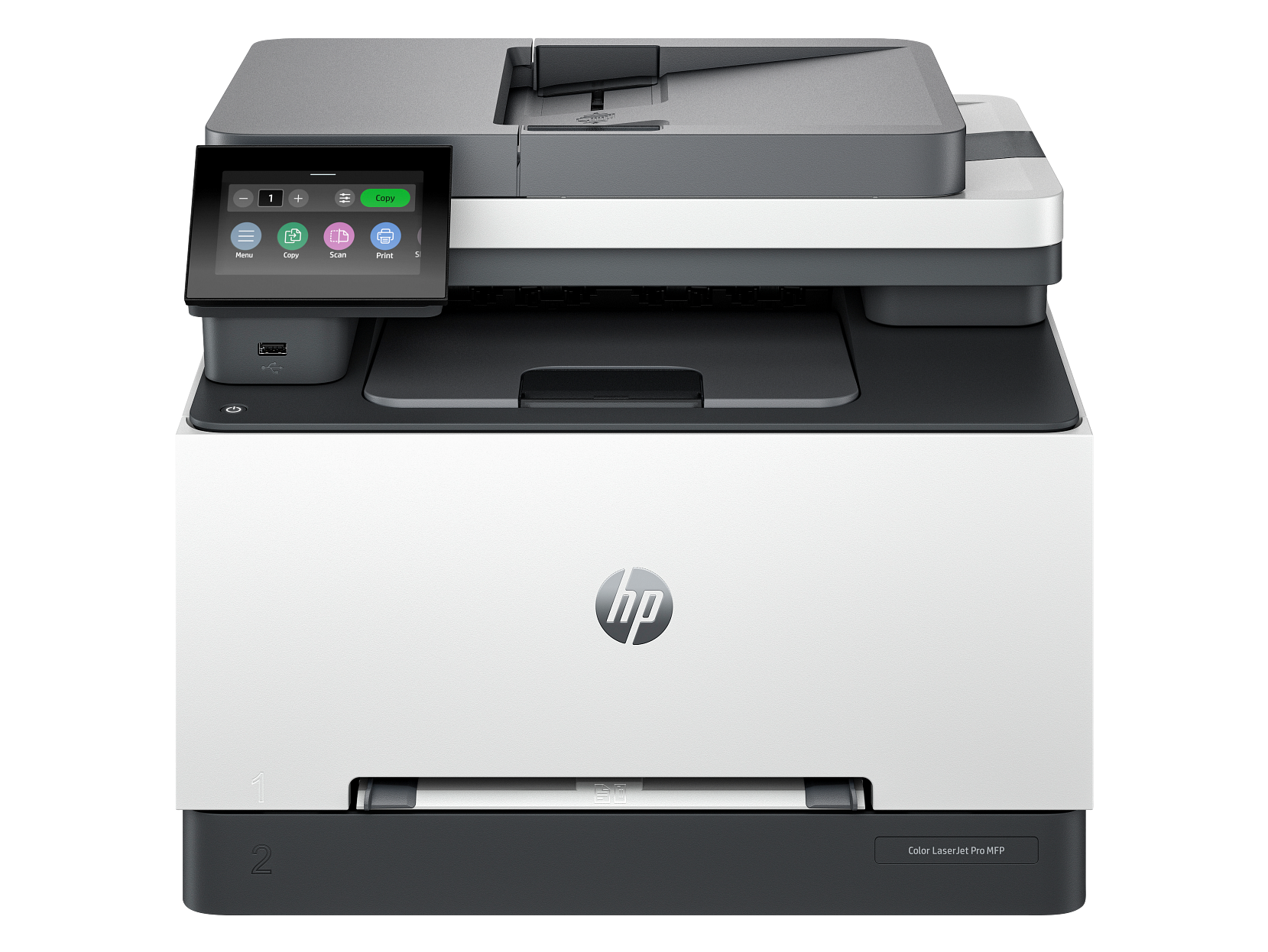
HP Color LaserJet Pro MFP 3301sdw
A compact colour laser all-in-one for small offices. Fast duplex output and a low running cost make it an excellent value for teams.
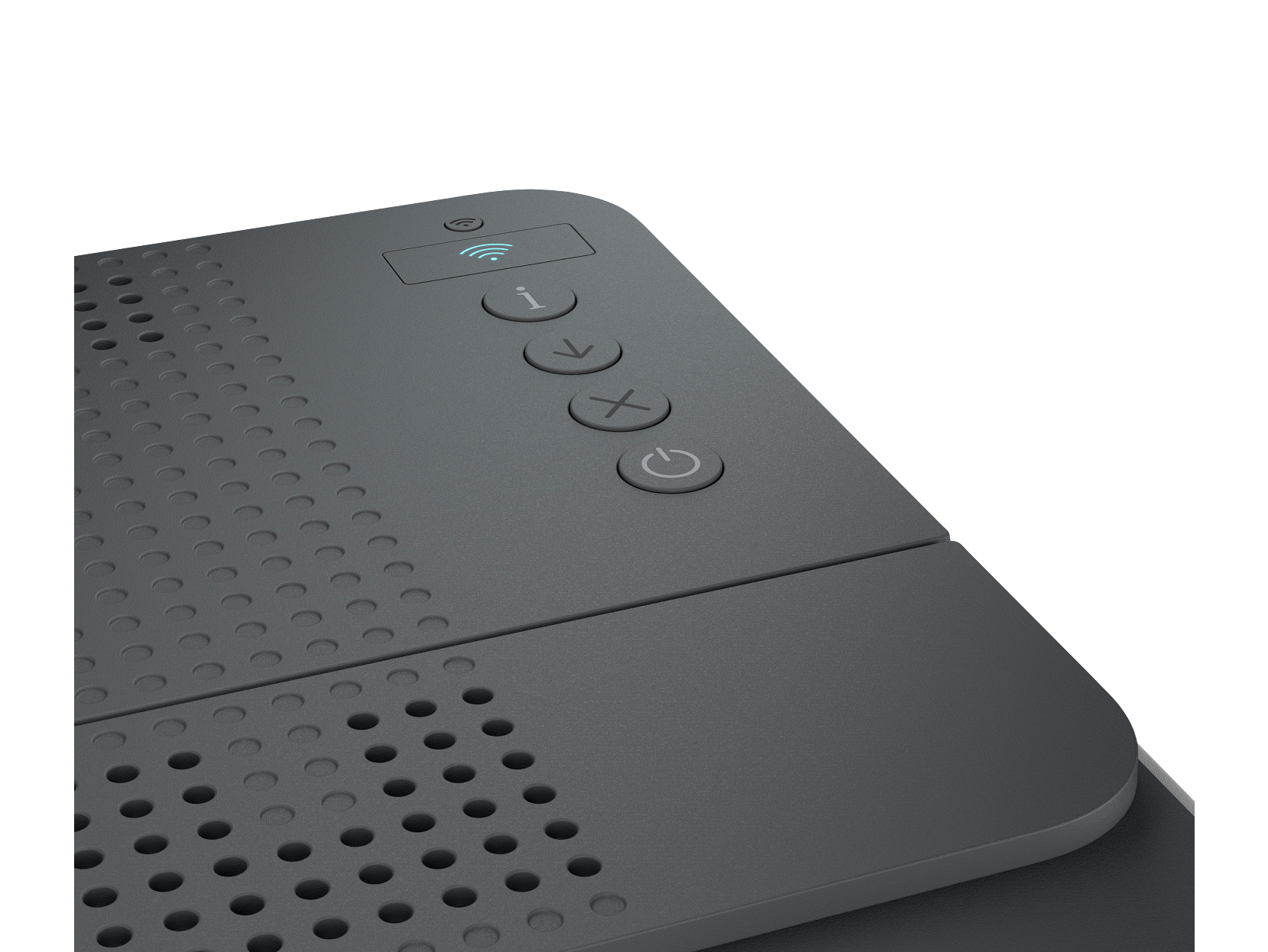
HP LaserJet Pro 4002dw
A fast wireless monochrome laser printer with 1200dpi resolution. Combines the speed of the 4002dn with wireless convenience for flexible office setups.
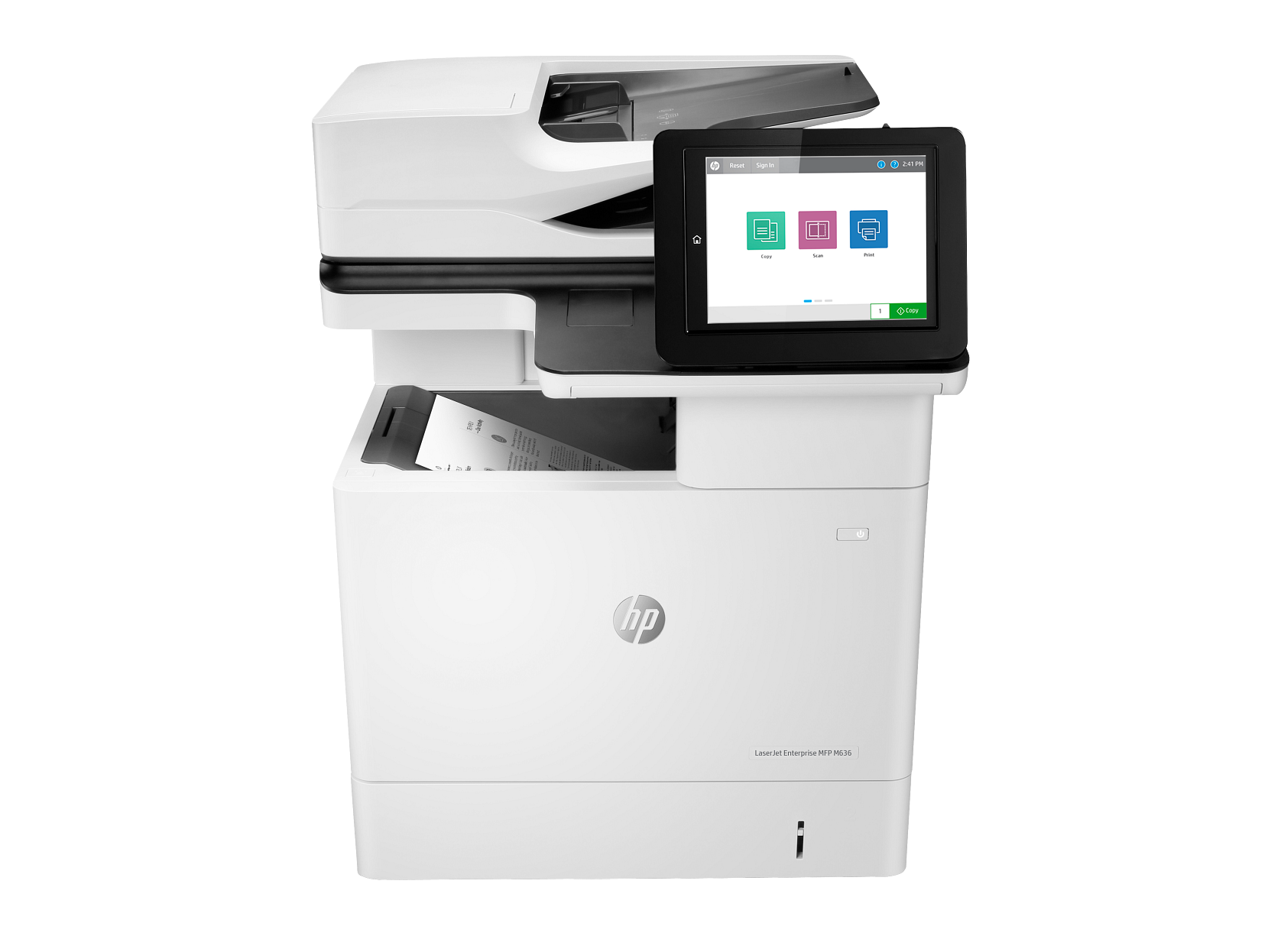
HP LaserJet Pro MFP 4102fdn
A complete monochrome laser MFP with fax support, ideal for offices that still rely on fax workflows alongside high-volume printing and scanning.
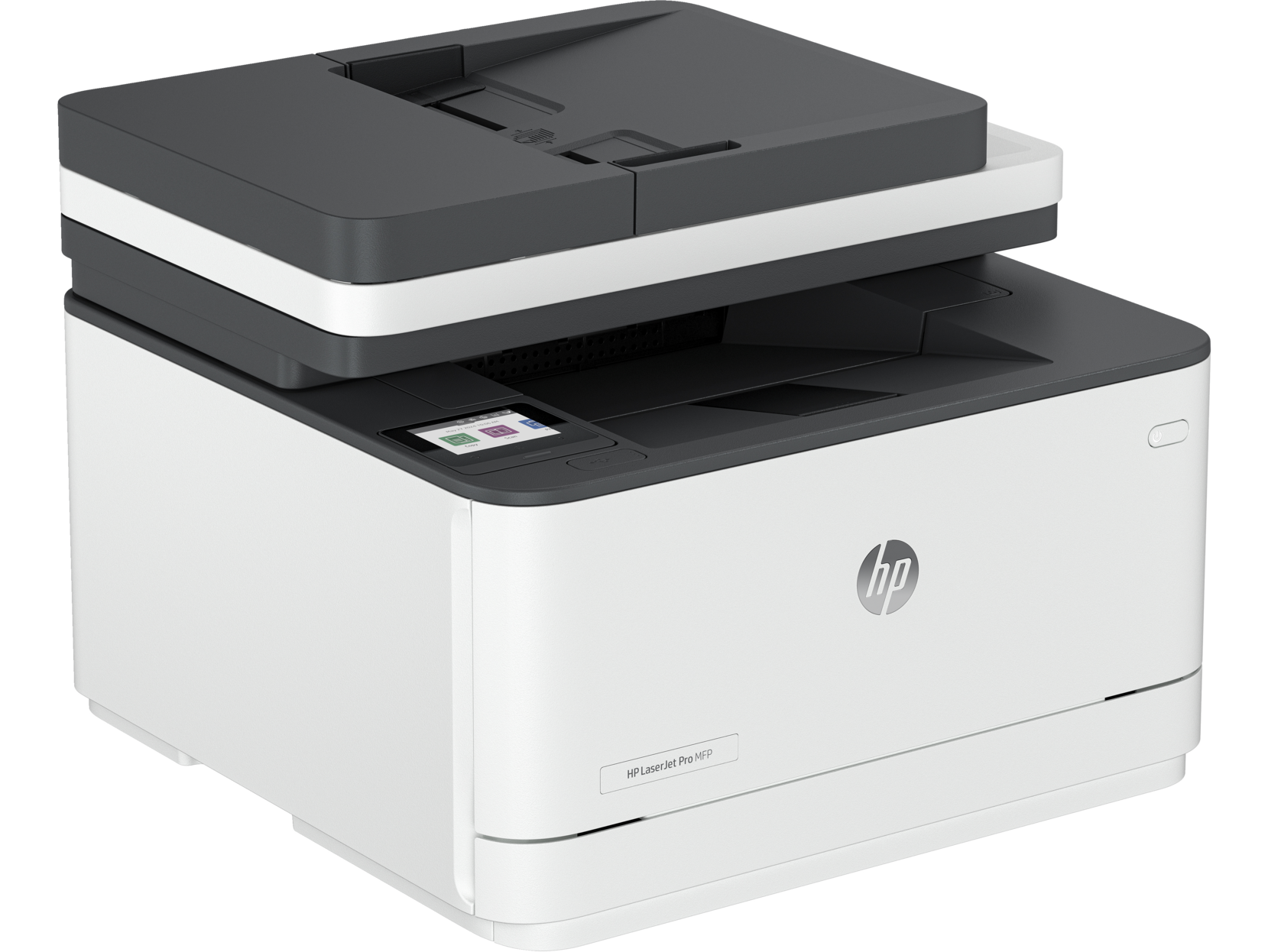
HP LaserJet Pro MFP 4102dw
A wireless monochrome laser MFP without fax — perfect for modern offices that have moved beyond traditional fax but still need fast print, scan, and copy.
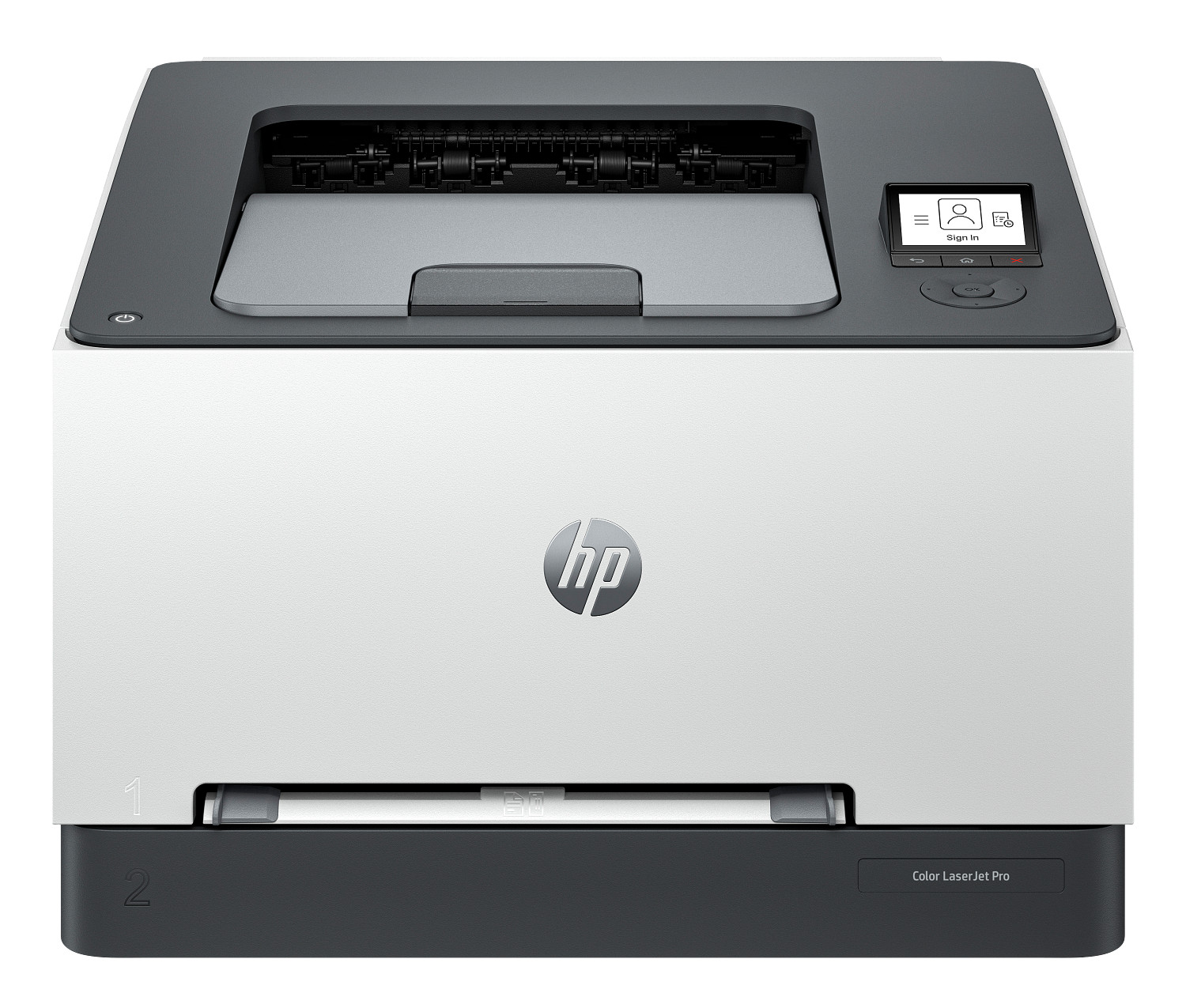
HP Color LaserJet Pro 4201dw
A fully-connected colour laser printer with WiFi, Bluetooth, and NFC. Ideal for modern offices that want wireless colour printing without compromising on speed.
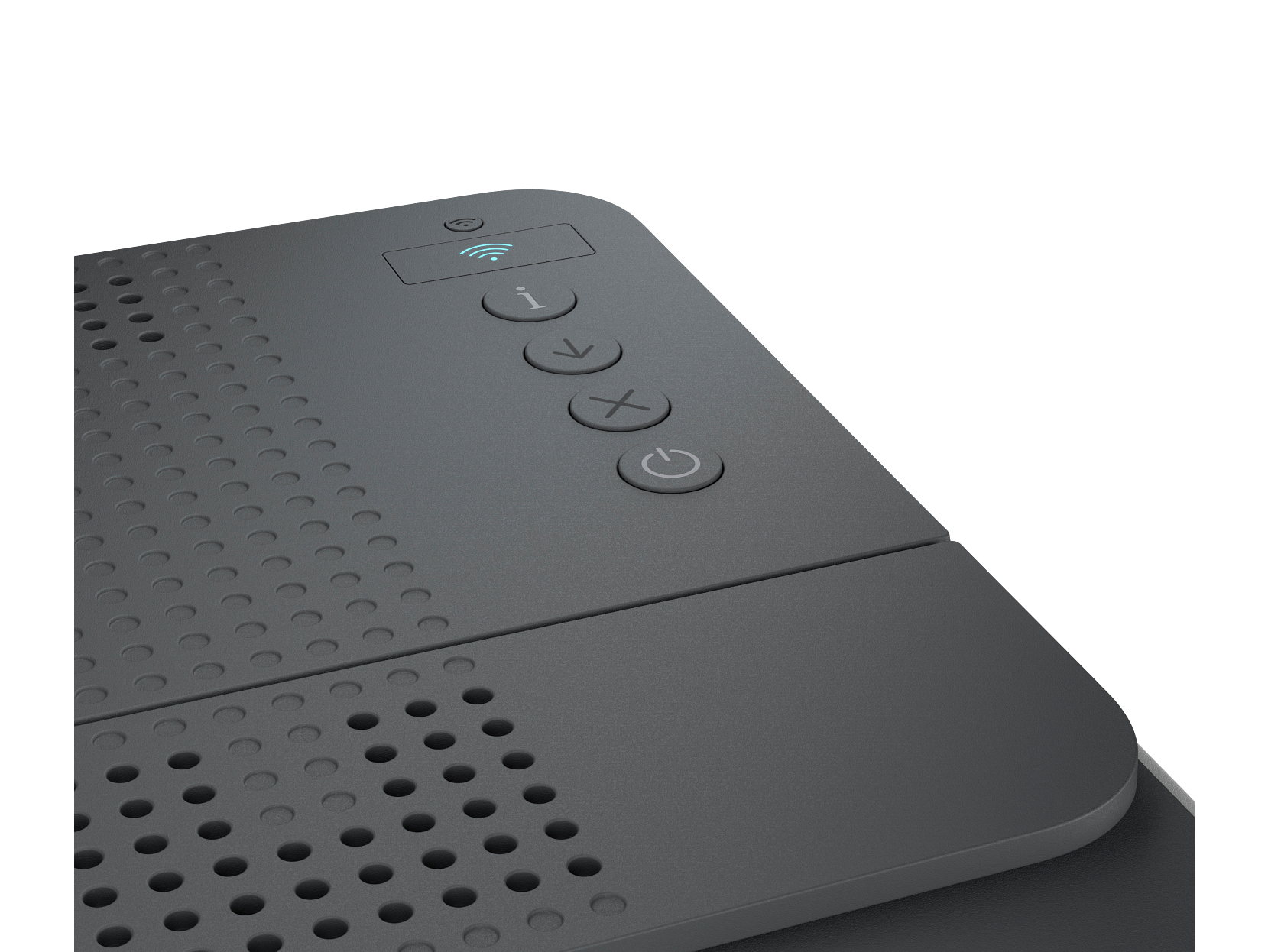
HP LaserJet Pro MFP 4102fdw
A wireless monochrome laser MFP with fax. Adds WiFi flexibility to the 4102fdn's full office workflow capabilities.
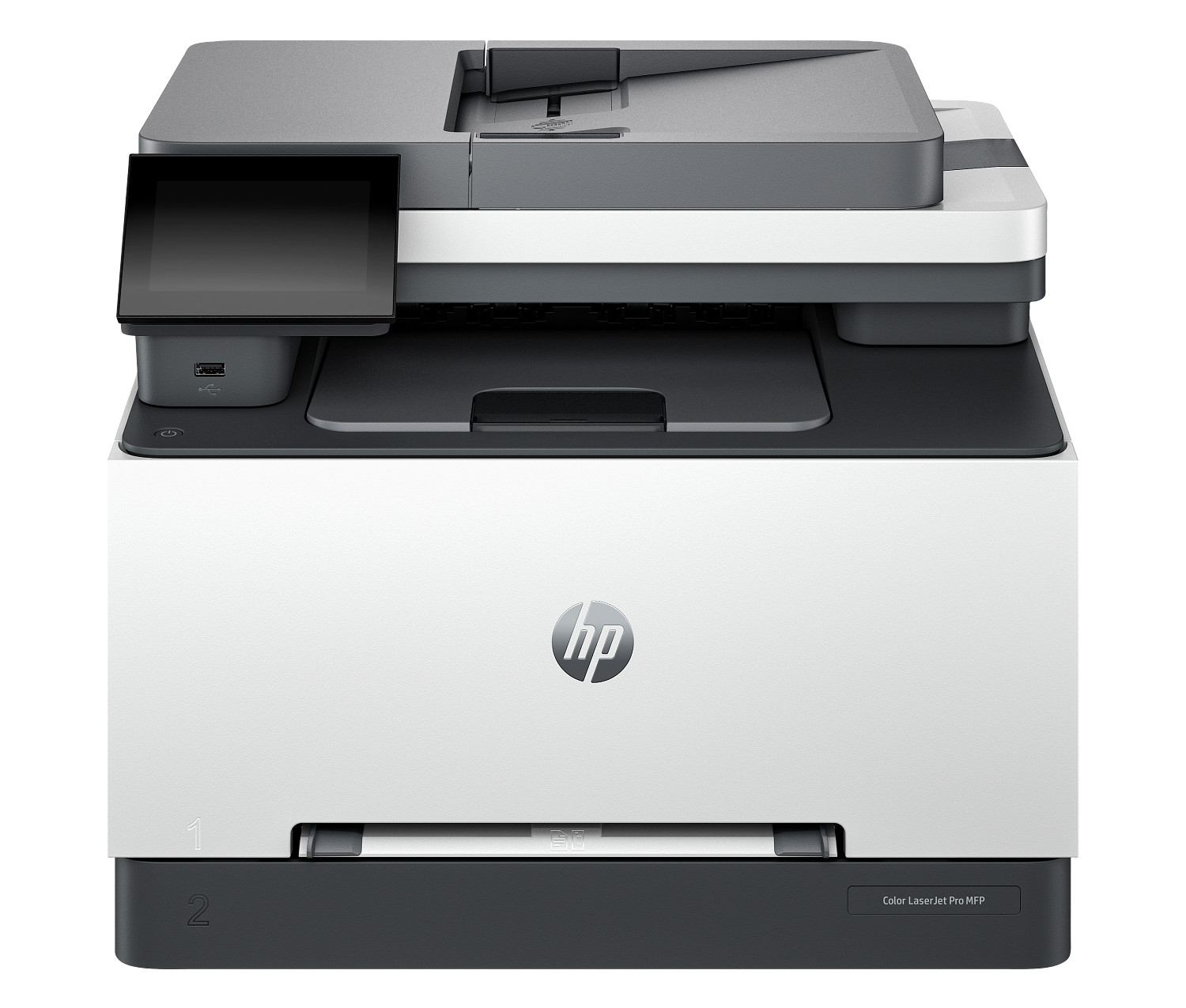
HP Color LaserJet Pro 4201dn
A wired colour laser printer offering fast, reliable output for high-volume office colour printing. Ethernet connection ensures consistent performance in shared environments.
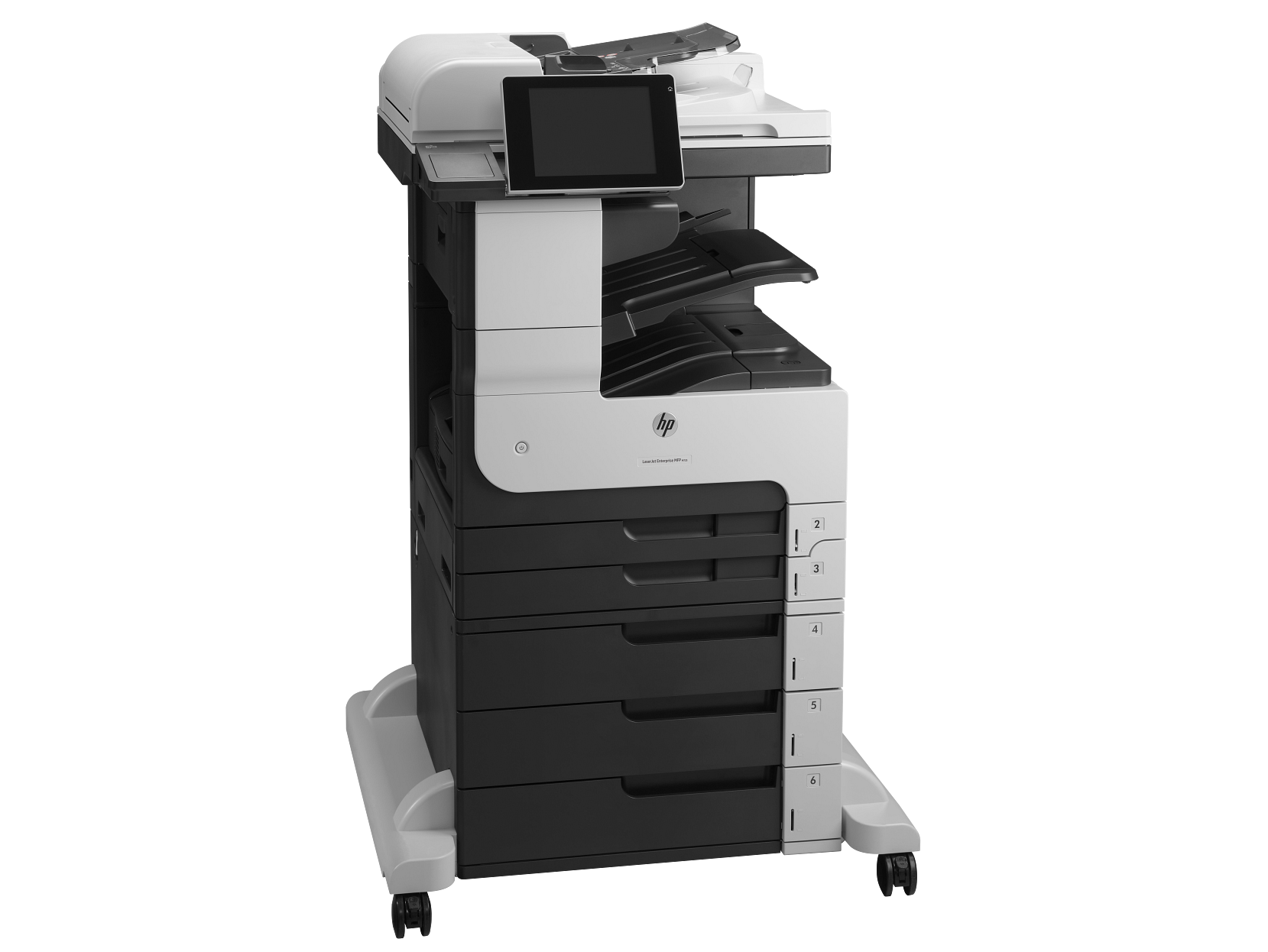
HP Color LaserJet Pro MFP 4301dw
A wireless colour laser all-in-one with the full connectivity suite. Handles print, scan, copy, and fax for busy small-to-medium offices.
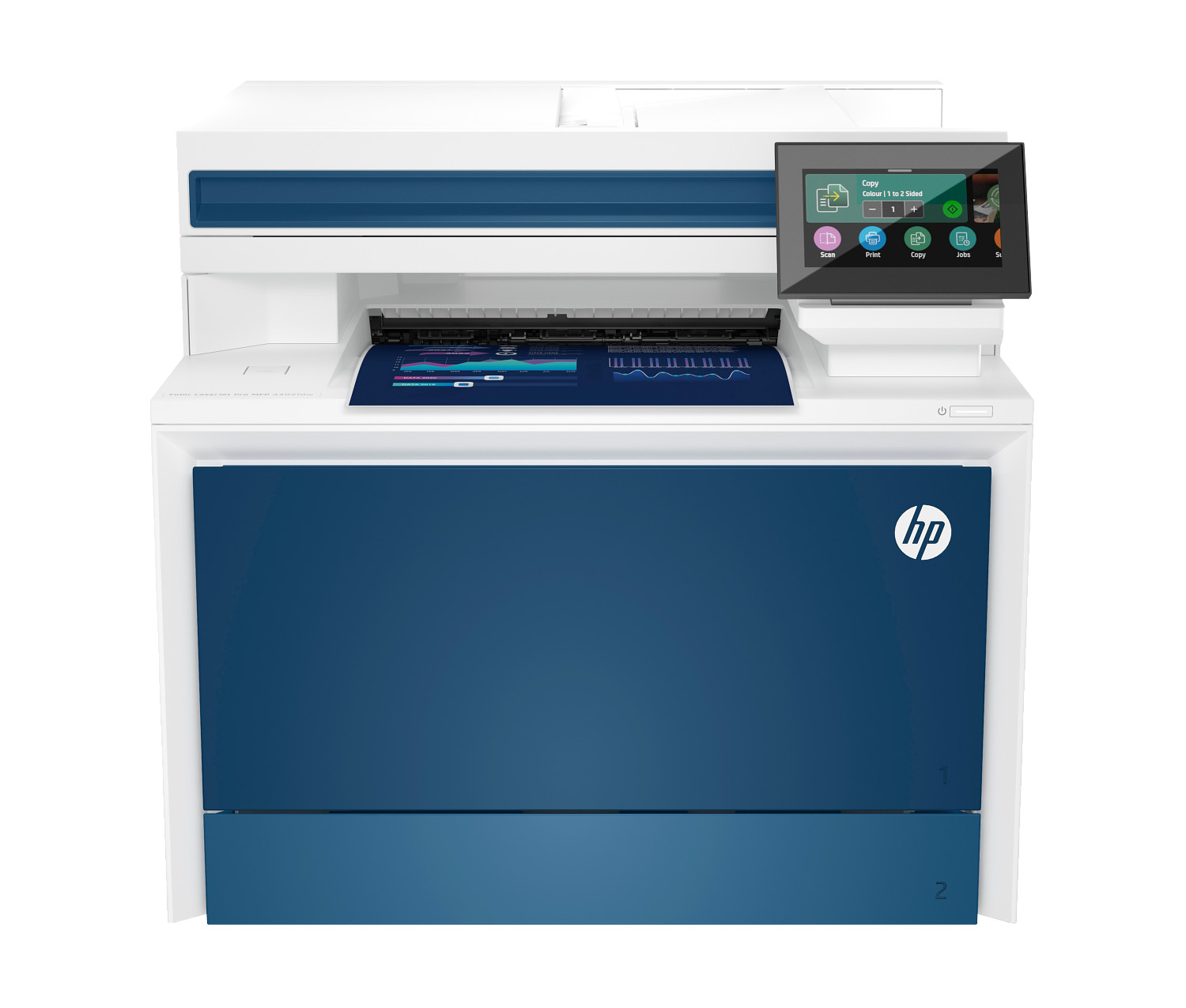
HP Color LaserJet Pro MFP 4301fdw
A fast colour laser all-in-one designed for demanding office environments. High duty cycle and NFC printing make it ideal for shared workgroups.
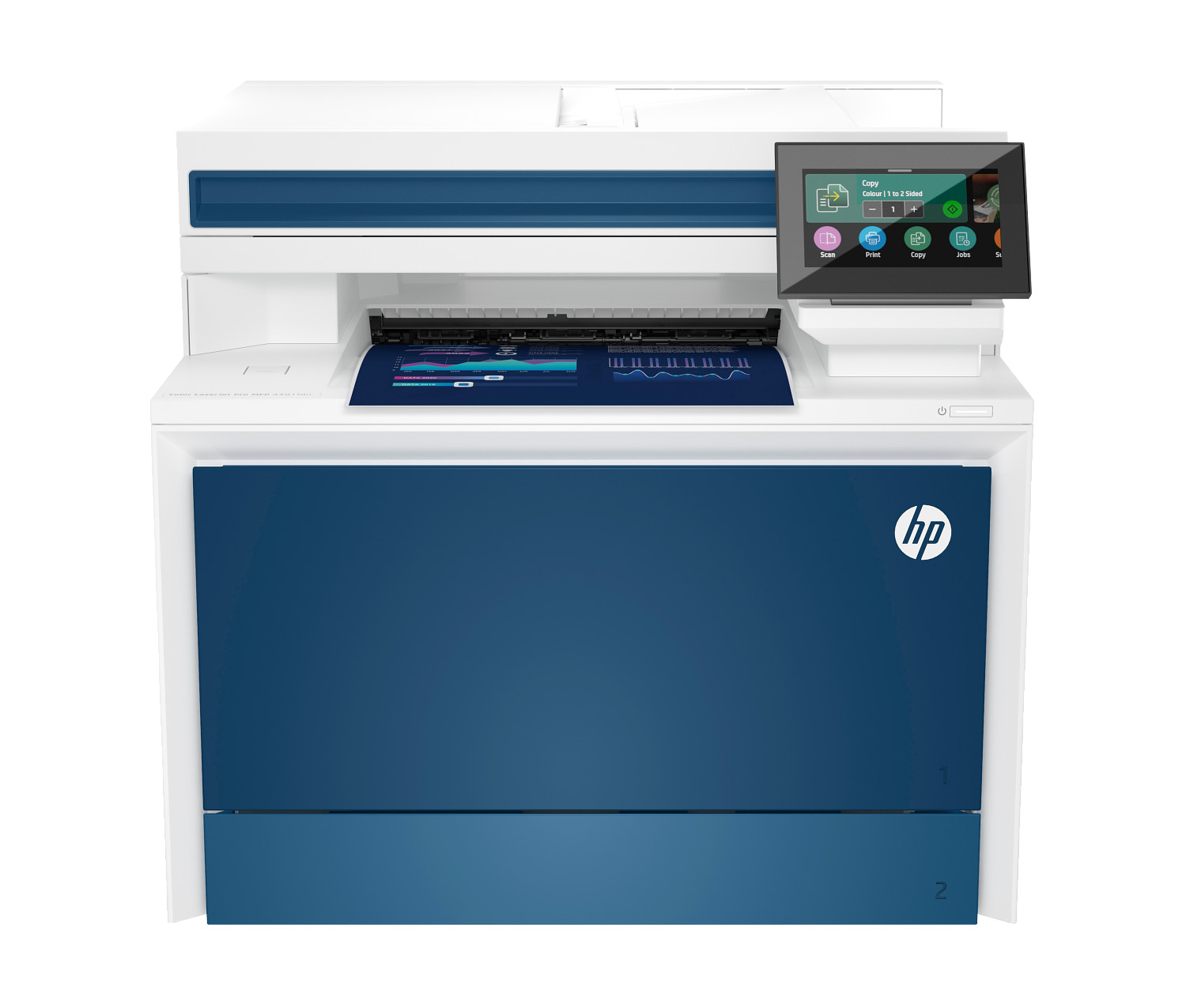
HP Color LaserJet Pro MFP 4301fdn
A wired colour laser all-in-one for offices that prioritize a stable network connection over wireless. High duty cycle and professional output.
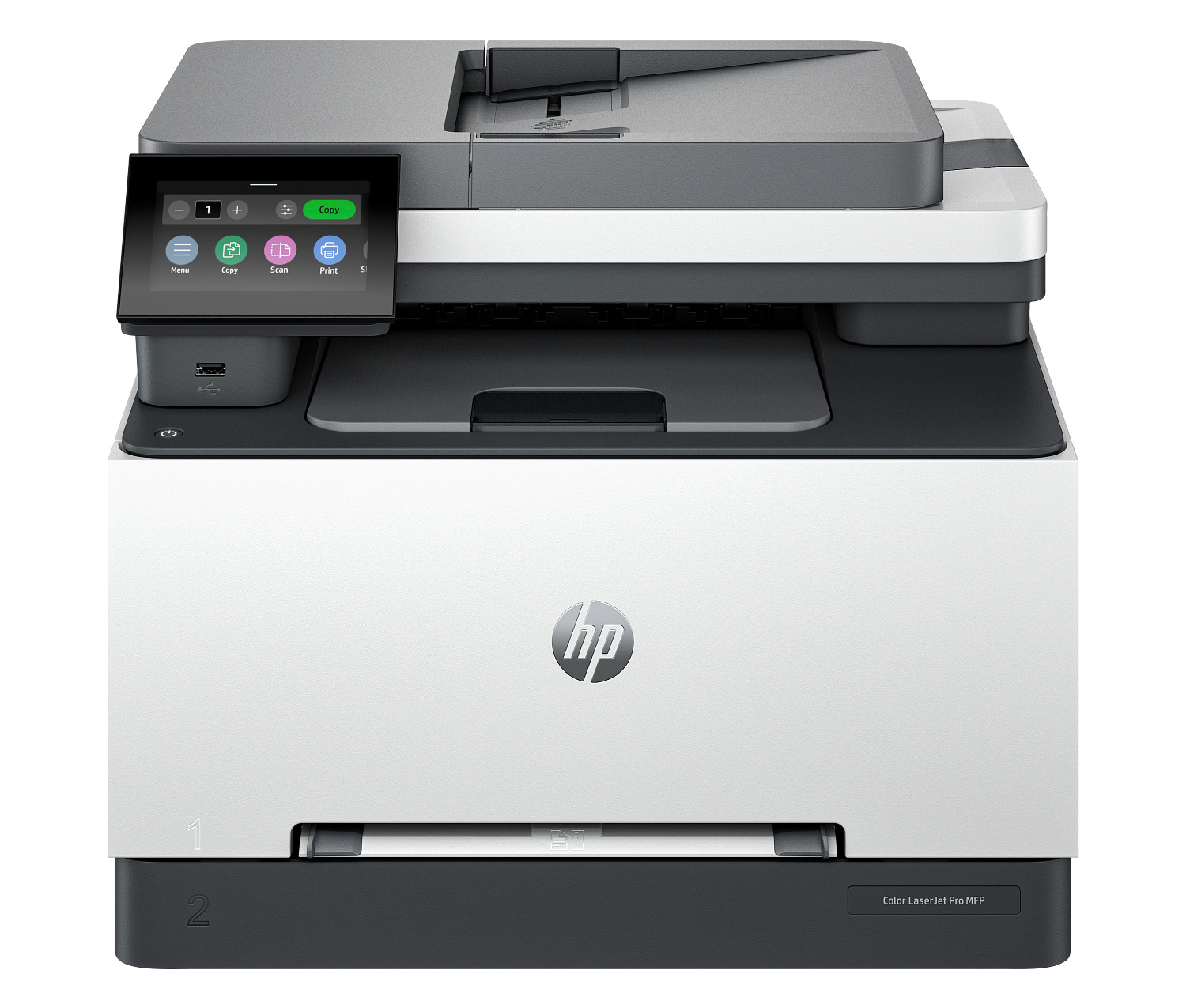
HP Color LaserJet Enterprise 5700dn
A wired enterprise colour laser printer for mid-to-large workgroups. Reliable, fast, and built to handle demanding colour print volumes every day.
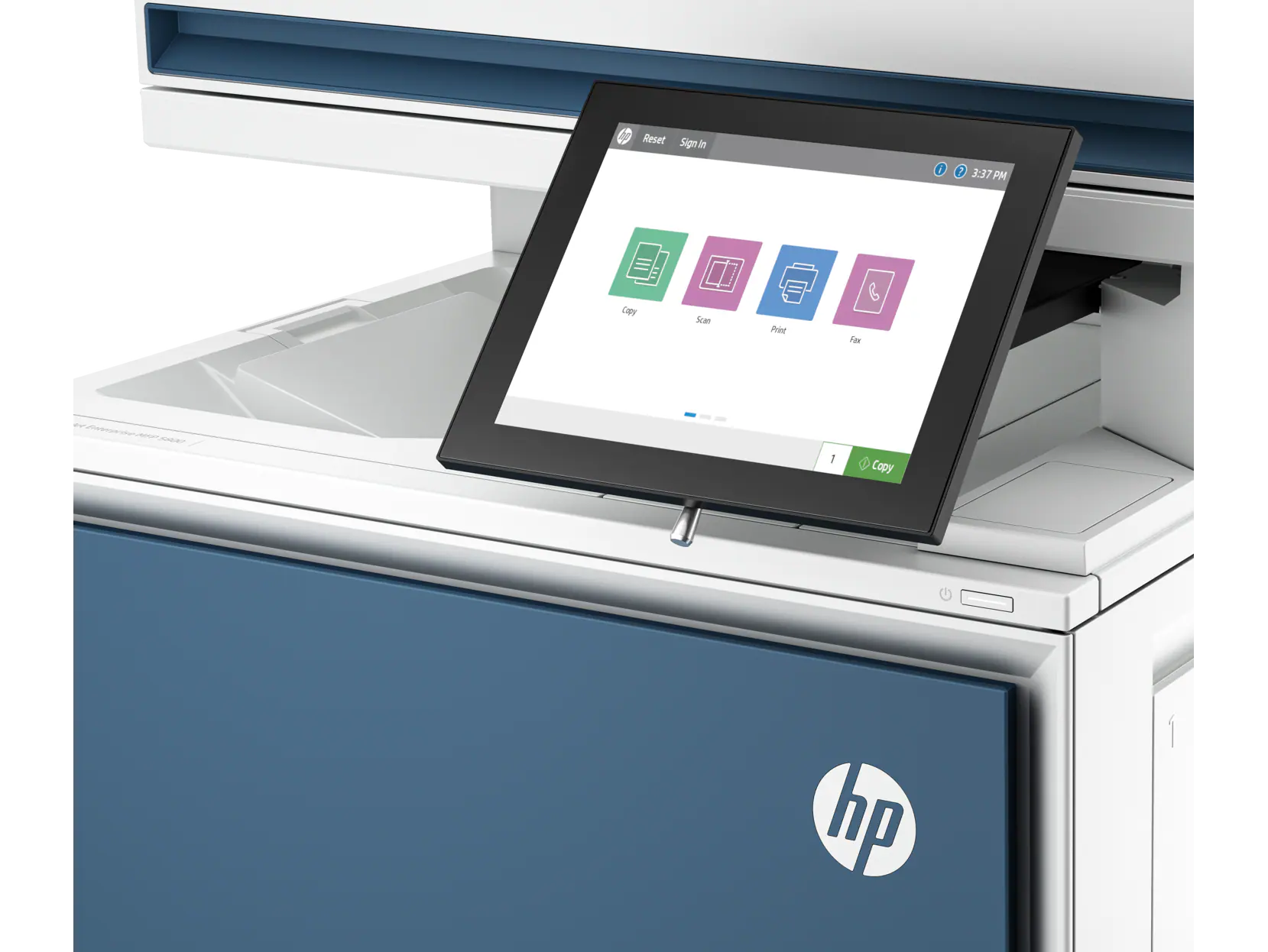
HP LaserJet MFP E52645dn
A high-speed enterprise monochrome MFP with outstanding scan, copy, and print capabilities. HP Wolf Security integration protects sensitive document workflows.
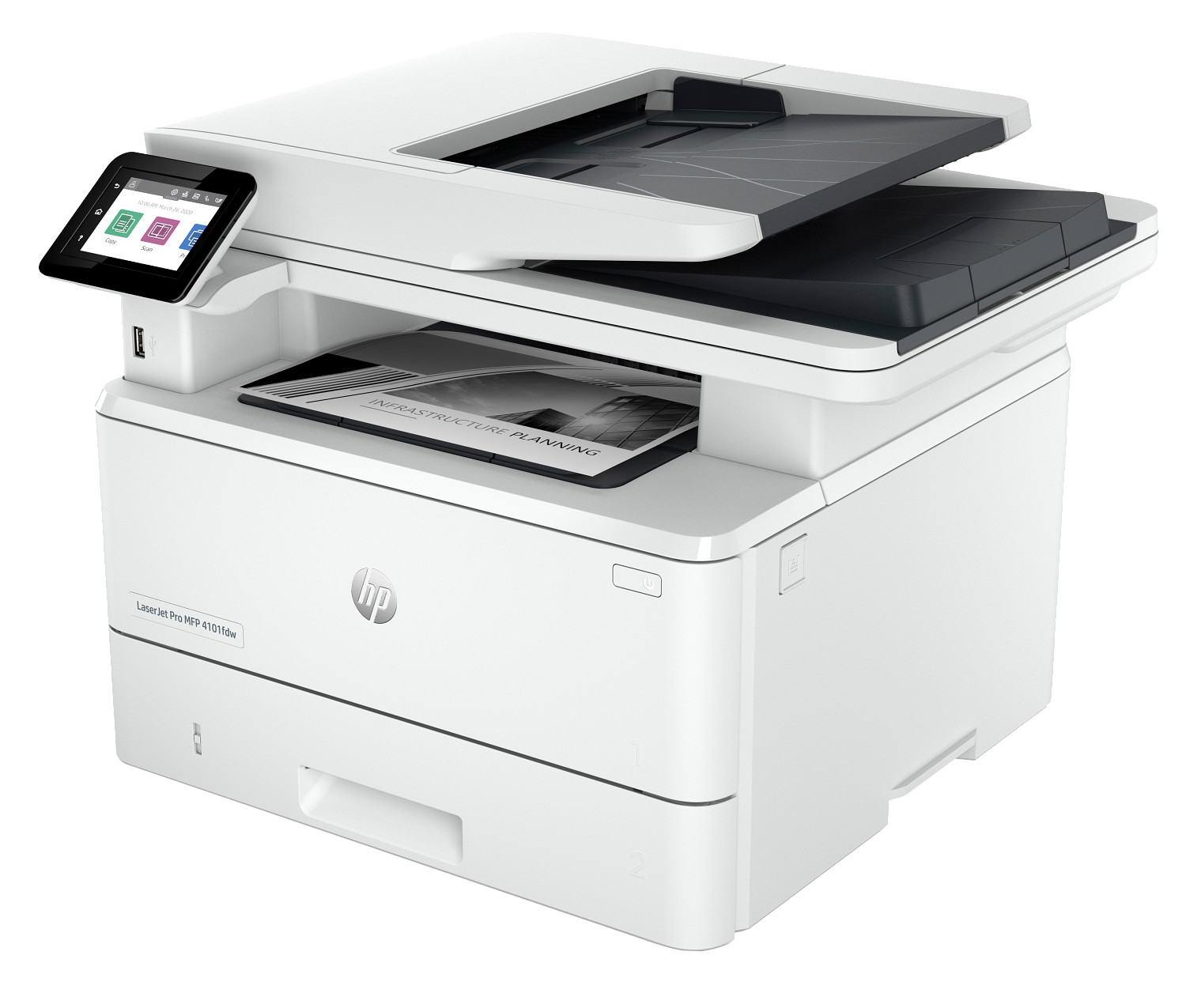
HP Color LaserJet Enterprise MFP 5800dn
A wired enterprise colour laser MFP for offices requiring consistent colour output with scanning and copying. High-speed ADF simplifies large document jobs.
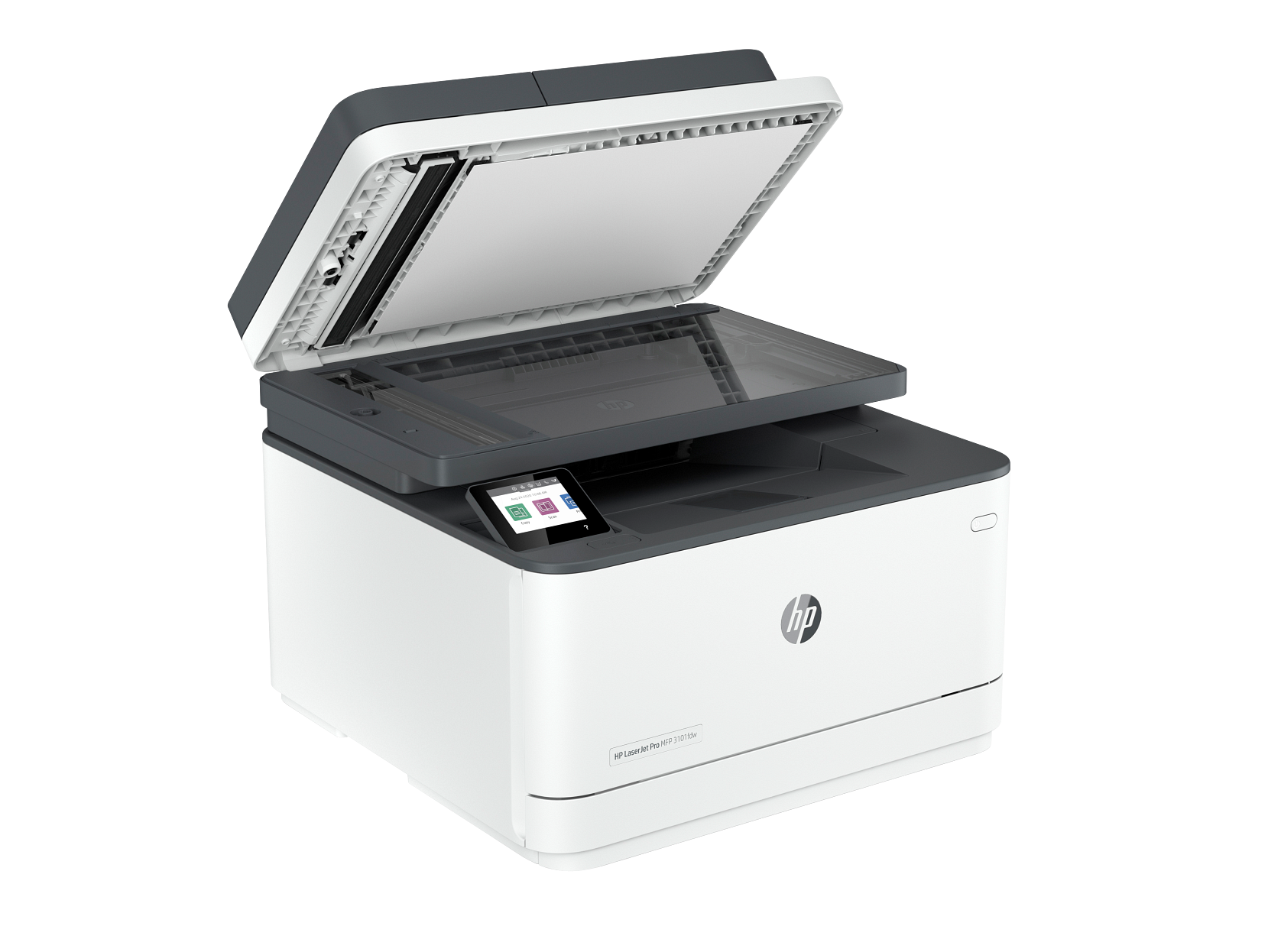
HP Color LaserJet Enterprise 6700dn
A high-speed enterprise colour laser printer with professional 1200dpi output. Wired Ethernet keeps it stable in large shared environments.
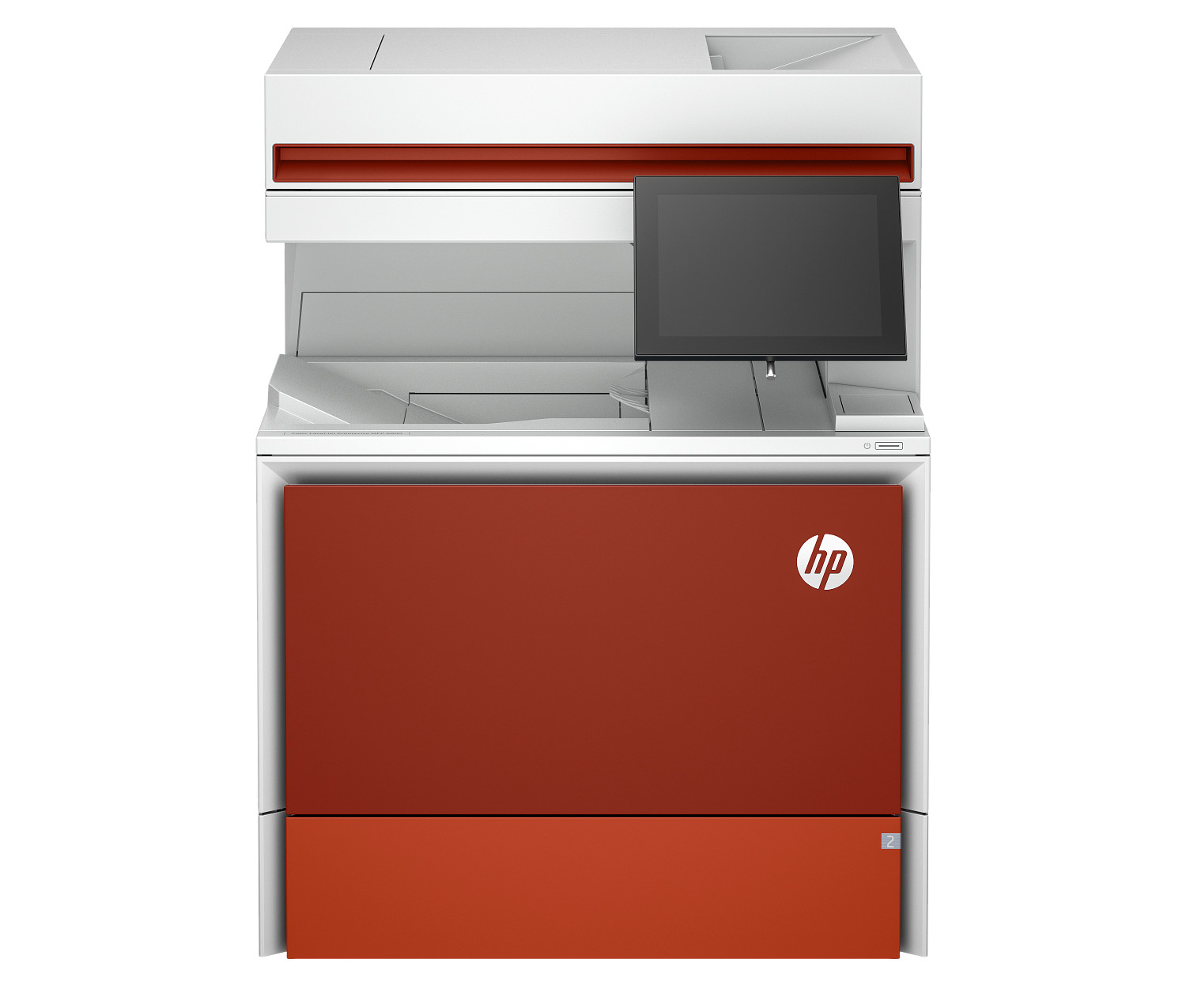
HP Color LaserJet Enterprise 6700dn Extended
The extended-capacity version of the enterprise 6700dn with larger paper trays. Minimises refill interruptions in very high-volume print environments.
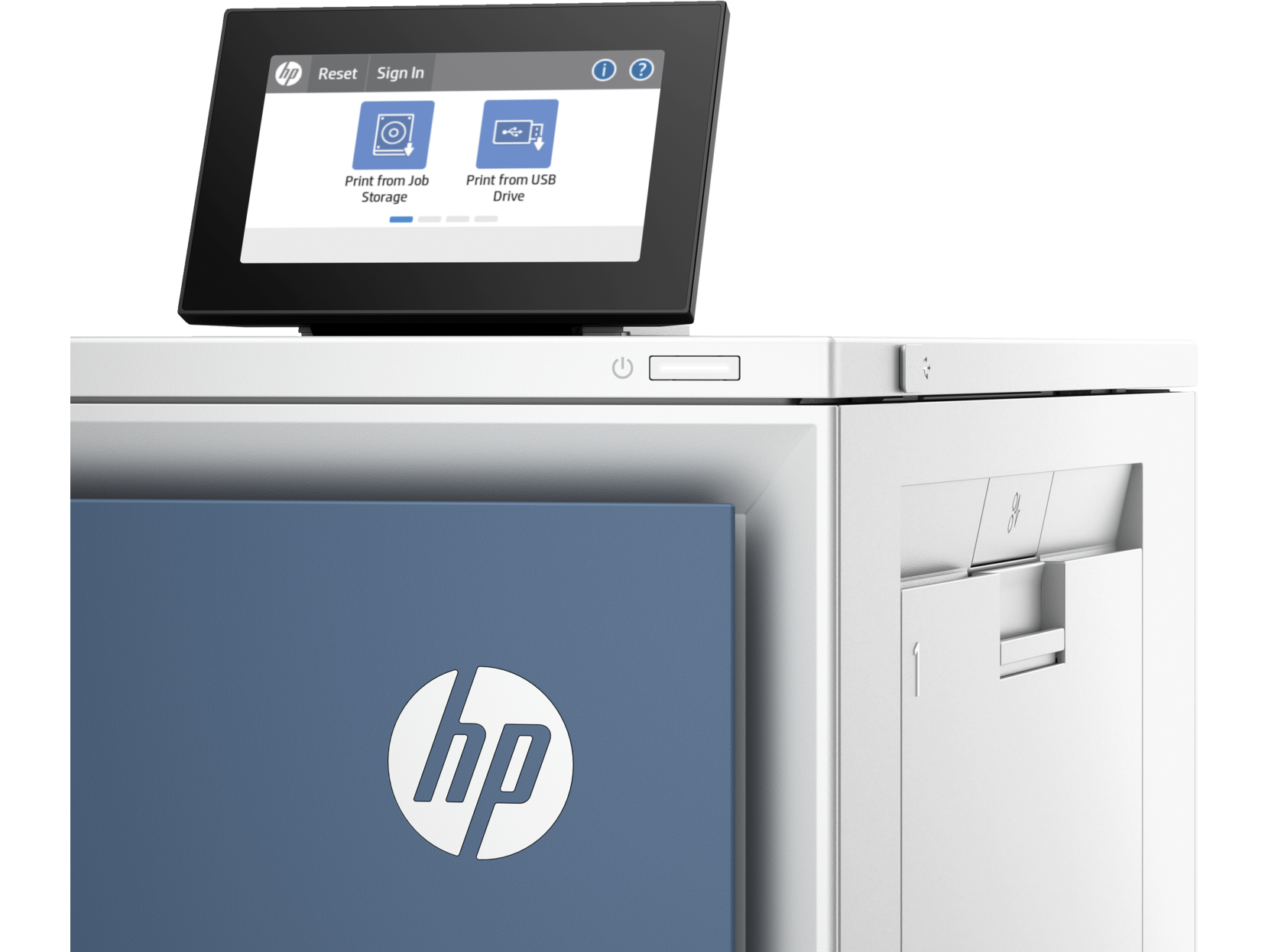
HP Color LaserJet Enterprise 6701dn
One of HP's fastest colour laser printers with 65ppm output and 1200dpi resolution. Full wireless connectivity for flexible deployment in enterprise environments.
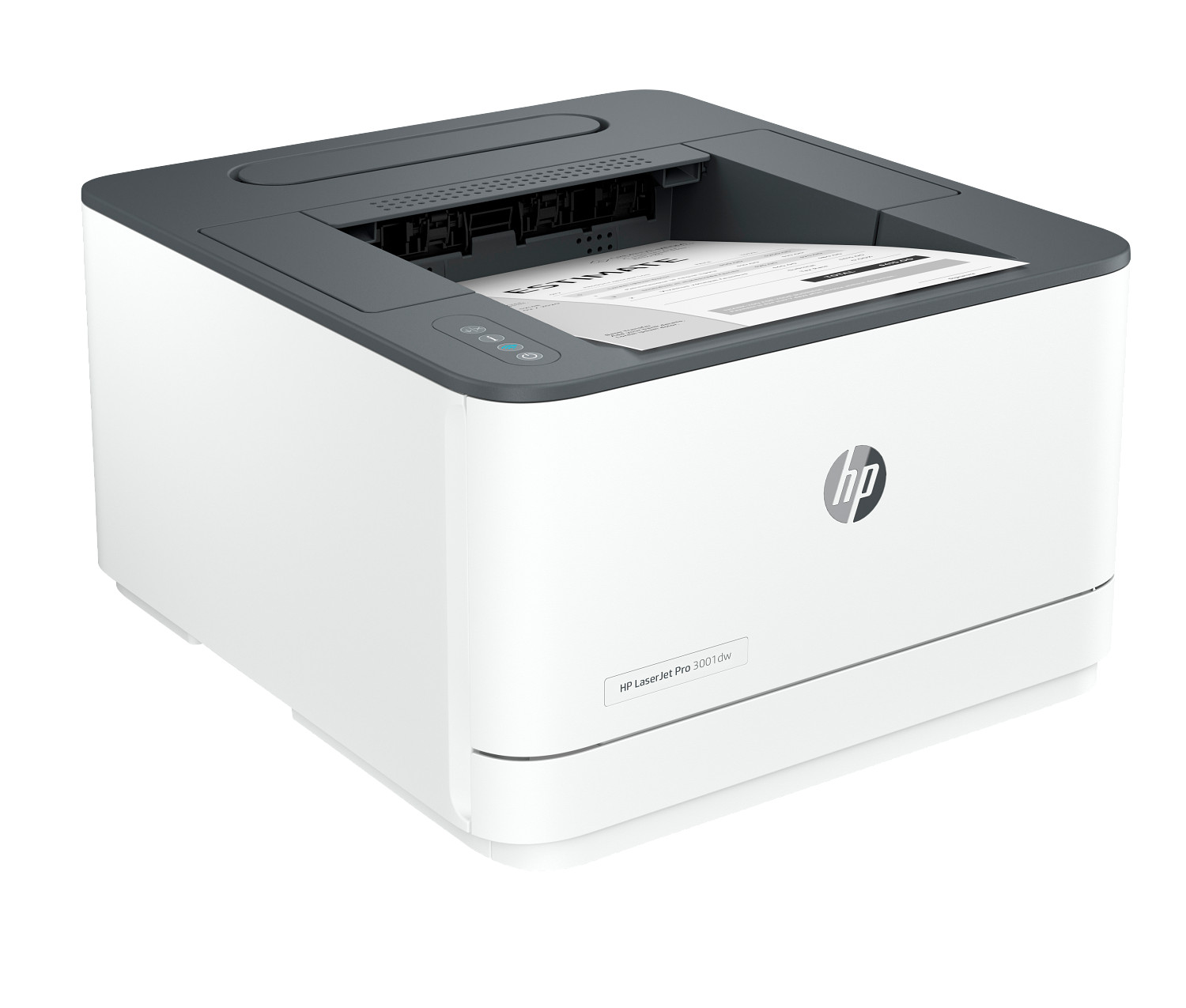
HP Color LaserJet Enterprise MFP 6800dn
An enterprise colour laser MFP delivering outstanding speed and resolution. The high-speed ADF handles large scanning workloads efficiently.
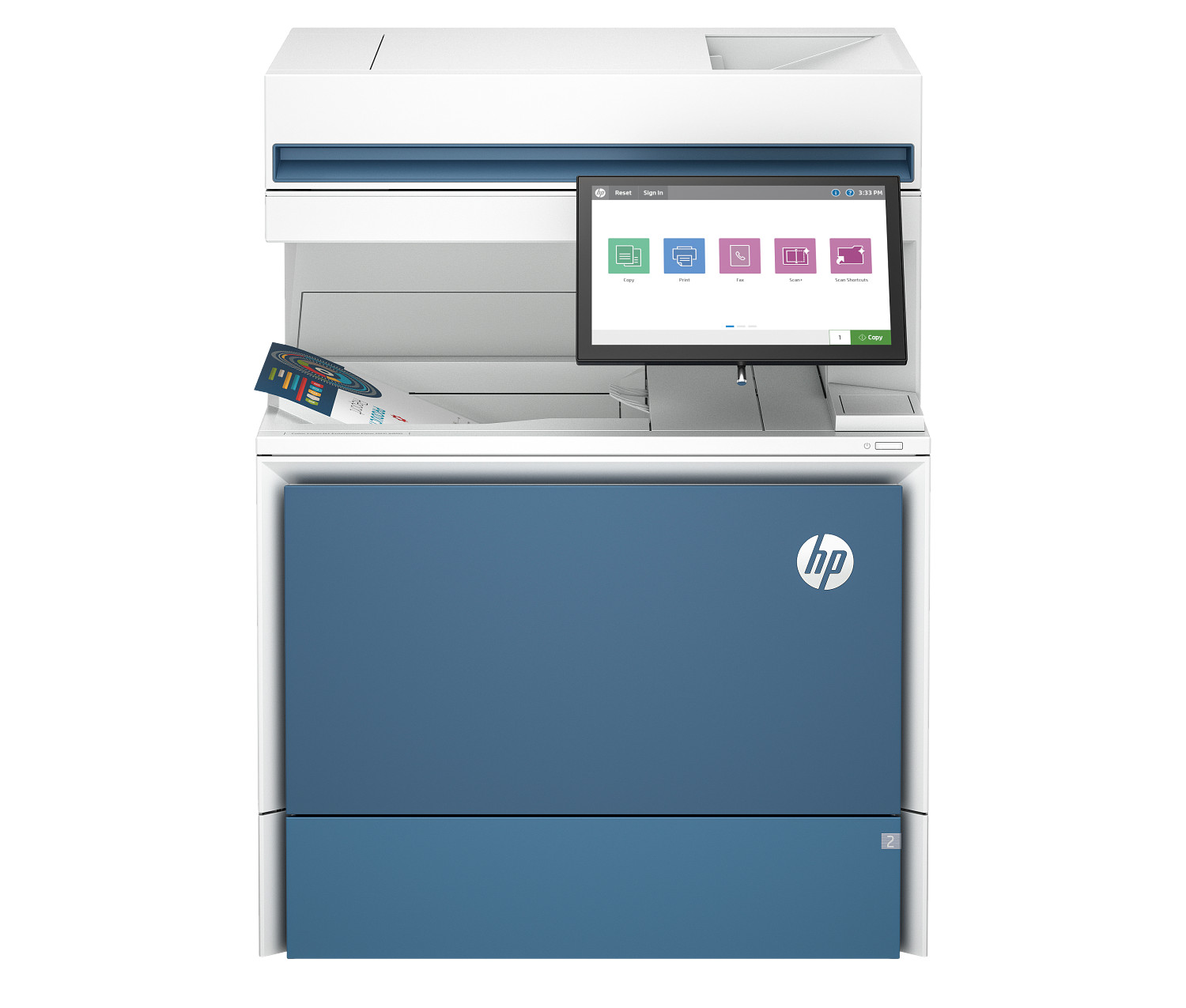
HP Color LaserJet Enterprise Flow MFP 5800zf
An enterprise colour Flow MFP with automated document processing. Full wireless, Bluetooth, and NFC connectivity make it ideal for connected enterprise environments.
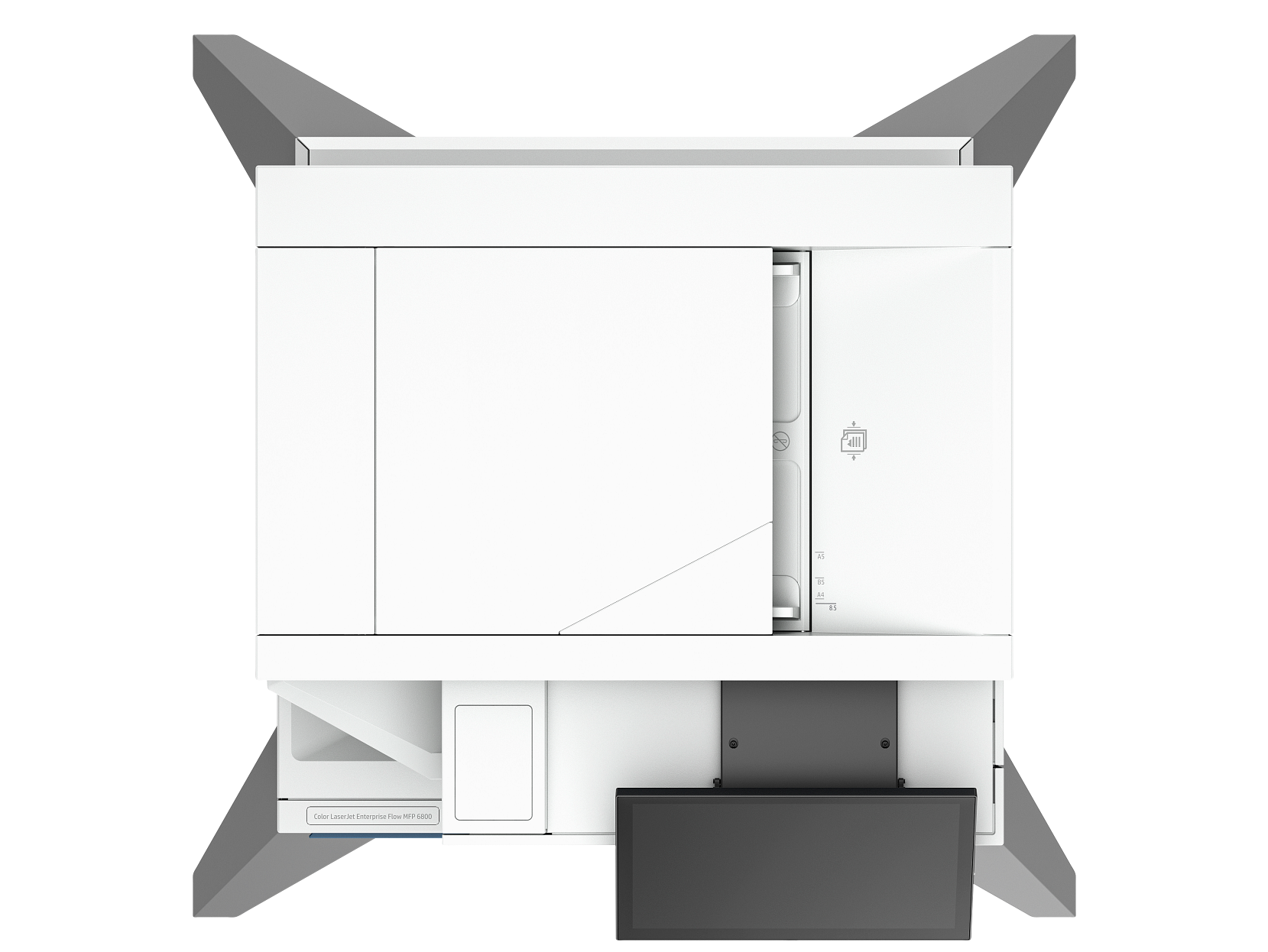
HP Color LaserJet Enterprise MFP 6800zfsw
A fully-wireless enterprise colour MFP with Flow automation. The most connected option in the 6800 family, with WiFi, Bluetooth, and NFC all built in.
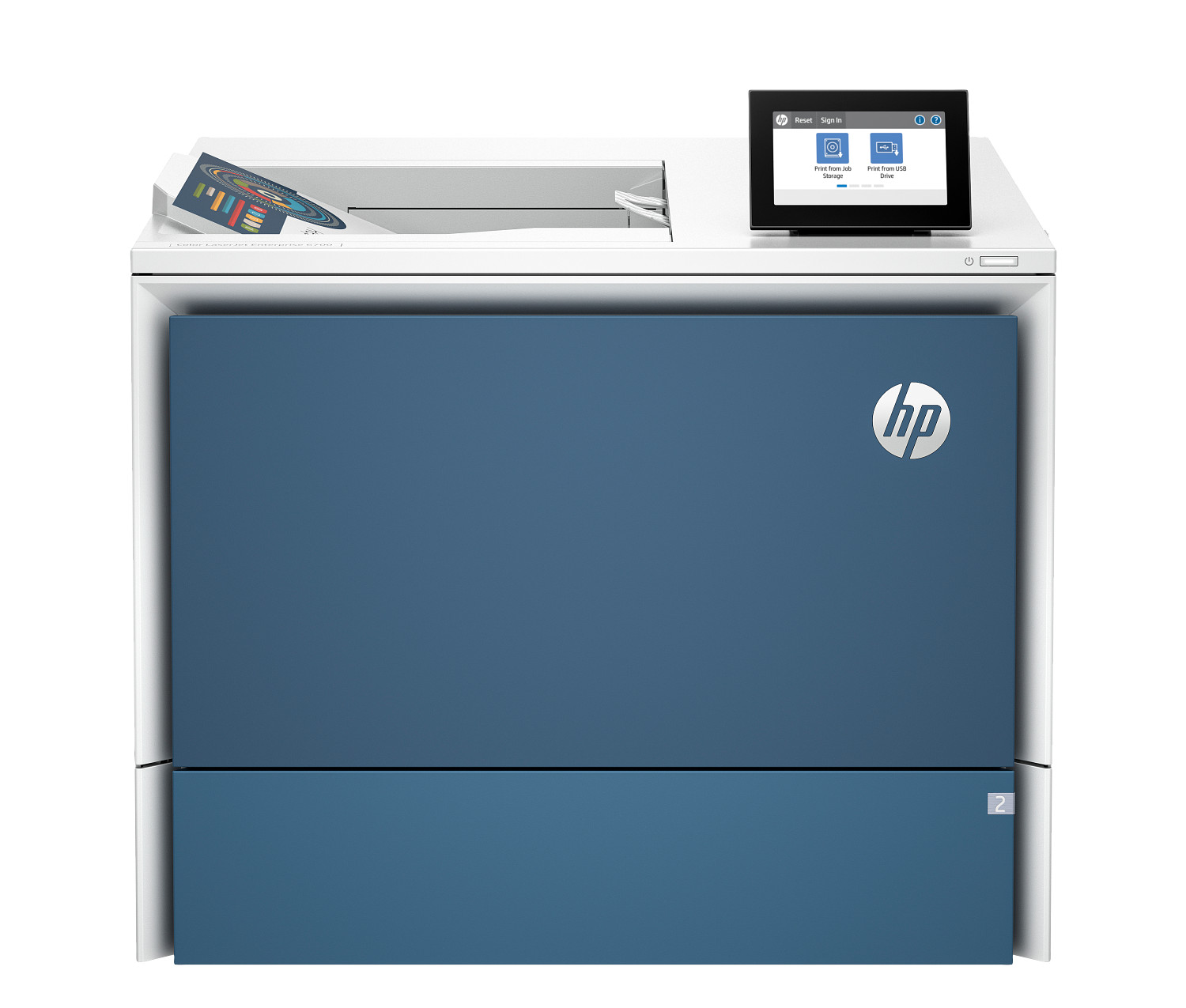
HP Color LaserJet Enterprise Flow MFP 6800zf
A fully-featured enterprise colour Flow MFP with automated document routing. The go-to choice for large organisations with complex document workflows.
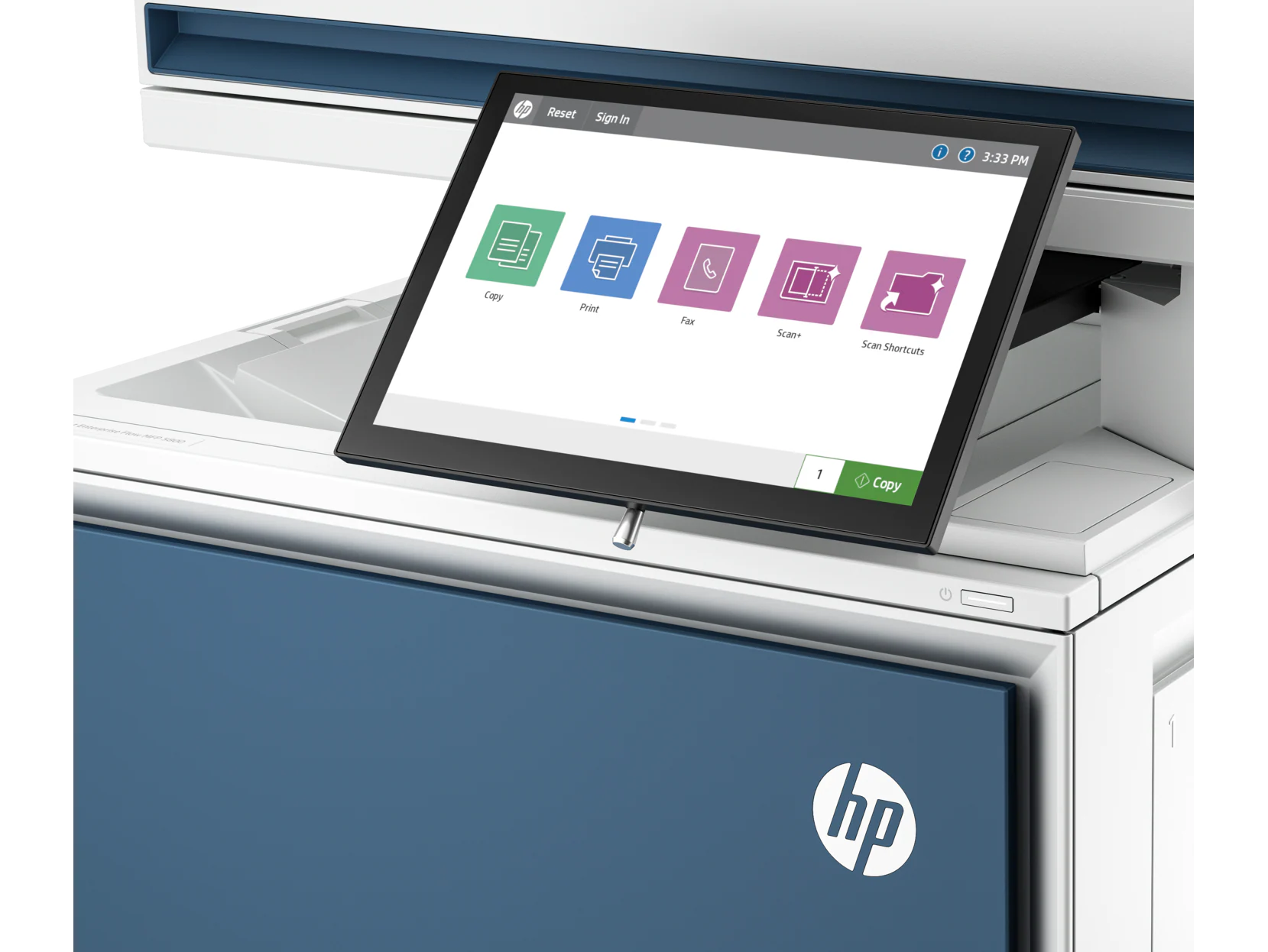
HP Color LaserJet Enterprise Flow MFP 5800zf Extended
The extended-capacity version of HP's enterprise colour Flow MFP. Larger paper trays combined with full automation make it ideal for the highest-volume environments.
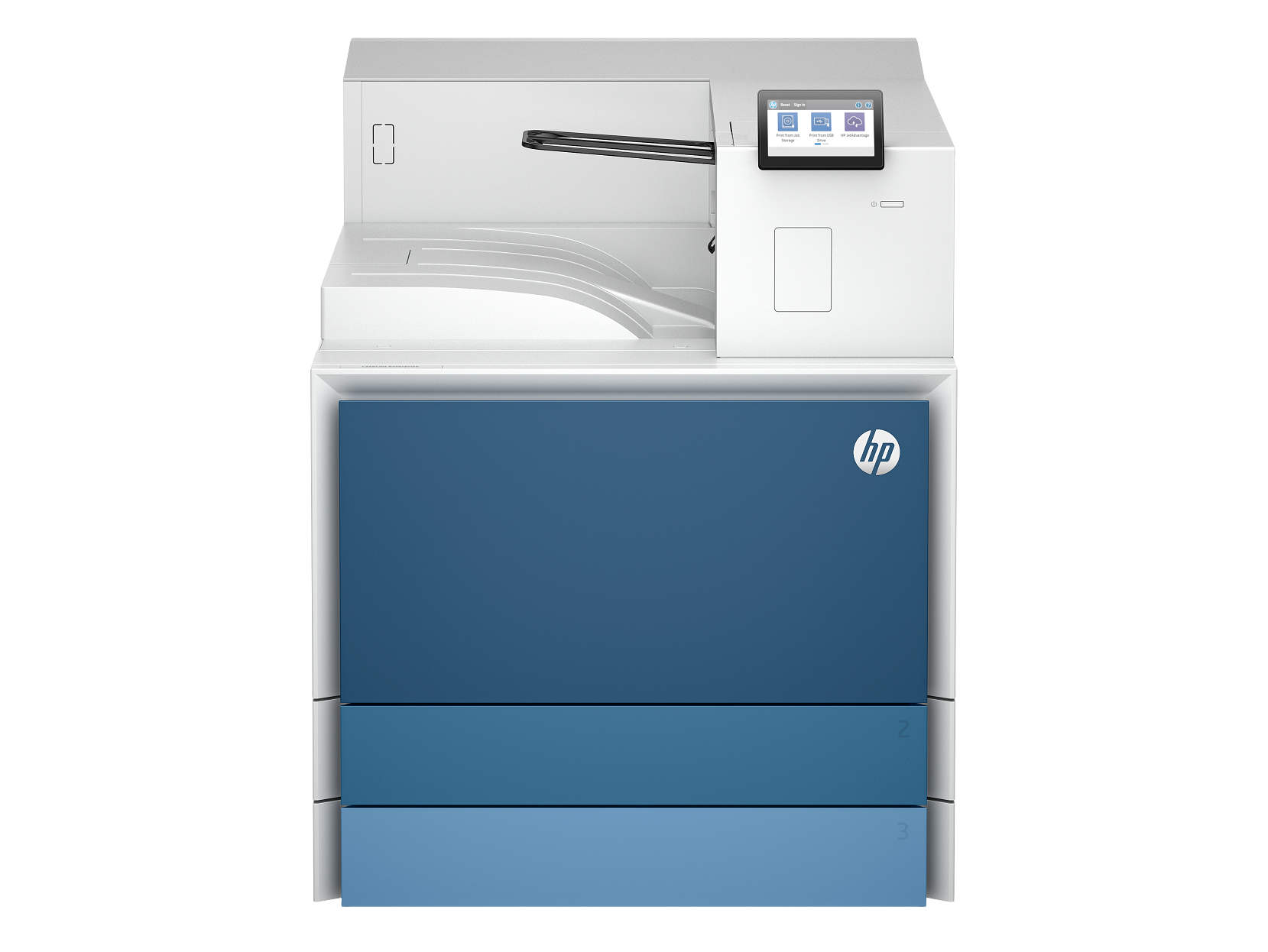
HP LaserJet Enterprise 8501dn
A wired enterprise monochrome laser printer for large organisations that prefer stable Ethernet connectivity over wireless.
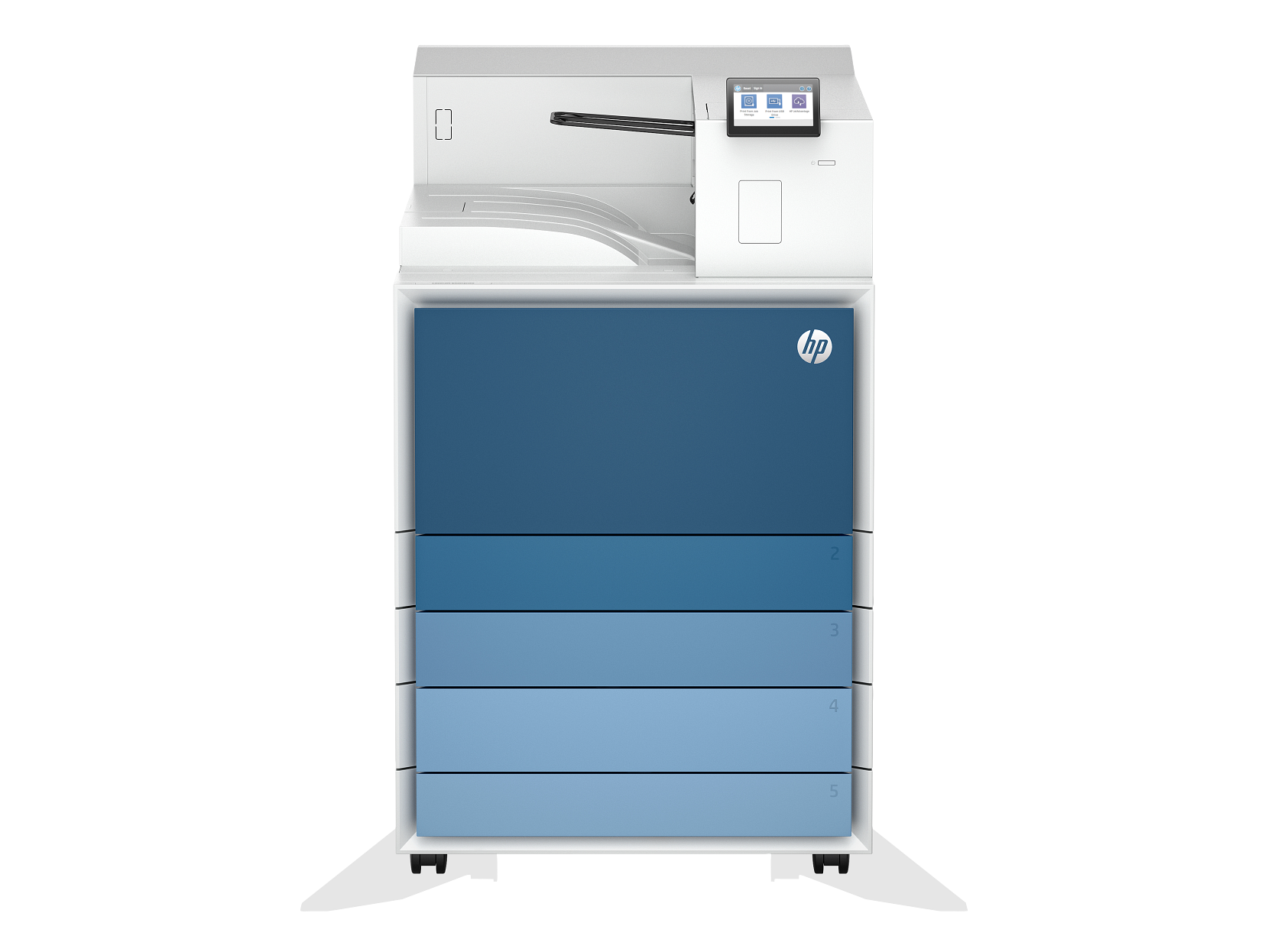
HP LaserJet Enterprise 8501x
The full-featured enterprise laser printer with both wired and wireless support. Designed for large print fleets requiring maximum reliability.
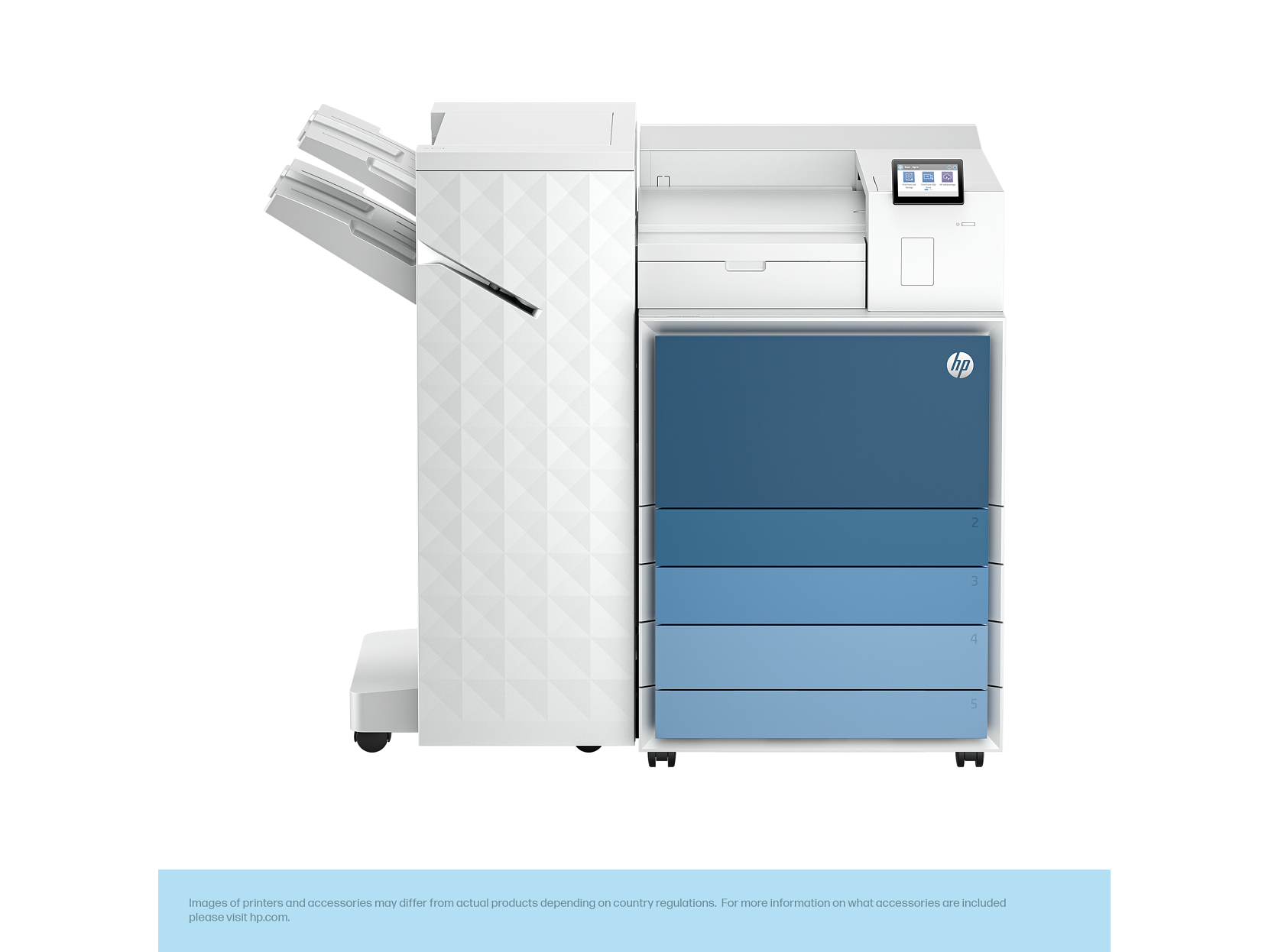
HP LaserJet Enterprise 8501x+
A high-capacity enterprise monochrome laser printer built for maximum volume. Extremely low cost per page at scale.
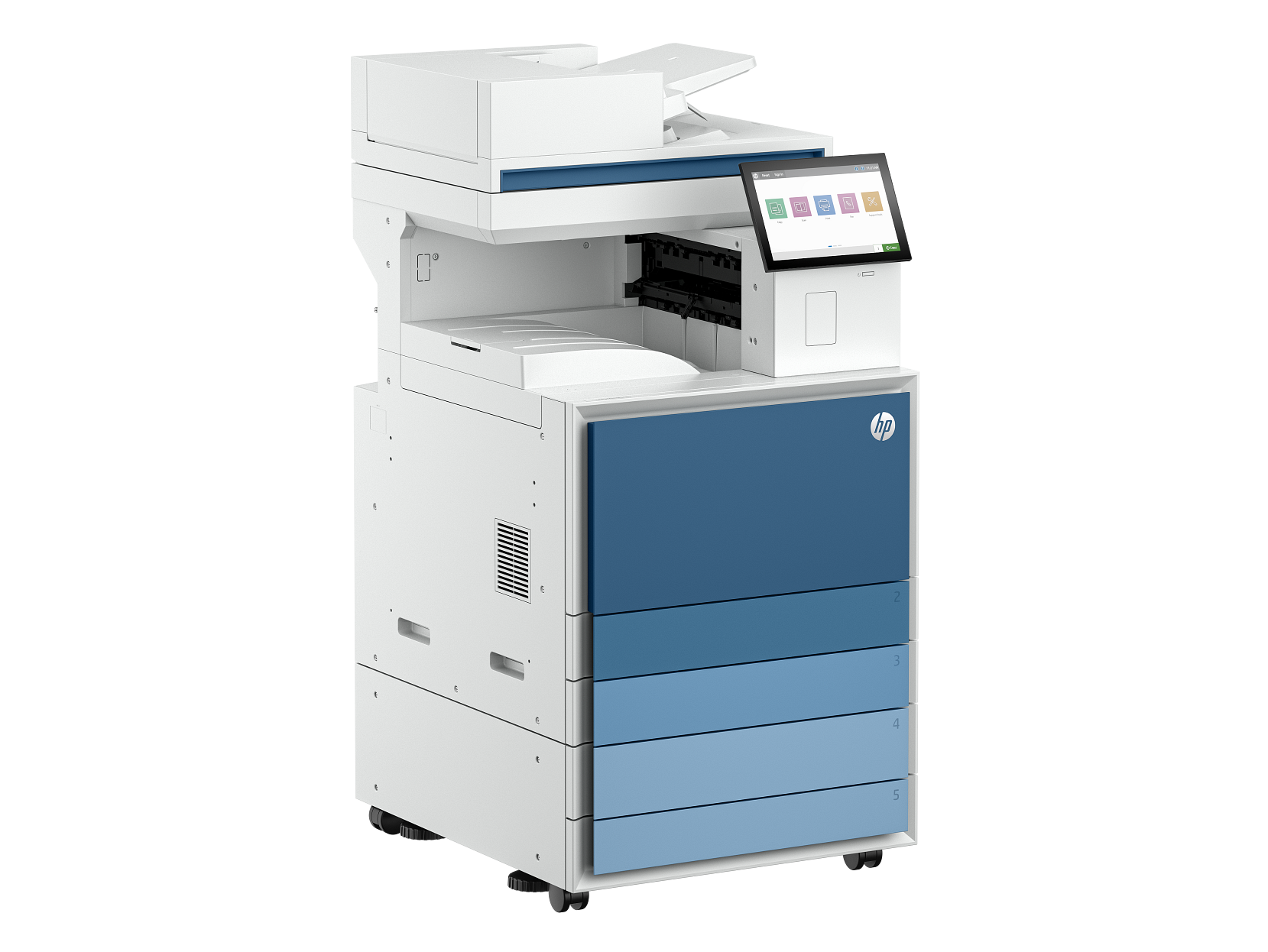
HP LaserJet Enterprise MFP 8601dn
A high-end enterprise monochrome MFP built for demanding print environments. 70ppm output and a 300,000-page monthly duty cycle handle the heaviest workloads.
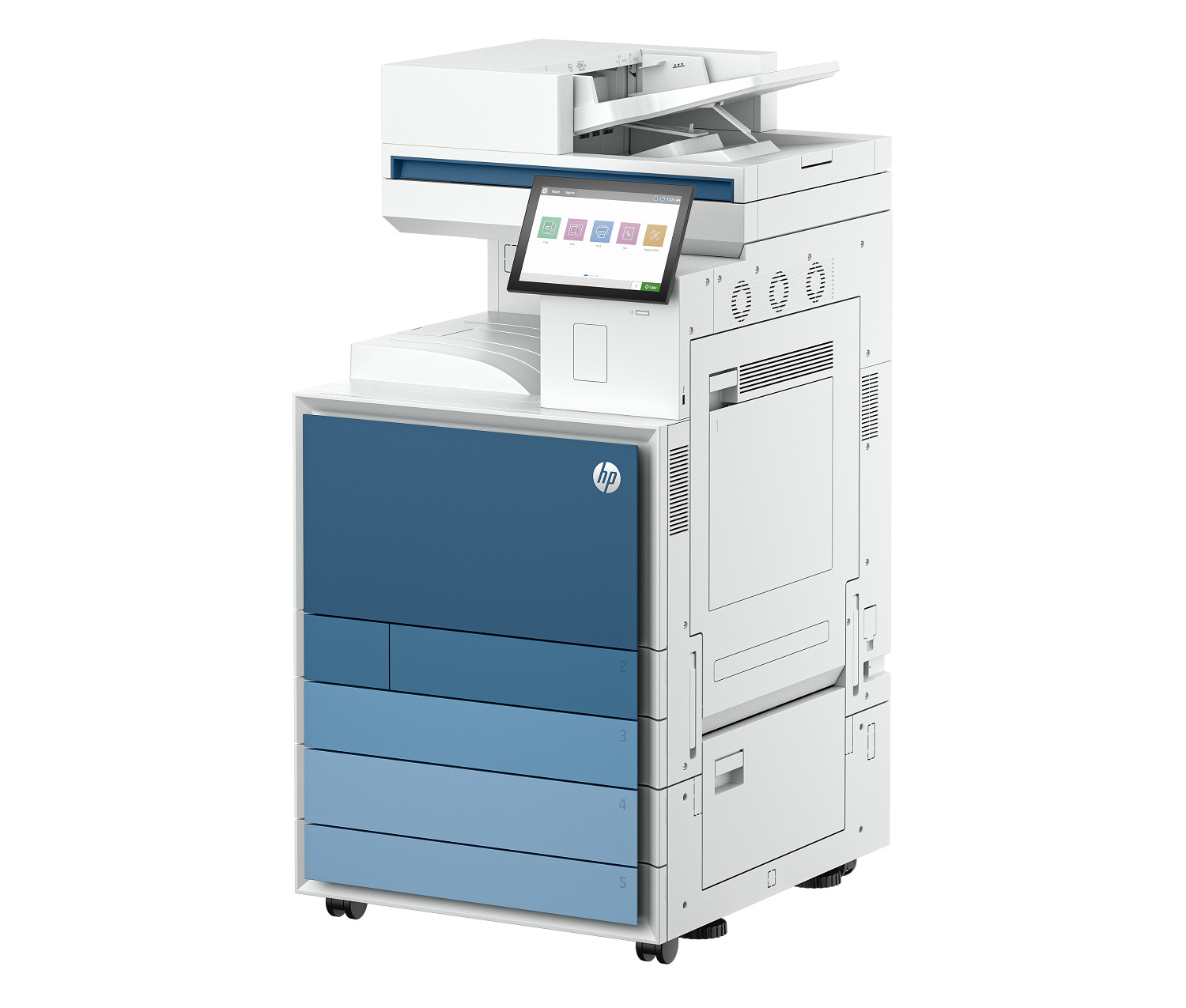
HP Color LaserJet Enterprise MFP 8801dn
A wired enterprise colour laser MFP for large organisations that prefer Ethernet reliability. Exceptional duty cycle and colour output quality.
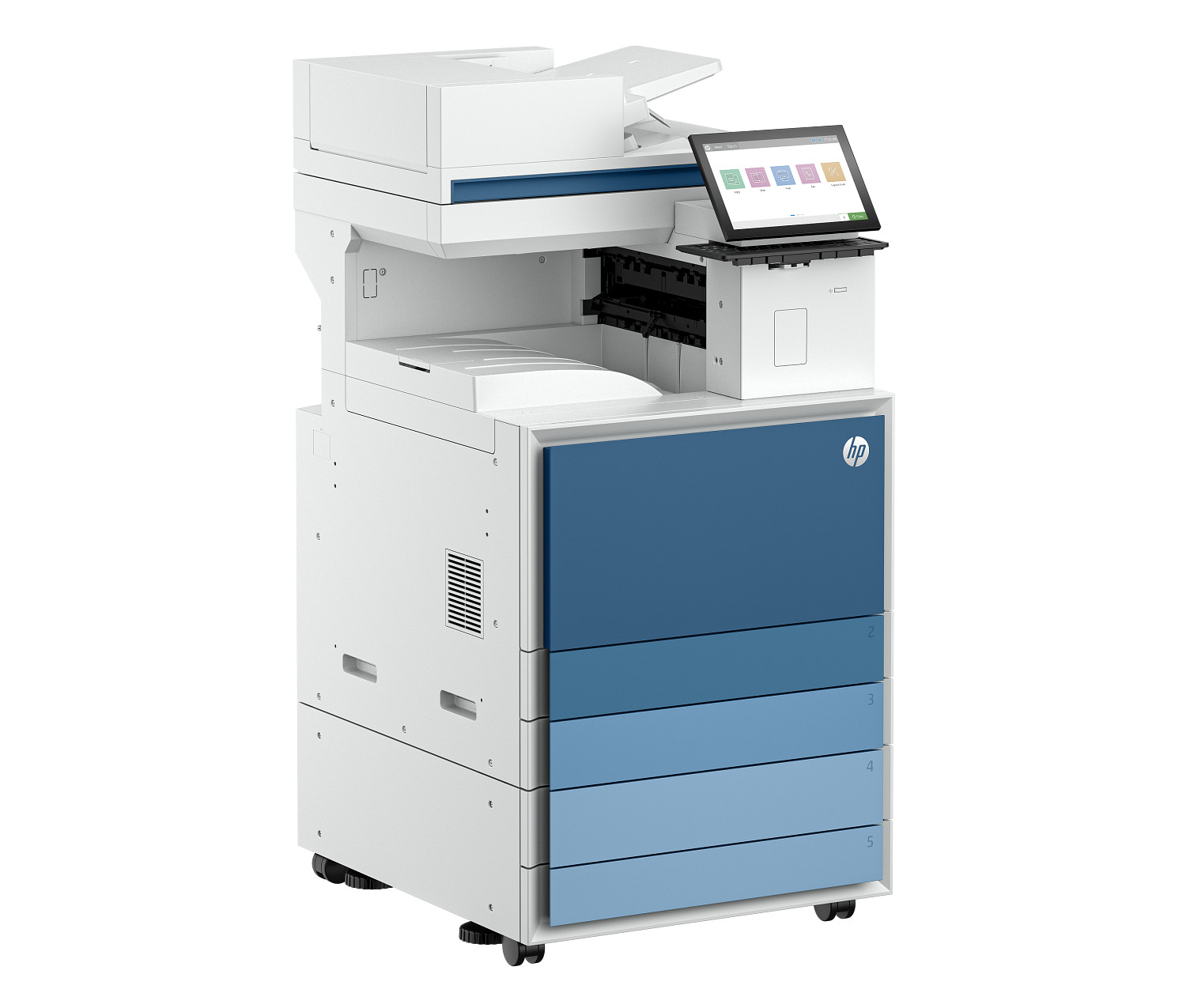
HP LaserJet Enterprise Flow MFP 8601z
A top-tier enterprise monochrome Flow MFP that automates document routing and processing. 70ppm output with enterprise-grade security.
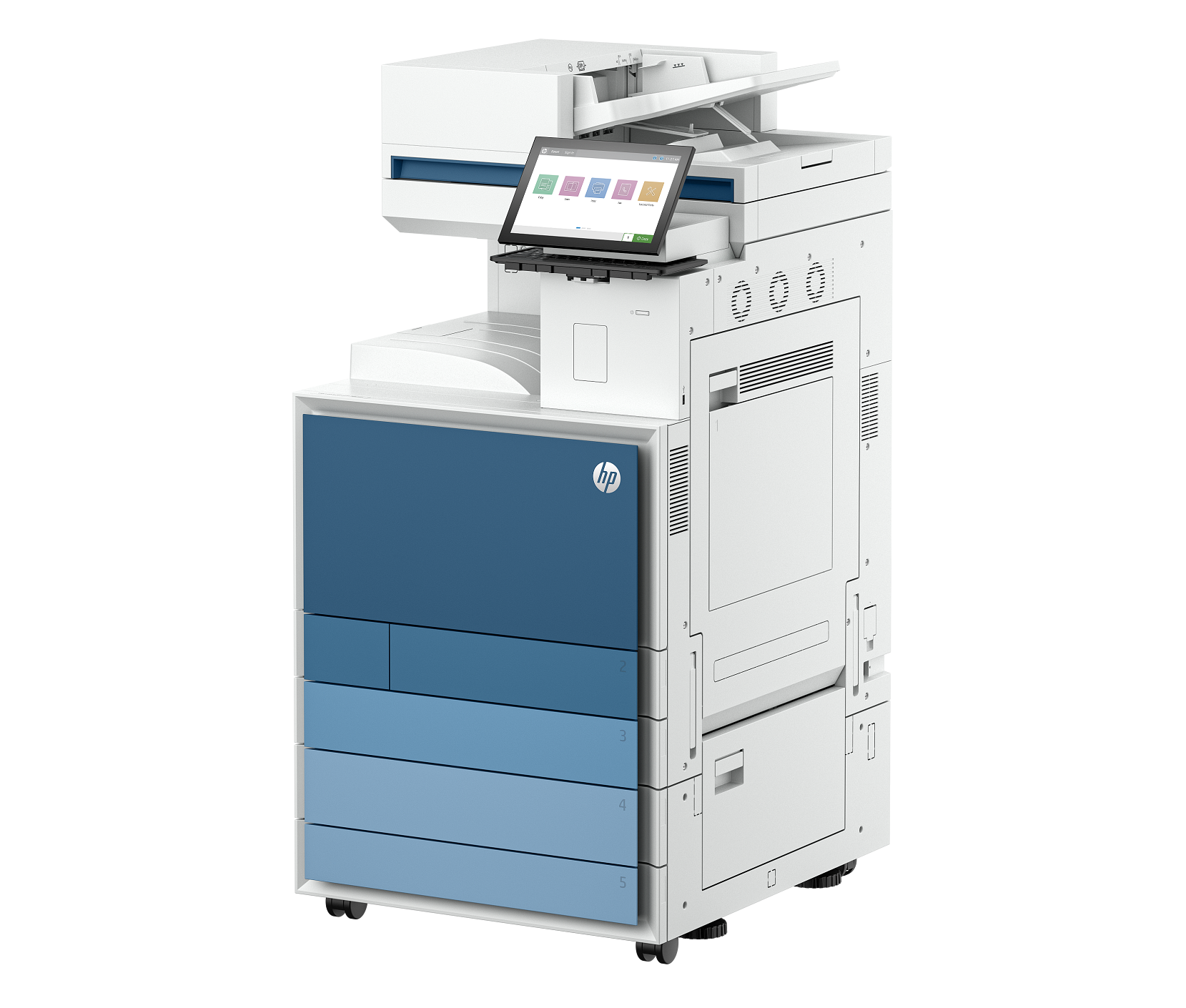
HP Color LaserJet Enterprise Flow MFP 8801z
A flagship enterprise colour laser MFP with automated Flow document workflows. Designed for large teams that process high volumes of colour documents daily.
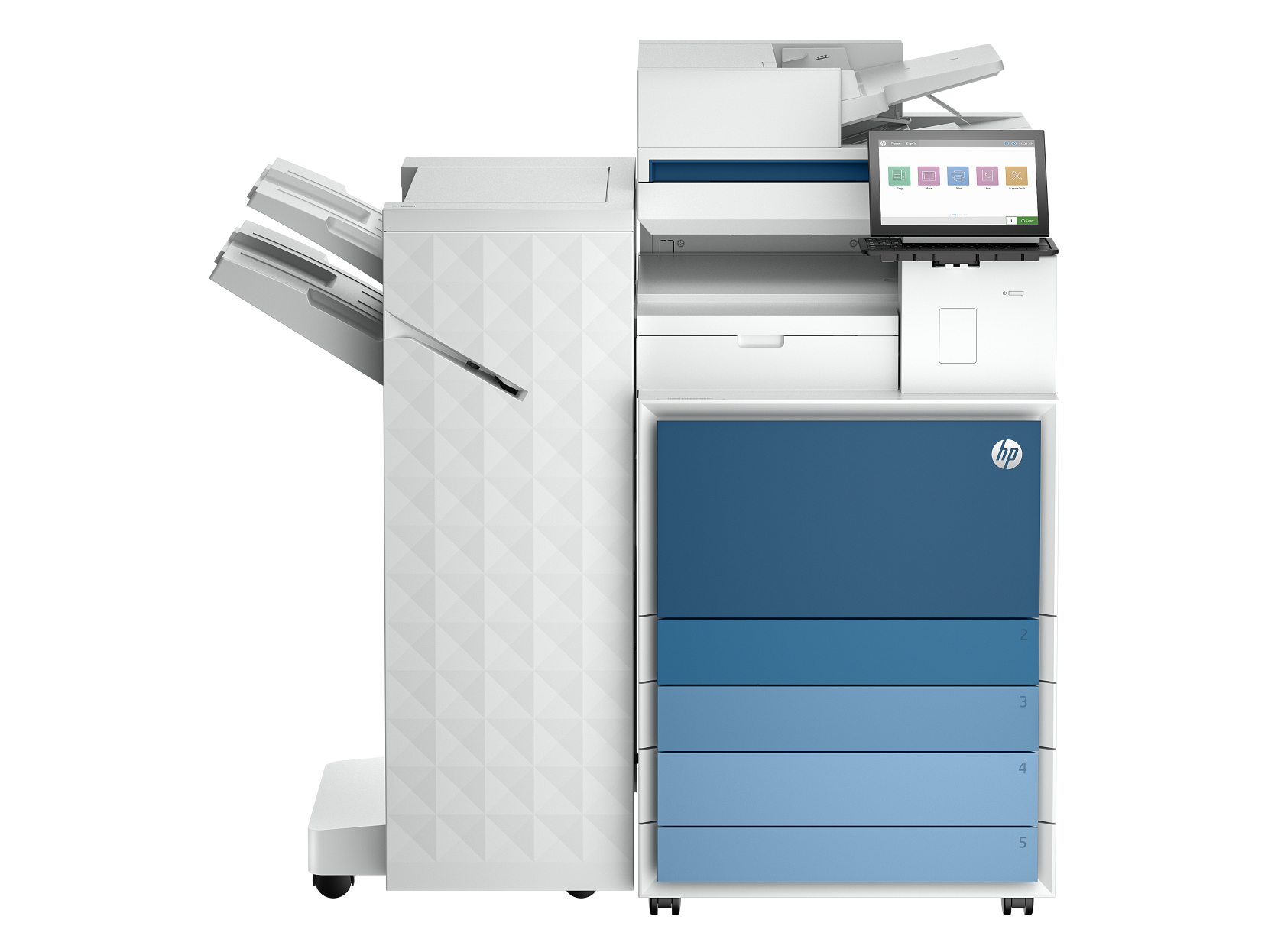
HP LaserJet Enterprise Flow MFP 8601z+
A flagship enterprise monochrome MFP with advanced finishing options and high-speed document workflow capabilities.
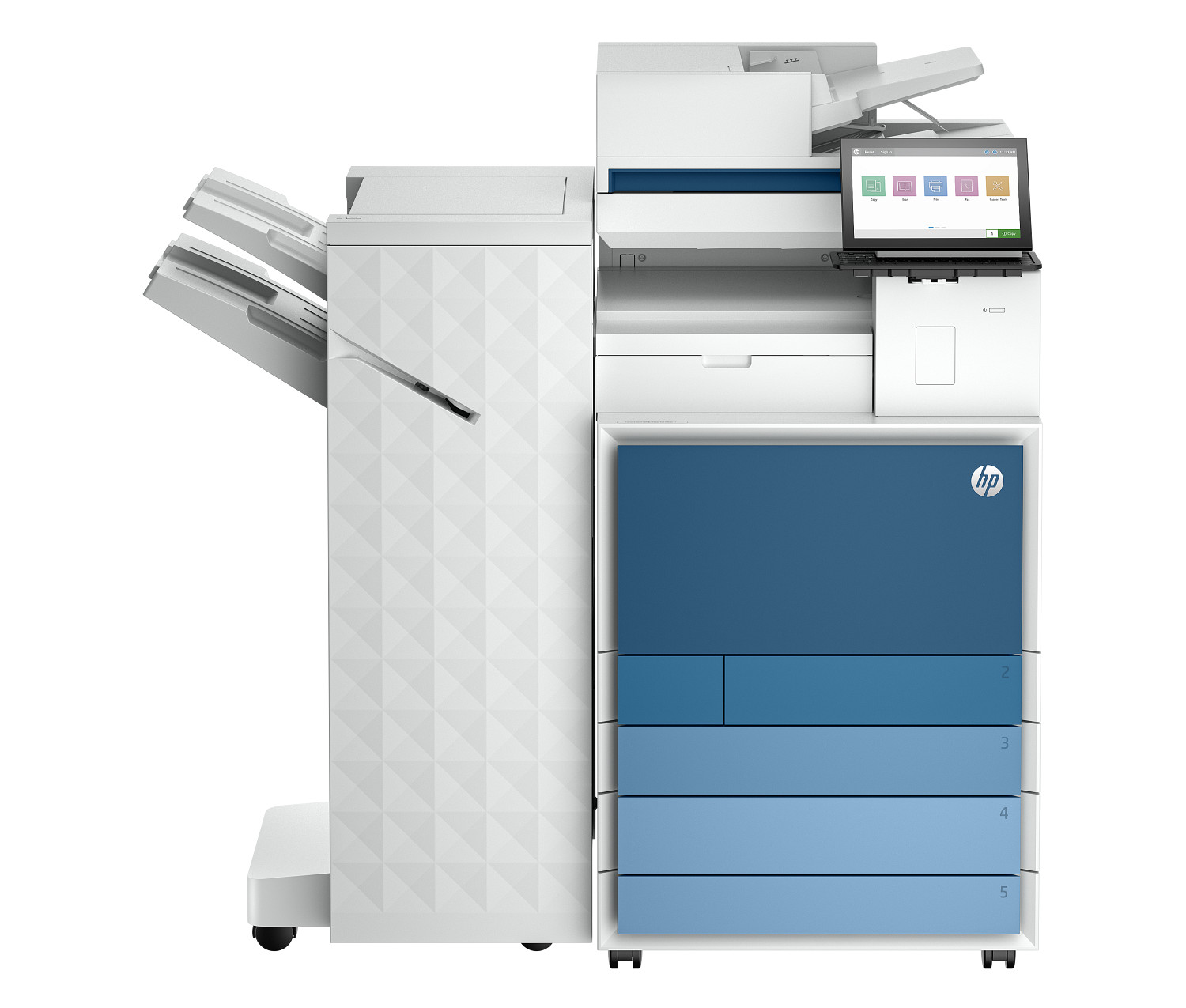
HP Color LaserJet Enterprise Flow MFP 8801z+
An enterprise-grade colour laser MFP for very large workgroups. Exceptional speed, duty cycle, and security make it the choice for enterprise print fleets.
Ready to compare these printers?
Add up to 4 printers to our side-by-side comparison tool for a full spec breakdown.
Which category is right for you?
Not sure which type of printer fits your needs? Here's a quick guide.
Home Printers
Good for
- Families and students
- Occasional document printing
- Photo printing from phone
Not ideal if
- High-volume office use
- Large-format printing
Office Printers
Good for
- Teams sharing one printer
- High daily page counts
- Fast print queues
Not ideal if
- Photo quality printing
- Tight desk space
Budget Printers
Good for
- Minimal printing needs
- Students on a budget
- First-time printer buyers
Not ideal if
- Heavy regular use
- Professional colour accuracy
Photo Printers
Good for
- Artists and photographers
- High-quality image reproduction
- Gallery-ready prints
Not ideal if
- Budget-conscious buyers
- Plain document printing
Desk Printers
Good for
- Home office workers
- Space-conscious users
- All-day moderate printing
Not ideal if
- Large workgroups
- Very high print volumes
A buyer's guide to the Top 10 Printer catalog
Choosing a printer used to be simple — pick a brand, walk into a store, take home the cheapest model that fit on your desk. Today the printer category covers everything from $59 home all-in-ones to $14,000 enterprise colour MFPs, and the difference between the cheapest and the second-cheapest model can be hundreds of dollars in ink over a single year. The point of this catalog is to make those trade-offs visible. Every printer below is described using the same set of objective specifications drawn directly from HP's published manufacturer data — print speed in pages per minute, monthly duty cycle, ISO-rated cost per page, paper input capacity, duplex behaviour, supported paper sizes, connectivity protocols and resolution in dots per inch. There are no editor scores, no star ratings and no sponsored placements anywhere on this page.
Why specifications instead of opinions? Because most printer "reviews" online are written by writers who have never used the printer and are paid a commission every time you click through to a retailer. The model that ranks first is rarely the best printer; it's the one with the highest commission rate that quarter. Top 10 Printer is structured to remove that incentive entirely: we publish no affiliate links, accept no review units, and rank every model using the same automated scoring across every category. Read the full methodology for how the scores are calculated, and our affiliate disclosure for our FTC 16 CFR Part 255 compliance statement.
Browse every printer in our catalog
This is the full Top 10 Printer catalog: every model in our database, organised by category and sortable by price, print speed, monthly duty cycle and connectivity. Use the filters above to narrow the list to your real needs — for example, "Laser printers under $400" or "Inkjet printers with auto-duplex and Ethernet". Every printer card on this page links through to a dedicated review page that lists the full set of specifications pulled directly from HP's manufacturer datasheet, plus pricing, image gallery and links to comparable models.
We organise the catalog into five categories — home printers, office printers, photo printers, desk printers and budget printers — based on a printer's intended monthly volume, paper handling and feature set rather than its marketing label. A "home" printer in our catalog is one with a duty cycle below 1,500 pages per month and a footprint small enough to fit on a side table; an "office" printer has the duty cycle and paper-handling capacity to support a small workgroup; a "budget" printer prioritises low up-front cost over running cost.
How the comparison tool works
Click "Add to compare" on any two to four printer cards and you'll be taken to our side-by-side comparison tool. The tool lays the printers out in columns, highlights the spec differences automatically, and includes editorial commentary on which model is best for which workflow. For deeper cost modelling, plug your real monthly print volume into the printer cost calculator — it will show you the projected three-year ink, toner and paper spend so you can buy on lifetime cost rather than sticker price.
Inkjet, laser or ink-tank — which technology fits you?
There are three core printer technologies in this catalog and each one is engineered for a different workload. Inkjet printers spray microscopic droplets of liquid ink directly onto the page; they're the cheapest to buy, produce excellent colour and photo output, and accept a wide range of paper stocks including glossy photo paper and cardstock. The trade-off is per-page running cost (often 4–12 cents on standard ink cartridges) and the fact that the print head can clog if you leave the printer idle for several weeks at a time. Inkjet is the right answer when colour and photo quality matter and your monthly print volume is below about 300 pages.
Laser printers use a heated drum and powdered toner to fuse images onto the page. They're meaningfully faster than inkjets — typically 25–45 pages per minute versus 8–22 — and the cost per page is 1–3 cents, less than half what most inkjets manage. Toner cartridges last longer in storage than ink, so a laser printer is the safer choice if you only print a handful of pages a month but want everything to come out cleanly when you do. The trade-offs are worse photo output (laser excels at sharp text but is mediocre at gradients), heavier hardware, and higher up-front cost. Laser is the right choice for offices, schools, and any environment producing more than ~500 text-heavy pages per month.
Ink-tank printers are a relatively recent third option that takes the inkjet engine and replaces the cartridge system with refillable bottles of ink stored in tanks on the side of the printer. The up-front cost is higher (typically $250–$600), but the cost per page can drop below 1 cent because you're paying for ink rather than the plastic cartridge that wraps it. For households printing 100+ pages a month — students, small businesses, regular Etsy or eBay sellers — ink-tank printers like the HP Smart Tank line pay back the price premium in under a year. They're the long-term value play in the catalog.
The five specifications that matter most
When you scan the printer cards above, there are five specs to focus on; everything else is secondary. Print speed (pages per minute, ppm) tells you how long a 20-page report takes — a difference between 12 and 25 ppm is felt every time you hit print. Cost per page is the long-run figure that dwarfs the sticker price; for a household printing 200 pages a month, a 5-cent difference is $120 a year. Monthly duty cycle is the manufacturer's hard ceiling — pick a printer rated for 3–5× your real volume so the hardware isn't being pushed. Connectivity determines whether you can print from your phone, share the printer with a spouse or workgroup, or plug it directly into a router. Paper handling covers duplex (auto two-sided), input tray capacity, and supported paper sizes — the limiting factor for anyone printing booklets, brochures or A3.
How our editorial process works
Every printer in this catalog is researched the same way. We start from HP's official product page and technical datasheet, copy the manufacturer's published spec values verbatim into our database, then cross-check against secondary sources where available. The cost-per-page figure is calculated using ISO standards (ISO/IEC 24711 for inkjets, ISO/IEC 19752 for monochrome lasers) and the cartridge price at MSRP. We do not test printers in-house; we explicitly disclaim subjective testing because doing it rigorously requires lab conditions we don't have. What we do well is collecting the same set of manufacturer numbers across every model in the line, normalising them, and surfacing the trade-offs. If a spec is ambiguous in the manufacturer's documentation, we leave it blank rather than guess.
A category-by-category breakdown
Home printers are designed for households that print 50 to 500 pages per month — school assignments, the occasional shipping label, family photos, tax forms in April. Most home printers in our catalog are inkjet all-in-ones with scan, copy and fax, and most fall in the $59 to $299 price band. The trade-off in this category is almost always between a low up-front cost and a high cost per page: a $79 inkjet may have a cost per page above 10 cents, which works out to over $200 a year if you print 200 pages per month. For households that print regularly, the long-term winner is usually a sub-$300 ink-tank model with bottled-ink refills and cost per page under 1 cent. Browse the home category to see the full lineup.
Office printers are built for workgroups of 5 to 50 people producing thousands of pages per month. The category is dominated by colour and monochrome laser MFPs with duty cycles between 50,000 and 200,000 pages per month, 250-sheet input trays (often expandable to 1,000+ sheets via optional drawers), automatic two-sided printing, Ethernet and AirPrint, and full PCL/PostScript language support for compatibility with enterprise print servers. Toner cost per page is the metric to optimise — a $400 office laser with 1.5 cents per page will cost less to operate over three years than a $200 inkjet at 4 cents per page if you're printing 1,500 pages per month. The full office category covers everything from desktop workgroup units to floor-standing departmental printers.
Photo printers are inkjets engineered for borderless photo output on glossy and matte photo paper. The defining features are a six-ink (or larger) ink set with dedicated photo black, photo grey or red/orange channels for richer colour gradients, a rear-feed paper path that accepts thicker photo media without curling, and a high native resolution — typically 4,800 × 1,200 dpi or higher. A general-purpose inkjet will produce acceptable photo prints, but a dedicated photo printer will produce visibly better shadow detail and skin tones. Photographers printing more than 50 photos per month should look at thephoto category.
Desk printers are compact units optimised for a small physical footprint — typically under 16 inches wide and under 10 pounds in weight. They're designed for home offices, dorm rooms, kitchen counters and small retail point-of-sale stations where counter space is at a premium. The trade-off is paper input capacity: most desk printers cap out at 100 to 150 sheets in a single tray. The desk category is sorted by physical dimensions so you can find a model that fits the space you have.
Budget printers are the value-engineered models — basic single-function inkjets and small monochrome lasers under $150 that strip out scanners, ADFs, duplexers and Ethernet to hit a low price point. They're the right answer for someone who needs occasional prints and doesn't want to think about it. The trade-off is almost always cost per page: budget inkjets can run as high as 12 to 18 cents per page on standard cartridges, so they make economic sense only for users printing fewer than 50 pages per month. The budget category shows every sub-$150 model with the real-world cost per page calculated for you.
Tips for narrowing the catalog
Start by setting a realistic monthly print volume. Most household users overestimate by a factor of three to five, which leads them to over-buy. Pull the page count off your current printer's settings menu (every printer tracks lifetime page count) and divide by the number of months you've owned it for a hard number. Next, set a maximum acceptable cost per page based on that volume — if you print 500 pages per month, a 1-cent difference is $5 a month or $180 over three years. Finally, decide what features are non-negotiable: automatic duplex, ADF for the scanner, Ethernet for shared use, A3 / 11×17 paper support, mobile printing protocols like AirPrint and Mopria. Use the filters and sort controls above to narrow the catalog accordingly, then click "Add to compare" on the two or three most promising candidates and use the side-by-side comparison tool to make the final call.
How we keep this catalog independent
All printer data on this page is sourced from HP's official product pages and current manufacturer datasheets, refreshed on each editorial cycle. We accept no payment for placement, no review units, and no commission on sales — read the full methodology for details, or visit our affiliate disclosure page for FTC-compliant disclosure language. If you spot a spec that's gone out of date, please let us know — corrections are published within five business days.