A buyer's guide to the Top 10 Printer photo-printer catalog
Choosing a printer used to be simple — pick a brand, walk into a store, take home the cheapest model that fit on your desk. Today the printer category covers everything from $59 home all-in-ones to $14,000 enterprise colour MFPs, and the difference between the cheapest and the second-cheapest model can be hundreds of dollars in ink over a single year. The point of this catalog is to make those trade-offs visible. Every printer below is described using the same set of objective specifications drawn directly from HP's published manufacturer data — print speed in pages per minute, monthly duty cycle, ISO-rated cost per page, paper input capacity, duplex behaviour, supported paper sizes, connectivity protocols and resolution in dots per inch. There are no editor scores, no star ratings and no sponsored placements anywhere on this page.
Why specifications instead of opinions? Because most printer "reviews" online are written by writers who have never used the printer and are paid a commission every time you click through to a retailer. The model that ranks first is rarely the best printer; it's the one with the highest commission rate that quarter. Top 10 Printer is structured to remove that incentive entirely: we publish no affiliate links, accept no review units, and rank every model using the same automated scoring across every category. Read the full methodology for how the scores are calculated, and our affiliate disclosure for our FTC 16 CFR Part 255 compliance statement.
Browse every printer in our catalog
This is the full Top 10 Printer catalog: every model in our database, organised by category and sortable by price, print speed, monthly duty cycle and connectivity. Use the filters above to narrow the list to your real needs — for example, "Laser printers under $400" or "Inkjet printers with auto-duplex and Ethernet". Every printer card on this page links through to a dedicated review page that lists the full set of specifications pulled directly from HP's manufacturer datasheet, plus pricing, image gallery and links to comparable models.
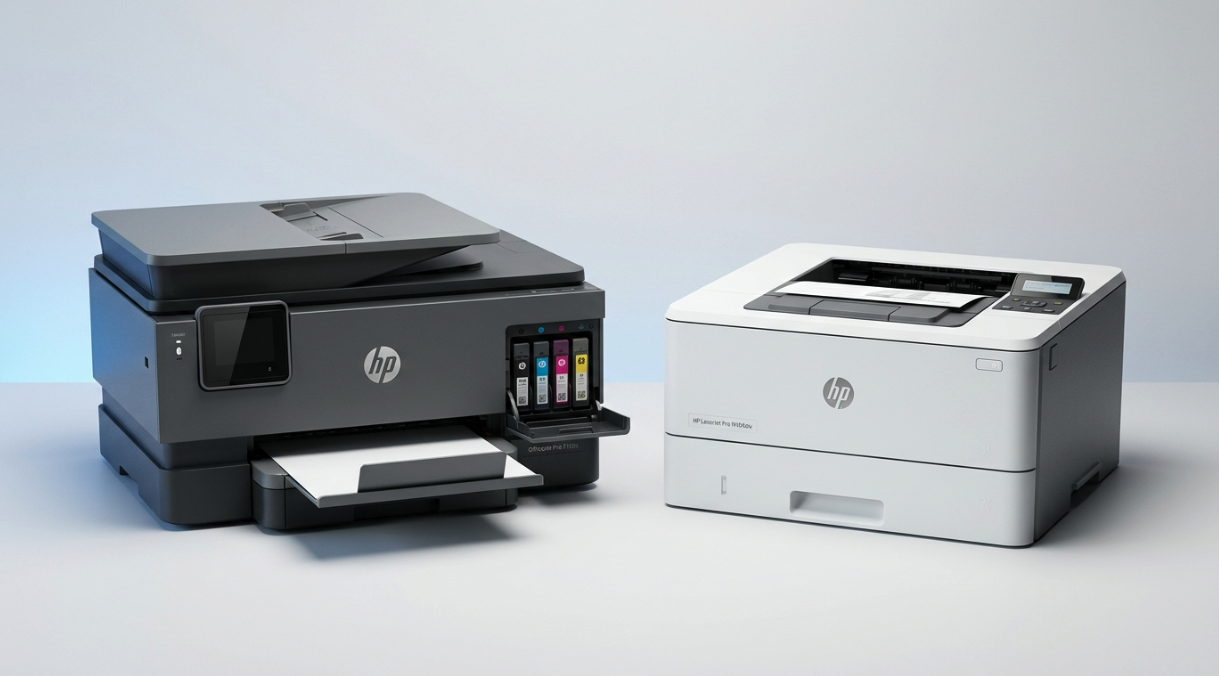
We organise the catalog into five categories — home printers, office printers, photo printers, desk printers and budget printers — based on a printer's intended monthly volume, paper handling and feature set rather than its marketing label. A "home" printer in our catalog is one with a duty cycle below 1,500 pages per month and a footprint small enough to fit on a side table; an "office" printer has the duty cycle and paper-handling capacity to support a small workgroup; a "budget" printer prioritises low up-front cost over running cost.
How the comparison tool works
Click "Add to compare" on any two to four printer cards and you'll be taken to our side-by-side comparison tool. The tool lays the printers out in columns, highlights the spec differences automatically, and includes editorial commentary on which model is best for which workflow. For deeper cost modelling, plug your real monthly print volume into the printer cost calculator — it will show you the projected three-year ink, toner and paper spend so you can buy on lifetime cost rather than sticker price.
A category-by-category breakdown
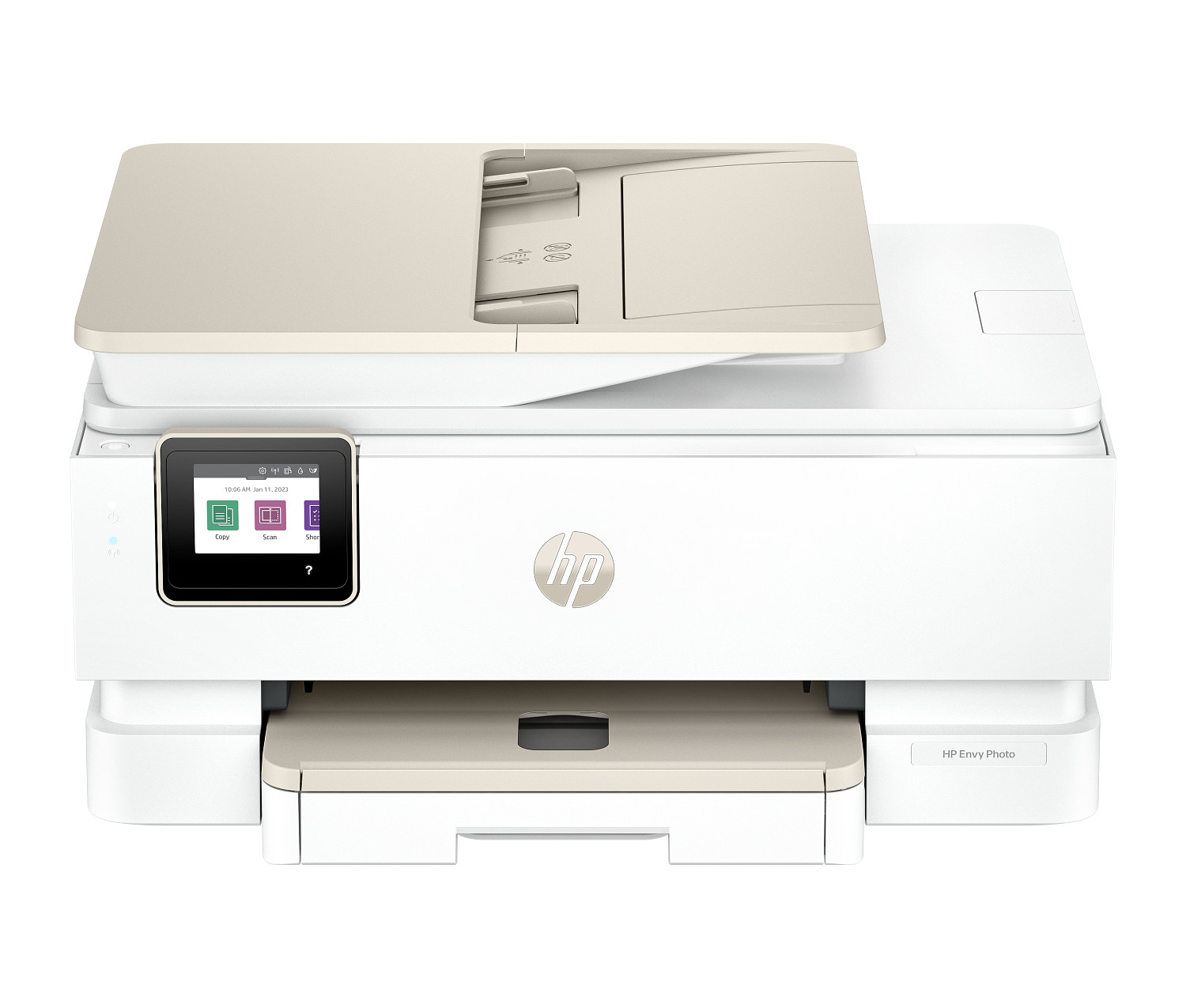
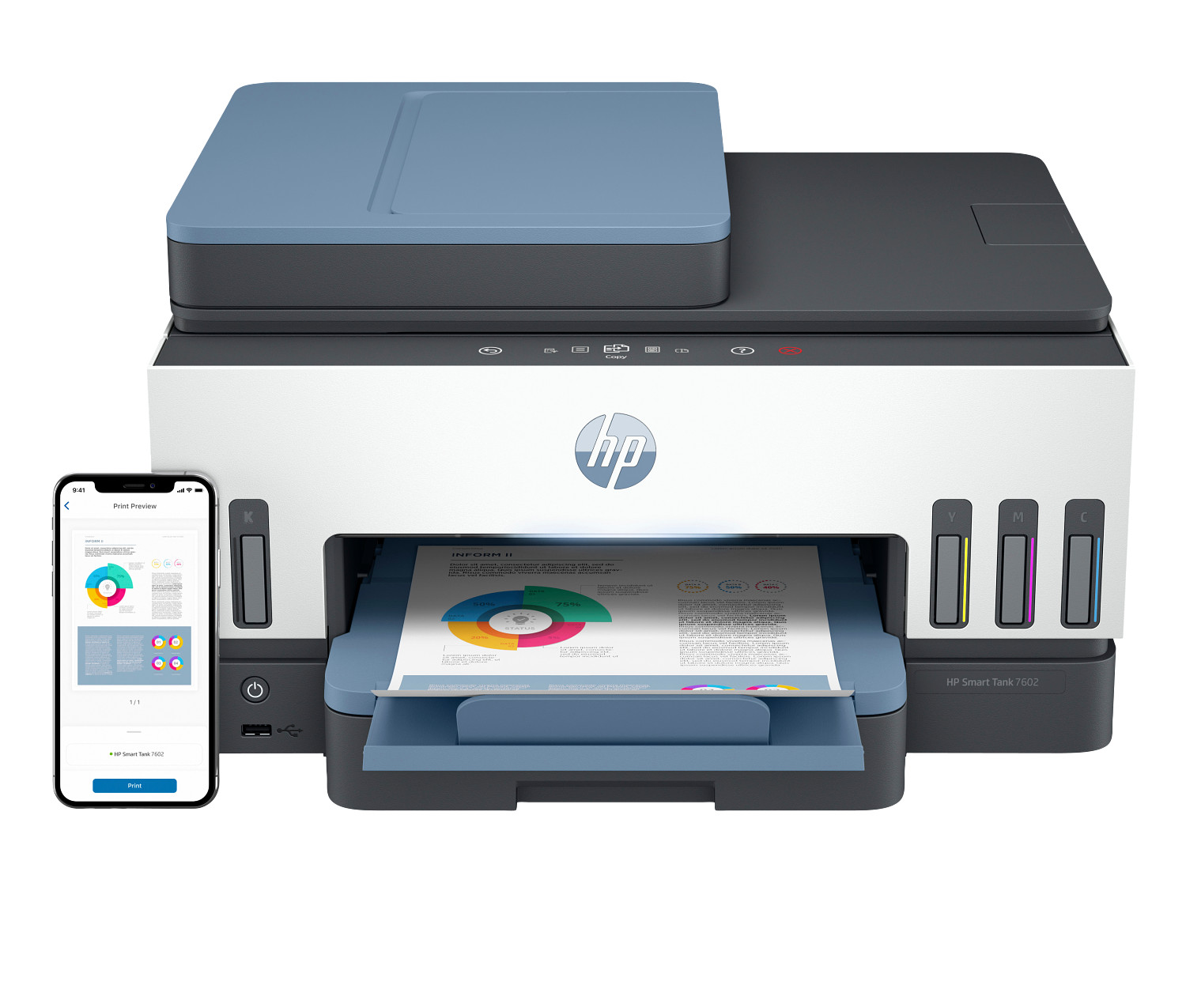
Home printers are designed for households that print 50 to 500 pages per month — school assignments, the occasional shipping label, family photos, tax forms in April. Most home printers in our catalog are inkjet all-in-ones with scan, copy and fax, and most fall in the $59 to $299 price band. The trade-off in this category is almost always between a low up-front cost and a high cost per page: a $79 inkjet may have a cost per page above 10 cents, which works out to over $200 a year if you print 200 pages per month. For households that print regularly, the long-term winner is usually a sub-$300 ink-tank model with bottled-ink refills and cost per page under 1 cent. Browse the home category to see the full lineup.
Office printers are built for workgroups of 5 to 50 people producing thousands of pages per month. The category is dominated by colour and monochrome laser MFPs with duty cycles between 50,000 and 200,000 pages per month, 250-sheet input trays (often expandable to 1,000+ sheets via optional drawers), automatic two-sided printing, Ethernet and AirPrint, and full PCL/PostScript language support for compatibility with enterprise print servers. Toner cost per page is the metric to optimise — a $400 office laser with 1.5 cents per page will cost less to operate over three years than a $200 inkjet at 4 cents per page if you're printing 1,500 pages per month. The full office category covers everything from desktop workgroup units to floor-standing departmental printers.
Photo printers are inkjets engineered for borderless photo output on glossy and matte photo paper. The defining features are a six-ink (or larger) ink set with dedicated photo black, photo grey or red/orange channels for richer colour gradients, a rear-feed paper path that accepts thicker photo media without curling, and a high native resolution — typically 4,800 × 1,200 dpi or higher. A general-purpose inkjet will produce acceptable photo prints, but a dedicated photo printer will produce visibly better shadow detail and skin tones. Photographers printing more than 50 photos per month should look at thephoto category.
Desk printers are compact units optimised for a small physical footprint — typically under 16 inches wide and under 10 pounds in weight. They're designed for home offices, dorm rooms, kitchen counters and small retail point-of-sale stations where counter space is at a premium. The trade-off is paper input capacity: most desk printers cap out at 100 to 150 sheets in a single tray. The desk category is sorted by physical dimensions so you can find a model that fits the space you have.
Budget printers are the value-engineered models — basic single-function inkjets and small monochrome lasers under $150 that strip out scanners, ADFs, duplexers and Ethernet to hit a low price point. They're the right answer for someone who needs occasional prints and doesn't want to think about it. The trade-off is almost always cost per page: budget inkjets can run as high as 12 to 18 cents per page on standard cartridges, so they make economic sense only for users printing fewer than 50 pages per month. The budget category shows every sub-$150 model with the real-world cost per page calculated for you.
Tips for narrowing the catalog
Start by setting a realistic monthly print volume. Most household users overestimate by a factor of three to five, which leads them to over-buy. Pull the page count off your current printer's settings menu (every printer tracks lifetime page count) and divide by the number of months you've owned it for a hard number. Next, set a maximum acceptable cost per page based on that volume — if you print 500 pages per month, a 1-cent difference is $5 a month or $180 over three years. Finally, decide what features are non-negotiable: automatic duplex, ADF for the scanner, Ethernet for shared use, A3 / 11×17 paper support, mobile printing protocols like AirPrint and Mopria. Use the filters and sort controls above to narrow the catalog accordingly, then click "Add to compare" on the two or three most promising candidates and use the side-by-side comparison tool to make the final call.
How we keep this catalog independent
All printer data on this page is sourced from HP's official product pages and current manufacturer datasheets, refreshed on each editorial cycle. We accept no payment for placement, no review units, and no commission on sales — read the full methodology for details, or visit our affiliate disclosure page for FTC-compliant disclosure language. If you spot a spec that's gone out of date, please let us know — corrections are published within five business days.